HOME | DD
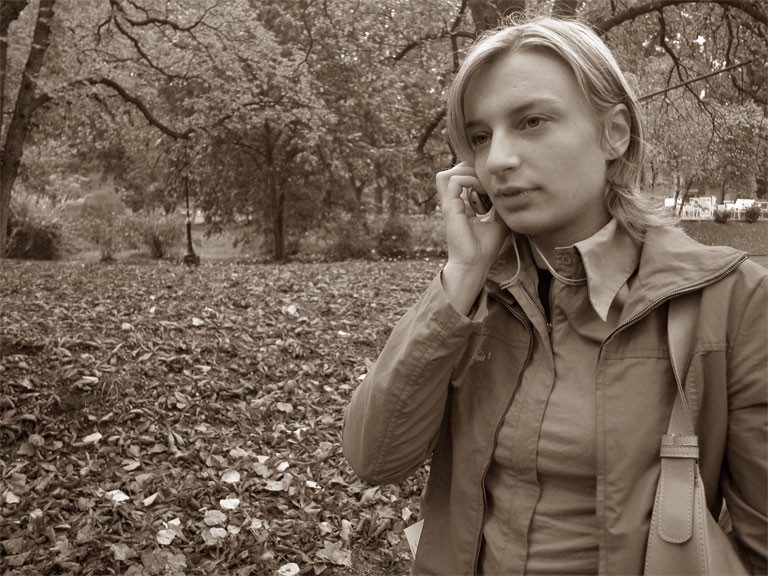
 dethcap — Var-Sepia
Published: 2006-01-09 00:32:29 +0000 UTC; Views: 193; Favourites: 0; Downloads: 19
Redirect to original
Description
Sepia effect through Photoshop's Variation tool.Download file, place it somewhere within Photoshop's Preset Folder (i use 'custom content' but you might want to create 'Variations')
Desaturate your Image (this is required)
Go to Image > Adjustments > Variations...
Click Load
Load the file.
This is compatable with any version of photoshop that has Image > Adjustments > Variations...
Related content





Comments: 1

Please Note: CS3 does NOT support Variations (CS2, CS, and 7.0 afik do all support this)
👍: 0 ⏩: 0