HOME | DD
 Extaivia — Spring Lineart
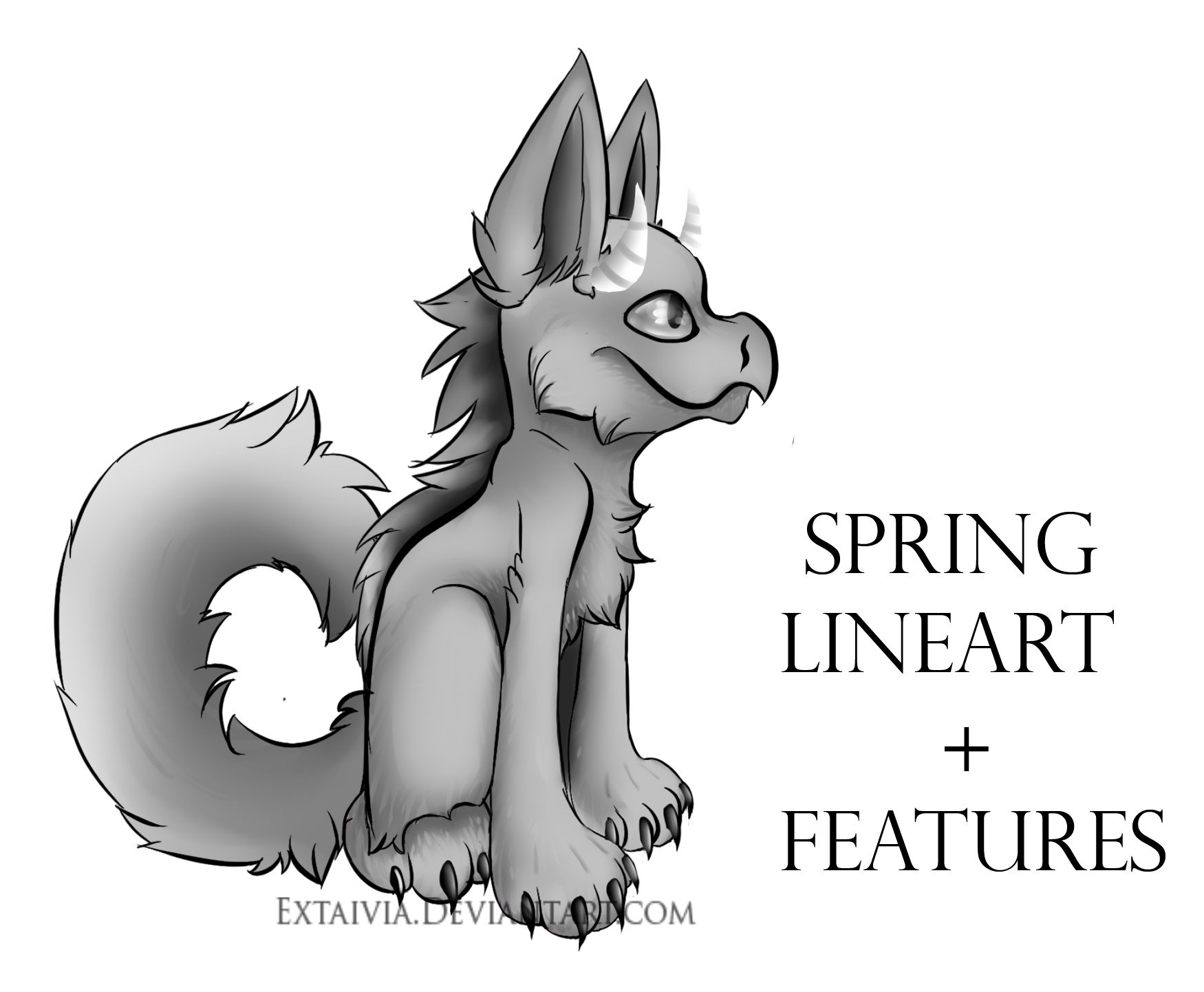
Published: 2016-06-06 09:14:05 +0000 UTC; Views: 233; Favourites: 4; Downloads: 0
Redirect to original
Description
STOP!!!! DO NOT USE THIS WITHOUT OWNING A SPRING OR JOINING THE SPRING COMMUNITY
Any Questions Please Ask
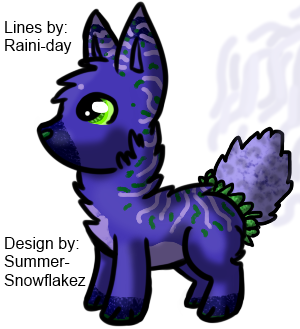
Hey Everyone i have decided to create a Lineart that includes textures, Items, Tails, Ears Etc.
I wanted to help the Spring community so i thought giving everyone a free Lineart will really help.
But please DO NOT use unless you currently own a spring or need it for a MYO slot.
I will be updating This if you have request so if you would like me to add items or other features please let me know so i can improve this lineart to the best of my ability but it has to stay within the Spring anatomy and traits.
HOW TO USE
I have everything in groups, if you want to resize lets say....... a tail just select the folder and Transform it and the entire Layers will move as one.
If your not sure were to put color, every layer has a name and will help and if the name starts with *Base Colour Here *or *Markings Here* then you may use that layer to apply your color.
Shading is also optional, you may Turn it off.
You can also use the Lineart without the actual lineart (Turn off Layer called "Lineart" in each folder) to make it look more realistic.
The entire Artwork is in a folder so if you wish to make the entire spring smaller all the layers will follow to make the job easier, all you have to do it Select the folder (not the layers) and transform it.
RULES
If you do use this Lineart please make sure to credit and myself (it is a must.)
DO NOT remove my signature Please, i do not want people stealing this if they are not within the community.
NO stealing to create your own Species.
Only free to use for those who own a spring or need it for MYO events.
You may also add your own features (Items etc.)
Download In the corner and should work on all art programs.
New members are welcome
MESSAGE!
There is a hair fringe in the PSD but it does not match with the Lineart so you might have to edit things to fit it in.
Programs Used: Paint Tool Sai // Photoshop CS4
Layers: 100 (i love using Layers)
Time: 6 Hours
Art by
AHAHHAHAHAHA btw this was a suprise ^^