HOME | DD
 netghost — flash-on-desktop

Published: 2002-03-08 00:47:49 +0000 UTC; Views: 892; Favourites: 3; Downloads: 158
Redirect to original
Description
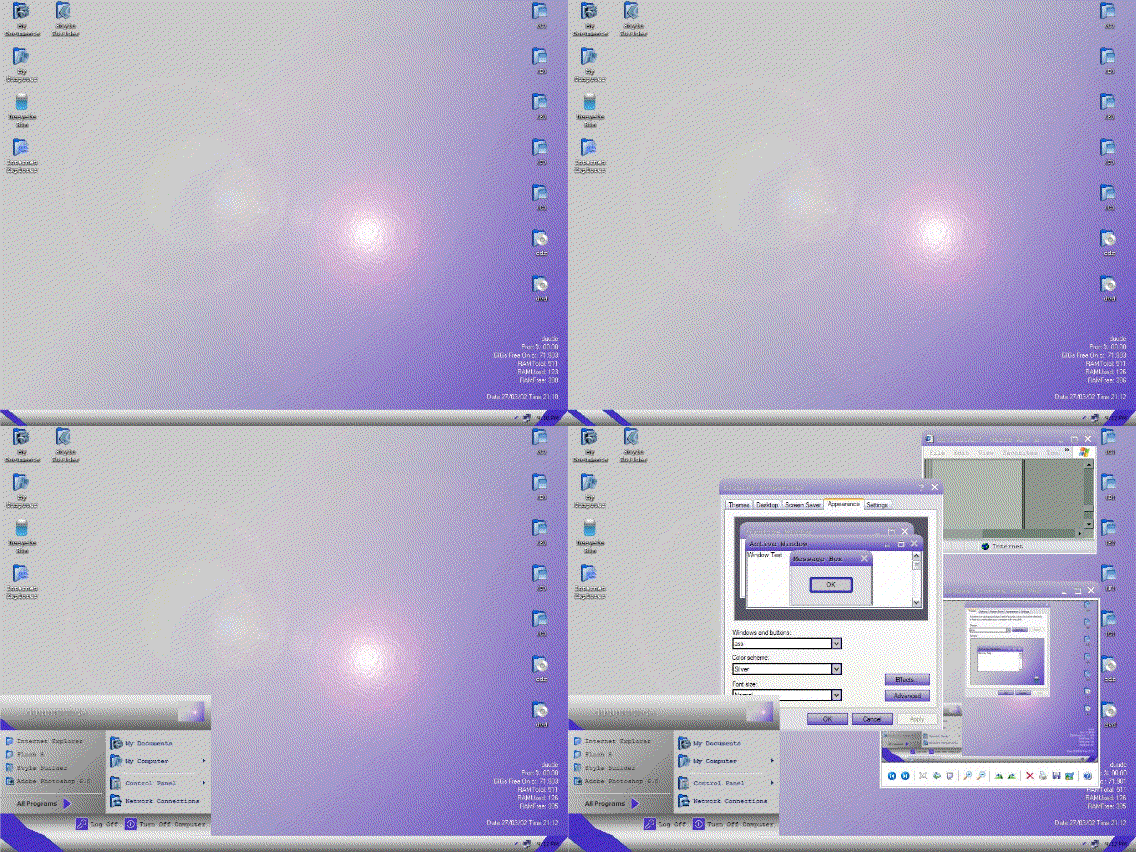
This is a demonstration of how one can use flash on their desktop since people apparently don't realize this is possible.How:
1) Right click on the desktop, choose 'Active Desktop -> Show Web Content'
2) Right click on the desktop, choose 'Active Desktop -> Customize My Desktop'
3) Select 'new'
4) Choose an address of a flash movie. It should be an html page that contains one. They're trivially easy to make if you need to. For a test, try out my Iso Height Map at: [link]
5) Click ok, allow it download this for offline viewing, and then click apply.
6) Flash on your desktop. If you click on the edges you can resize and move it around.
Related content






Comments: 7

nice, i like the green boxes. . . ow look a flash file
👍: 0 ⏩: 0

how do you do that on windows xp???
aaaaaaaaaa!
~rby87
👍: 0 ⏩: 0


so why the hell did someone make that program that puts a flash as your background? geez, ud think theyd have figured this out. cheers for the idea
-----
~.:i²:.~
👍: 0 ⏩: 0

s the deviant
Thanx for this!
-----
/¯¯] /¯¯¯¯] THE-FAUN /¯¯¯¯]
/¯¯]
👍: 0 ⏩: 0

Hehe cool.. I've done this before. Fun for the whole family
-----
~fuzzydemon
I gotta get a bike and I gotta paint it red
👍: 0 ⏩: 0
