HOME | DD
 Ray-one — Pokemon Script Project's forums - 6th contest

Published: 2014-07-29 17:51:32 +0000 UTC; Views: 1026; Favourites: 9; Downloads: 0
Redirect to original
Description
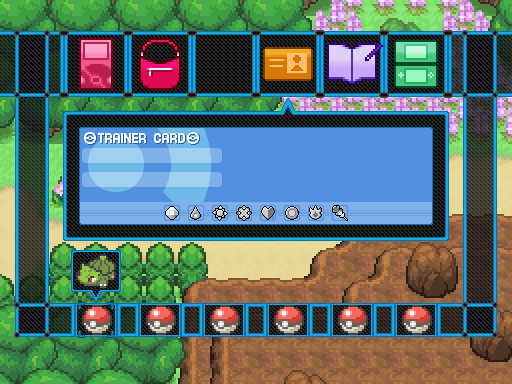
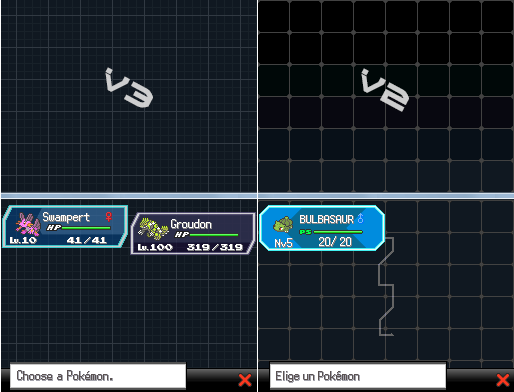
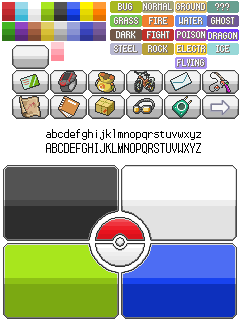
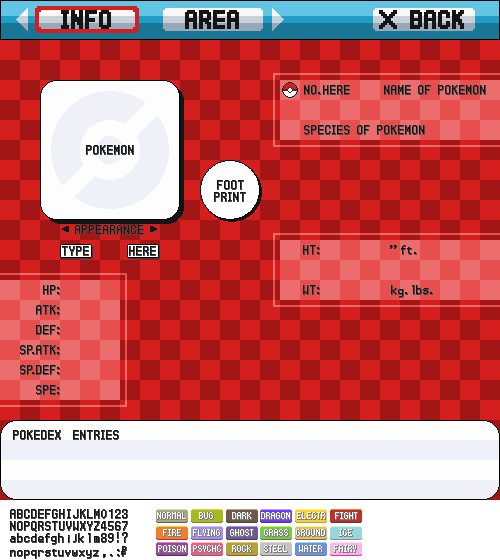
Voici une interface que j'ai faite pour un concours, avec les explications suivantes :Donc chaque ligne représente un des thèmes du menu. La première colonne est composée des screens "hors jeu" (quand le héros marche sur la map), et les deux dernières les deux parties de l'interface "active". La première partie donne des informations sur la localisation du joueur, et la deuxième contient le menu (avec les options directement modifiables sans sous-menu).
Pour naviguer entre les deux parties, on peut utiliser les boutons w et x (w pour la gauche et x pour la droite). Appuyer sur x pendant le jeu ouvre directement la partie menu, comme dans Pokémon Script Project, et appuyer sur w ouvre les informations sur le lieu.
Le bouton p sert à ouvrir la page pokédex du lieu.
Le bouton c sert à utiliser l'objet enregistré.
Le bouton t sert à changer de thème.
Remarque : Le menu est adapté à la résolution de PSPDS et est intégré à l'écran supérieur, comme pour les versions DPP, il serait cependant possible de l'utiliser à la souris, en cliquant sur les boutons ou en faisant défiler l'écran...
Pour voir une animation du menu : ray-one.deviantart.com/art/GIF… .
Here is an interface that I made for a contest with these explanations :
So each line represents one of the menu's themes. The first column show the "in game" menu (when the hero is walking on the map), and the second and third ones the two parts of the "active" interface. The first part show the player's location, and the second part is the classic menu (with the settings directly editable on the screen).
To navigate between the two parts, you can use the w and x keys (w for the left and x for the right). To press x during the game directly opens the menu part, as Pokémon Script Project, and to press w opens the location's informations.
The p key opens the location's pokédex page.
The c key uses one key item.
The t key changes the theme.
Note : This menu is adapted to the PSPDS's top screen resolution, as the DPP versions' one, but it would be possible to use it with the mouse, clicking on the buttons or sliding the screen...
To see an animation of this interface : ray-one.deviantart.com/art/GIF… .