HOME | DD
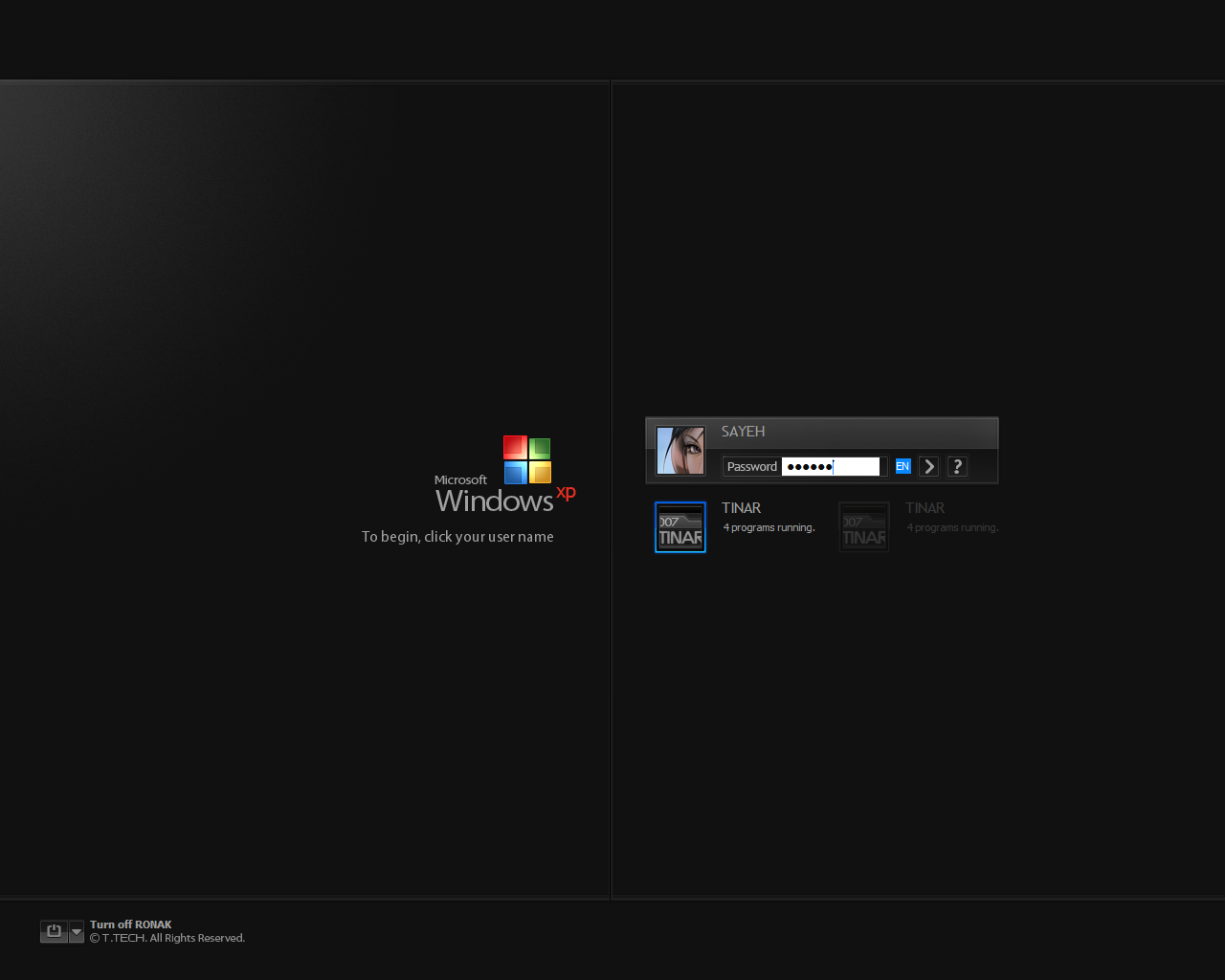
 007TINAR — Windows XP SP2
Published: 2008-05-11 20:55:27 +0000 UTC; Views: 226610; Favourites: 465; Downloads: 59353
Redirect to original
Description
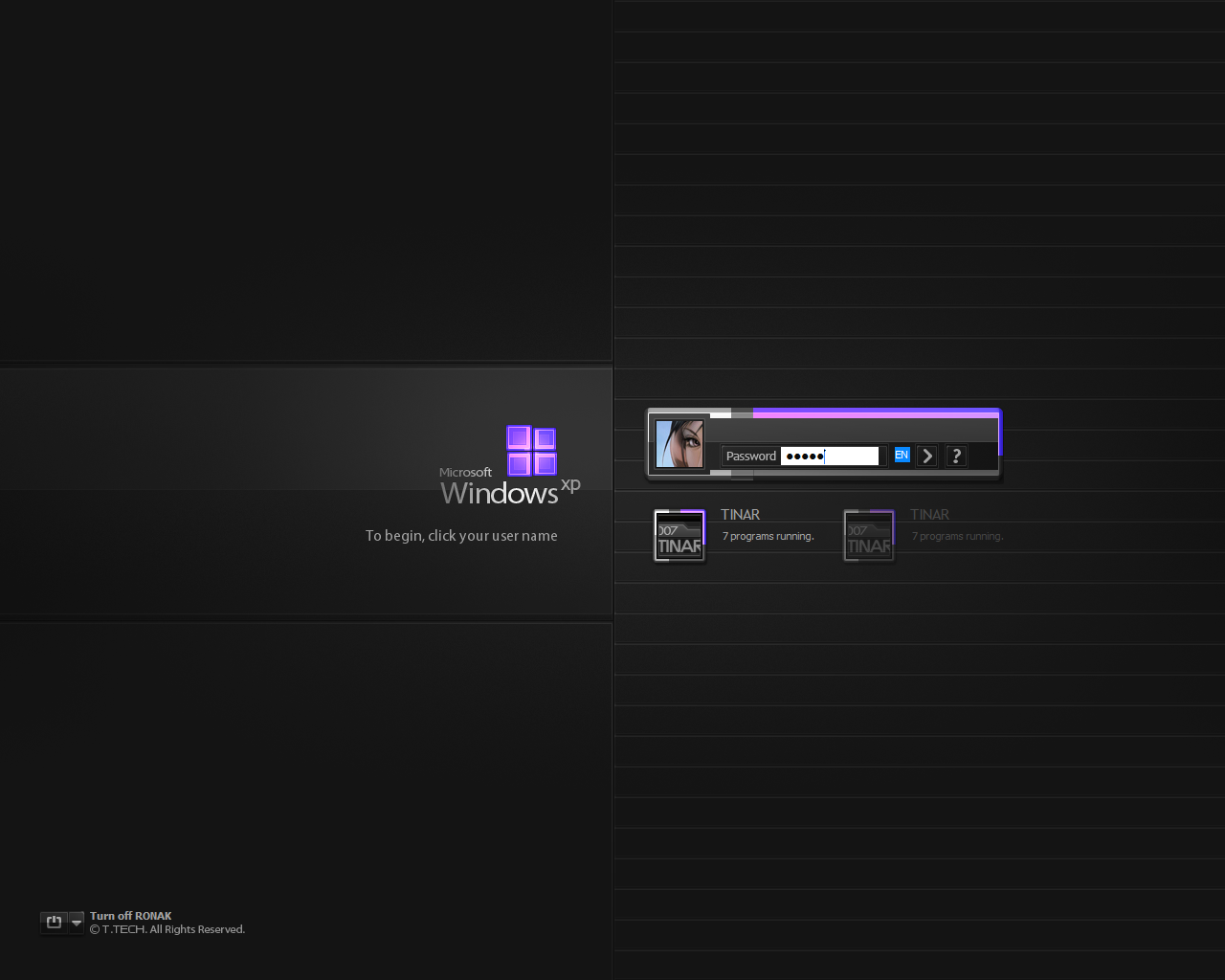
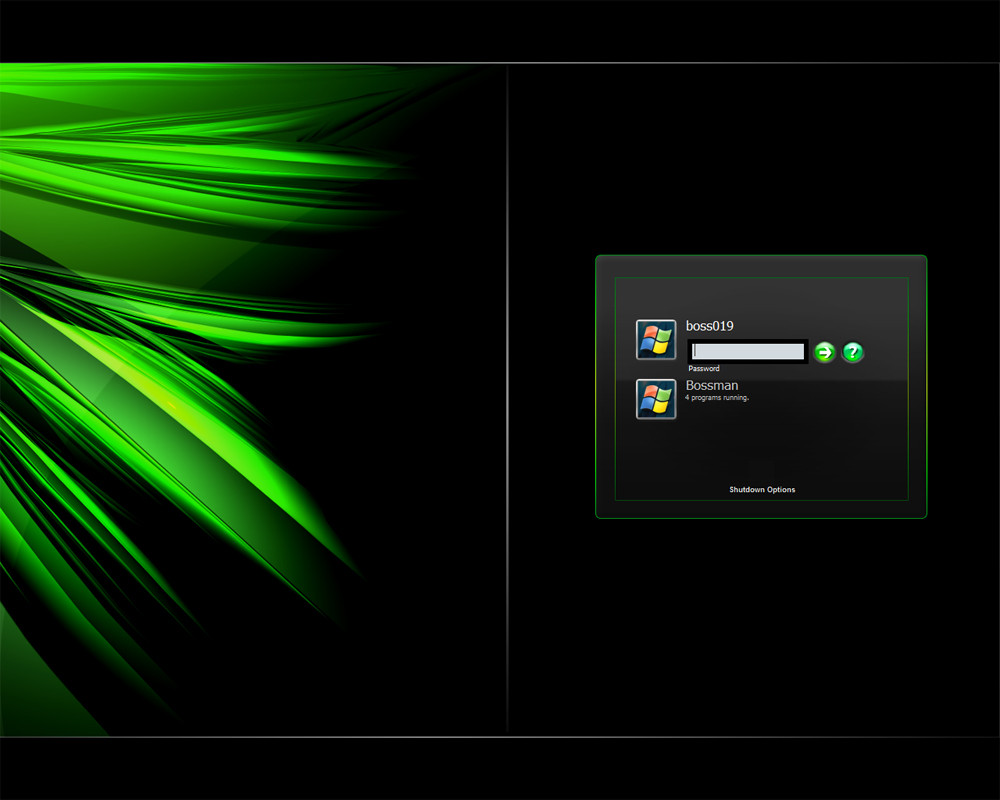
••• Windows XP SP2 , logonXP skin . [ Plus Ver. ]Something different from my previous logonXP skins ! I'm sure you'll like it
very much ! just try it once ... Powered by "UIFILE 4.3" , for all resolutions .
| Includes
• Windows XP SP2
.exe | .tls | .logonxp
| Installation
• Copy 'Windows XP SP2.EXE' to the windows directory
[ folder | C:\WINDOWS ] and double click on
Setup.reg > Yes > ok .
• or use one of following softwares :
○ LogonLoader , Style XP | .exe
○ TuneUp Utilities | .tls
○ logonstudio | .logonxp
© T .TECH. All Rights Reserved.
Skinmasters #6 : 007TINAR | More Logons | LogonStudio | [ Last update : NOV 25 2010 ]
Related content








Comments: 324


👍: 0 ⏩: 0

Nah, but I think that it could be a revamped custom design concept for Windows XP.
👍: 0 ⏩: 0


Wow!!!
beautiful!!!
Please, if this logon screen is a part of transformation pack please say the name of transformation pack!
congratulations for you!
👍: 1 ⏩: 1

Thx a lot ! no , but you can use it with my windowblinds skins : 007tinar.deviantart.com/galler…
👍: 0 ⏩: 0


Its really very amazing...
I want to edit it and use my own custom image in background (ofcourse by giving you the full credit) but when i add it via res hacker, the image doesnt fill up the whole screen ;(. The image size id 1900x1080 and so is my monitor size.
How to do it? Plz help.
👍: 0 ⏩: 0


Is it possible to do an uninstall just in case I don't want this?
👍: 0 ⏩: 1
Double click on 'Restore.reg' ...
👍: 0 ⏩: 0


([link] )<--visit my website! Really Good I like the sark backround and that logo! You should call it Royal Noir Logon instead
👍: 0 ⏩: 0


Question? If I install this and want to go back to original screen, how would I do that?
👍: 0 ⏩: 1
Double click on 'Restore.reg' ... [.exe]
👍: 0 ⏩: 1

Nice Logon Screen Sir, I Use This Logon For A Days And Change It With Other BackGround Picture. May I Know How Can I Change The Text Under The "Turn Off Username" (© T.TECH. All Rights Reserved)? And May I Know Or Can You Help Me Tutorials For Creating This Great Logon Screen? Hehehe. BTW, What Program You Used To Create This Greate Logon Screen Sir? TIA.
👍: 0 ⏩: 1


It works on all versions ...
👍: 0 ⏩: 0

Are there any way to install this on windows 7 and change the XP to 7?
👍: 0 ⏩: 1
okey, I really like this work! Maybe you can try to make one for windows 7 

👍: 0 ⏩: 0


Great design... but... I have one question: What do you mean with "Windows directory"? Where do I get there?
👍: 0 ⏩: 1
| Next =>