HOME | DD
 AlCaAz — Cosmic Flow
by-nc-sa
AlCaAz — Cosmic Flow
by-nc-sa
Published: 2013-08-31 20:33:05 +0000 UTC; Views: 52759; Favourites: 56; Downloads: 19759
Redirect to original
Description
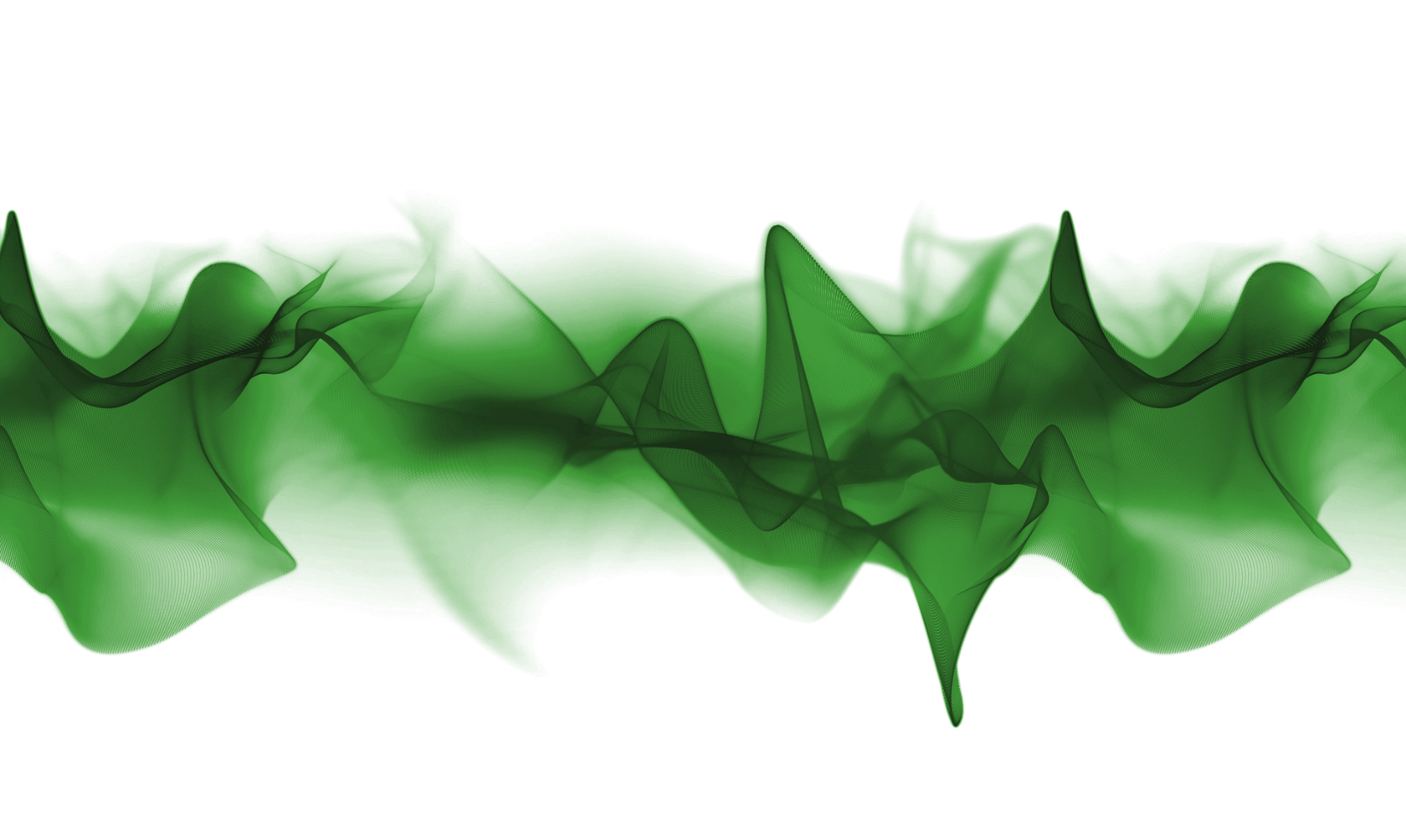
This is a dynamic colored changing "Cosmic Flow" Background. It changes its hue all the time.In the Variables.inc you can edit the settings, like the speed of the change, the start color or the background.
There are 6 resolutions (1280x1024, 1440x900, 1680x1050, 1920x1200, 1366x768, 1920x1080, 1600x900) at the moment. Say it if you need another resolution.
After the skin is loaded you should set it to "On desktop" and activate "Click through".
See also the forum for a preview GIF [rainmeter.net/forum/viewtopic.…
Credit:
Sony for the Wallpaper
Related content


Comments: 35

👍: 0 ⏩: 0

Can you please fix the desktop background? When i unloaded it, It completely removed my background.
👍: 0 ⏩: 1

👍: 0 ⏩: 0

BTW everyone. in the settings.ini setting "Background=" (empty), gives a transparency so your original desktop shows through.
👍: 1 ⏩: 0

Hi,
I start with rainmeter, I have a display of 1920x1080, but it does not take all the screen how to display in the good resolution?
Thank.
👍: 0 ⏩: 0

I tried to unload the skin and the green cosmic flow disappeared and i was left with a completely white background blocking everything. I completely uninstalled rainmeter and all of my files with it. What do i do?
👍: 0 ⏩: 0

hi, men it its awesome, could you please add 1920 by 1080?
👍: 0 ⏩: 0


Love it!
got the 1080p version on one monitor, now I just need a 1440p version for the other.
👍: 0 ⏩: 0

How about a 5760 x 1080 for us who use surround or eyefinity
👍: 0 ⏩: 0

sorry to be a nag but could you update the skin to be 1600x900 friendly
👍: 0 ⏩: 1

Awh sorry! I updated it now, it contains now1600x900. Sorry again.
👍: 0 ⏩: 0


Is there a way to position the skin under the desktop icons?
👍: 0 ⏩: 1
Go to settings and choose the position "on Desktop"
👍: 0 ⏩: 0
not a biggy but could you update the skin to be 1600x900 friendly
👍: 0 ⏩: 1
Sorry, Not at the Moment, I'm since some weeks in the Hospital.
👍: 0 ⏩: 0

No Problem, I updated the skin, it now contains 1440x900

👍: 0 ⏩: 1
Hi AlCaAz, could you make it so that it is 1600x900 friendly (MAX resolution on my portable)?
👍: 0 ⏩: 0

Thanks for the skin I try to make something and I don't find ,my english is not really good ,maybe you can help ?
There is a way to change not only the start color but also the order ,actually its green ,red ,blue . My hope will be to start by green why not but in this order : green,blue,red ?
👍: 0 ⏩: 1
I updated the skin, so you can change the hue direction. i think this is what you want if I understand it right.
👍: 0 ⏩: 1

👍: 0 ⏩: 1
Hehe, I had the code already finished, so I had only to update it here

👍: 0 ⏩: 0


Bonsoir AlCaAz.
Je vous remercie de me répondre et de l'attention que vous me portez.
Oui ! J'ai déjà crée les 70 images.
Les images tournent actuellement sur mon écran avec ce script:
;===================
; RAINMETER
;===================
[Rainmeter]
Update=100
DynamicWindowSize=1
;===================
; METADATA
;===================
[Metadata]
Name=Control EXo System
Author=Lecajef
Information= Commande Exo System
Version=1.0
License=Creative Commons Attribution-Non-Commercial-Share Alike 3.0
;===================
; VARIABLES
;===================
[ImageBackground]
x=0
y=0
w=112
h=29
[ImageNumberCalc]
Measure=Calc
Formula=Counter % 70
[ImageMeter]
SolidColor=0,0,0,1
Meter=Image
ImageName=[ImageNumberCalc].png
DynamicVariables=1
===================
J'aimerais faire évoluer les images animées avec, en plus, vos changements de couleurs comme dans votre thème "Cosmic Flow".
Je vous ai exposé le problème, de manière inverse, en espérant que vous comprenez ce que je souhaite faire.
C'est à dire inclure mon script dans votre script pour obtenir les changement de couleurs sur des images en mouvements.
Si vous pouvez me transmettre, ici, votre script incluant mon script, je pourrais faire fonctionner mes 70 images animées, avec en plus les changements de couleurs.
Si vous voulez les 70 images, je pourrais vous les envoyer compressées (Zip) par Email.
Je suis allez voir votre lien, mais il me semble que ce n'est pas ce que j'aimerais, et trop compliqué pour comprendre.
Vous remerciant de m'aider, c'est avec plaisir de partager avec vous une discussion constructive.
J'ai aussi posté un message sur votre thème "RotatingFrame" vous proposant une suggestion.
Salutations
Jef
---Traduction anglais---
Hi AlCaAz.
Thank you to answer me and your attention to me.
Yes! I have created 70 images.
The images are currently running on my screen with this script:
; ===================
, Rainmeter
; ===================
[Rainmeter]
Update = 100
DynamicWindowSize = 1
; ===================
, METADATA
; ===================
[Metadata]
Name = EXo Control System
Author = Lecajef
= Information Control System Exo
= 1.0
License = Creative Commons Attribution-Non-Commercial-Share Alike 3.0
; ===================
, VARIABLES
; ===================
[ImageBackground]
x = 0
y = 0
w = 112
h = 29
[ImageNumberCalc]
Measure = Calc
Formula = Counter% 70
[ImageMeter]
SolidColor = 0,0,0,1
Meter = Image
ImageName = [ImageNumberCalc]. Png
DynamicVariables = 1
===================
I would like to change the motion pictures with, in addition, your changes colors as your theme in "Cosmic Flow".
I have explained the problem in reverse, hoping you understand what I want to do.
Ie include my script in your script to get the color change on the moving images.
If you can send me here, your script including my script, I could run my 70 motion pictures, plus the color changes.
If you want the 70 images, I could send compressed (Zip) by Email.
I see your link, but it seems to me that this is not what I want, and too complicated to understand.
Thank you for helping me, it is my pleasure to share with you a constructive discussion.
I also posted a message on the theme "RotatingFrame" offering a suggestion.
greetings
Jef
👍: 0 ⏩: 1
Okay, now I understand what you want. Try this, ColorSpectrum.lua have to be in the same location like your INI file.
[mColorSpectrum]
Measure=Script
ScriptFile=#CURRENTPATH#ColorSpectrum.lua
Red=255
Green=0
Blue=0
Range=10
UpdateDivider=5
[ImageMeter]
SolidColor = 0,0,0,1
ImageTint=#RGB#
Meter = Image
ImageName = [ImageNumberCalc]. Png
DynamicVariables = 1
Maybe you have to edit your images because of the transperency. And with Range and UpdateDivider you can control the color speed.
-----------------------------------
And the english version is enough the next time, I can't speak french and the comments section here would be clearer, too
👍: 0 ⏩: 0
Bonjour ALCaAz
Oui, très bon concept, toutes mes félicitations.
Excellente idée votre programmation, et je vous remercie pour le partage.
Pour vous faire une suggestion, en toute modestie, faire un Gif animé en incluant une succession d'images, serait une finalité superbe.
En incluant:
[ImageNumberCalc]
Measure=Calc
Formula=Counter % ....
Aurais donné à votre thème toute sa splendeur.
Toutefois, désirant utiliser votre programmation pour mes propres graphismes sur mon bureau, et étant malheureusement novice en programmation, ou ajouter dans votre script :
===================
VARIABLES
===================
[ImageBackground]
x=...
y=...
w=...
h=...
[ImageNumberCalc]
Measure=Calc
Formula=Counter % ...
[ImageMeter]
SolidColor=..., ..., ..., ...
Meter=Image
ImageName=[ImageNumberCalc].png
DynamicVariables=1
Pour obtenir l'animation d'une succession d'images [ImagesFrames] sur vos variations des couleurs.
Vous remerciant par avance de vos conseils et soutiens.
Salutations.
Jef
---Traduction anglais---
Hello ALCaAz
Yes, very good concept, congratulations.
Great idea your program, and I thank you for sharing.
To make a suggestion, in all modesty, to an animated sequence of images including Gif, would be a great goal.
Including:
[ImageNumberCalc]
Measure = Calc
Formula = Counter% ....
Have given your theme all its splendor.
However, wishing to use your program for my own graphics on my desktop, and unfortunately being new to programming, or add in your script:
===================
VARIABLE
===================
[ImageBackground]
x = ...
y = ...
w = ...
h = ...
[ImageNumberCalc]
Measure = Calc
Formula = Counter% ...
[ImageMeter]
SolidColor = ..., ..., ..., ...
Meter = Image
ImageName = [ImageNumberCalc]. Png
DynamicVariables = 1
For the animation of a sequence of images [ImagesFrames] on your color variations.
Thanking you in advance for your advice and support.
Greetings.
Jef
👍: 0 ⏩: 1
Hey
I'm not quite sure what you want ?
But if you just want to have an animated "cosmic flow" background, then yes you could do that with a counter, BUT you will need the images for the frames and as far as I know such images doesn't exist. So you have to create some.
If you want to use the script, you should take a look here [rainmeter.net/forum/viewtopic.…
👍: 0 ⏩: 0

Nice concept, 1360X768 resolution will be nice in the future
👍: 0 ⏩: 1
I updated the skin, it contains now the 1366x768 resolution.
👍: 0 ⏩: 0