HOME | DD
 andreibizdoaca — YeeLightControl
#rainmeter #yee #yeelight #rainmeterskin
Published: 2020-07-19 13:31:39 +0000 UTC; Views: 1785; Favourites: 7; Downloads: 219
Redirect to original
Description
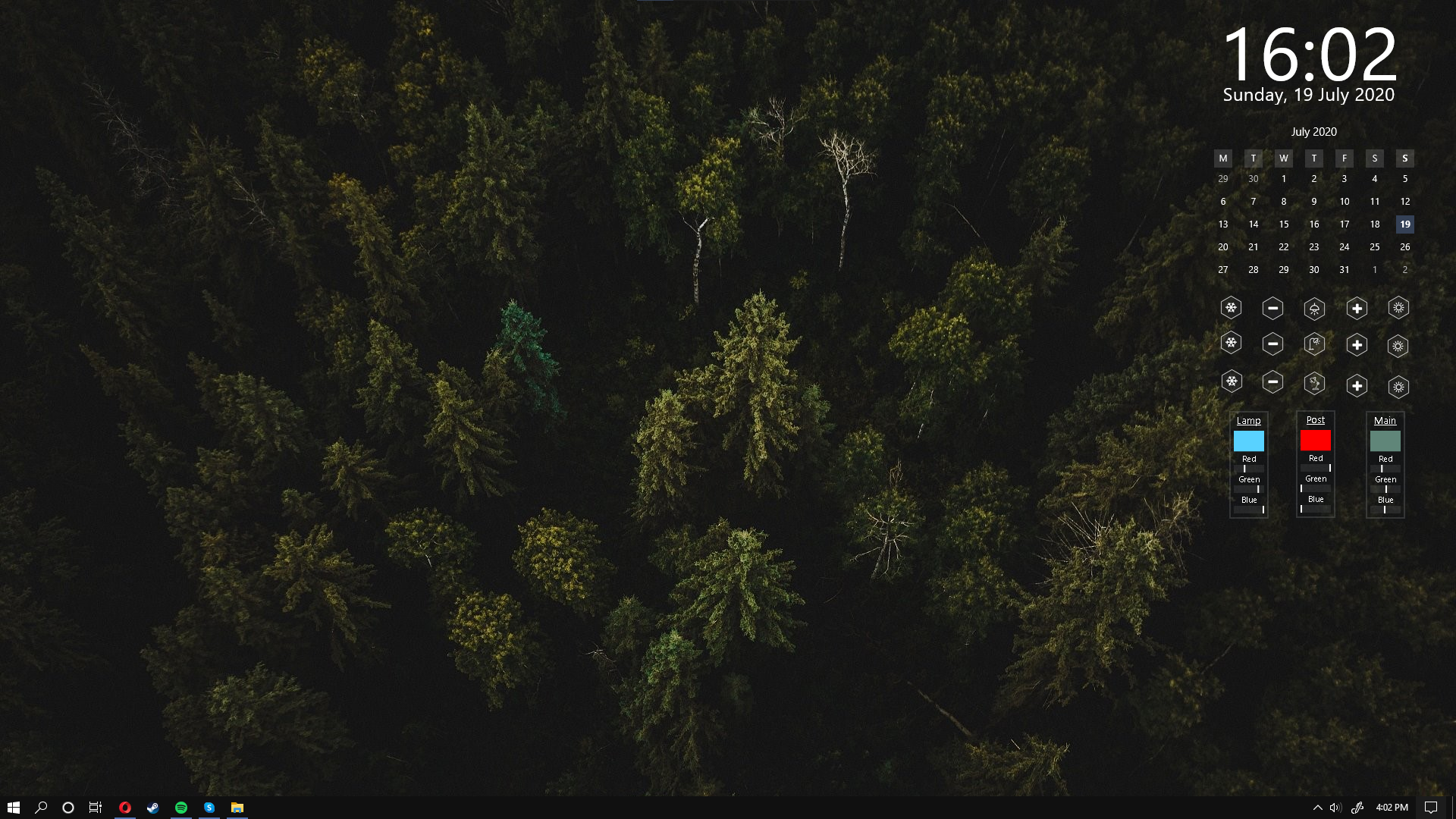
Not sure how many here use Xiaomi Yeelight Color bulbs but a while ago i made a Rainmeter skin that controls the light bulbs through a simple java program. You have to set the bulbs to be controllable from LAN and your PC and bulbs have to be connected on the same network for this to work.
In the Variables file located in the resources section you have to set the IP dresses of the bulbs and the path to the JAR file. The JAR file is in the resources folder of the skin.
Put the .jar file somewhere on your disk and change the JarPath accordingly.
In the !Execute section you have to set the JAR path with different arguments.
The first argument should always be the IP of the device, the second argument should always be the ACTION the device should take and the others are temperature or color arguments. The actions are:
TOGGLE
DECREASE_BRIGHTNESS
INCREASE_BRIGHTNESS
SET_BRIGHTNESS
INCREASE_TEMPERATURE
DECREASE_TEMPERATURE
SET_TEMPERATURE
SET_COLOR
Example: #DEVICE_IP # SET_COLOR "255" "0" "0"
Example2: #DEVICE_IP # TOGGLE
Other:
- The wallpaper, and a few others that i think goes well with the skin are in the resources folder.
Disclaimer: I'm not an expert in Rainmeter by any means, the skin is made by modifying other skins and there is probably a lot of leftover unused code that needs cleanup. If you need help or have questions you can leave a comment or shoot me a private message and if i have time i can try to help.
Related content





Comments: 4

👍: 0 ⏩: 0

👍: 0 ⏩: 0

👍: 0 ⏩: 1

👍: 0 ⏩: 0