HOME | DD
 anglerfssh — fairy

Published: 2018-07-05 23:10:44 +0000 UTC; Views: 804; Favourites: 122; Downloads: 0
Redirect to original
Description
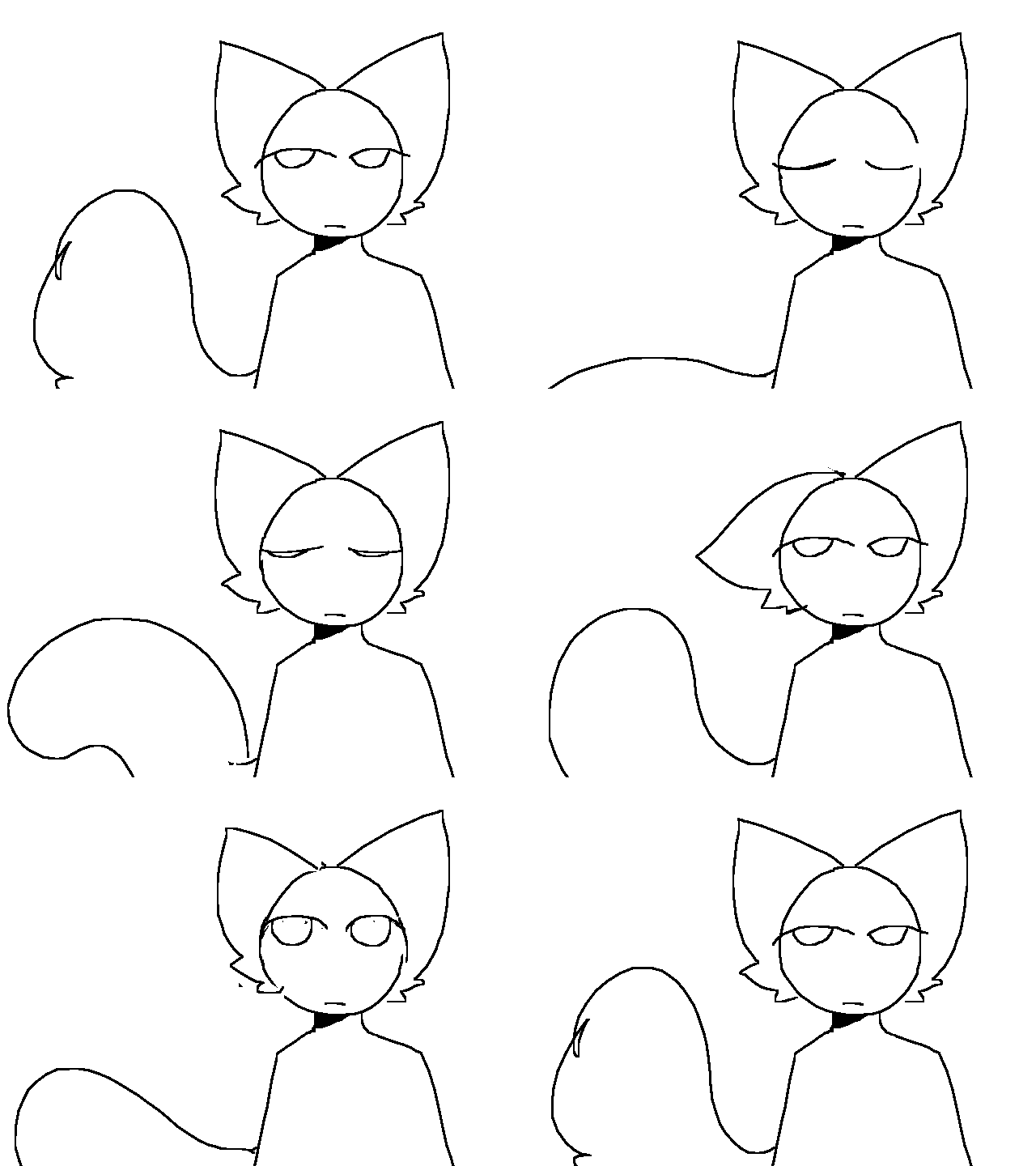
ahgnhjg failed?yemaybeyeah #drawthisinyourstyle :"DDD . oc is by @/riibrego on twitter :^)) i was going good but then my motivation died again,,(( have been getting motivational problems ,, not art block btw. i have a lot of ideas i just cant do them all,, esp rightnow so sorry if i owe you something im just trying to pick myself up haa ))
Related content





Comments: 10

This looks amazing :!!!! the colors are so vibrants it's amazing <3
👍: 0 ⏩: 0

Wow! this is really good, I recommend using less filters though, let your own art shine! (sorry I'm bad at criticism)
👍: 0 ⏩: 1

trust me, this looks better with the filters XDD
lol you should say this to my other art pieces. now THOSE need less filters xD
👍: 0 ⏩: 1
Right?? XD I have seen pics where the picture has SO many filters, I could barely even see the art! But I have to ask, what filters did you use for the drawing? I can't seem to figure it out!
👍: 0 ⏩: 1
actually i dont know if you can call them "filters" ?? but maybe so-
I just used layer options such as Overlay. i dont completely remember but I believe I used Divide, Overlay, and Saturation .
For the actual filters I just use Chromatic Aberration and Tone Curve
for the pixel effect/retro look i just added a Tone and Tile in Material Dialogue . all of these are in medi so you can probs figure out !
👍: 0 ⏩: 1
Oohh! You mean when you copy & paste the drawing into different layers and changing the color and stuff.
👍: 0 ⏩: 0


