HOME | DD
 aroche — Delta
by-nc-nd
aroche — Delta
by-nc-nd
Published: 2008-12-16 17:46:18 +0000 UTC; Views: 26054; Favourites: 72; Downloads: 6553
Redirect to original
Description
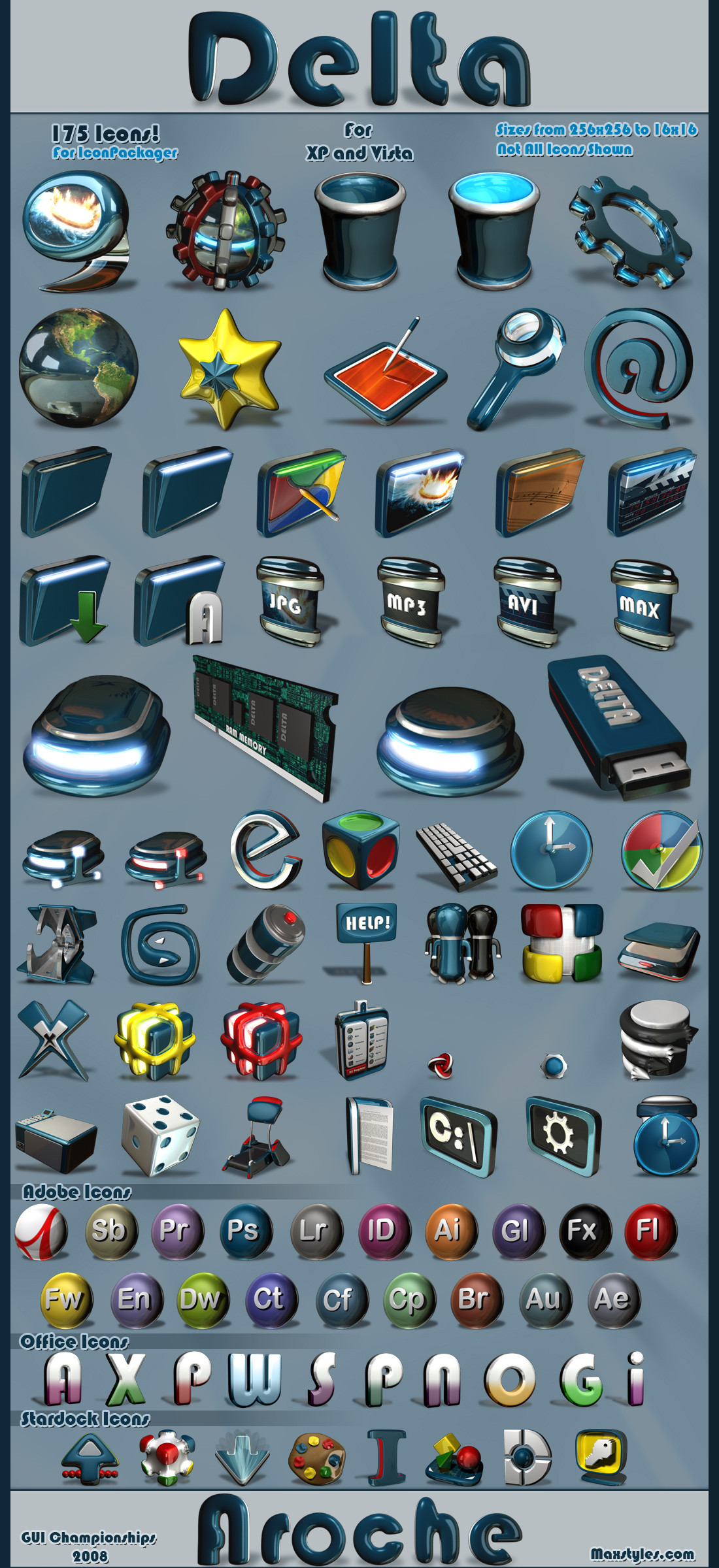
Finally, after 3 months of working on and off, I managed to finish it on time.Thanks to everyone who told me to keep on going, or else I wouldn't be uploading it right now.
Probably my best work so far, would have loved to make even more icons for applications or whatever but I just didn't have time.
IP is inside the zip.
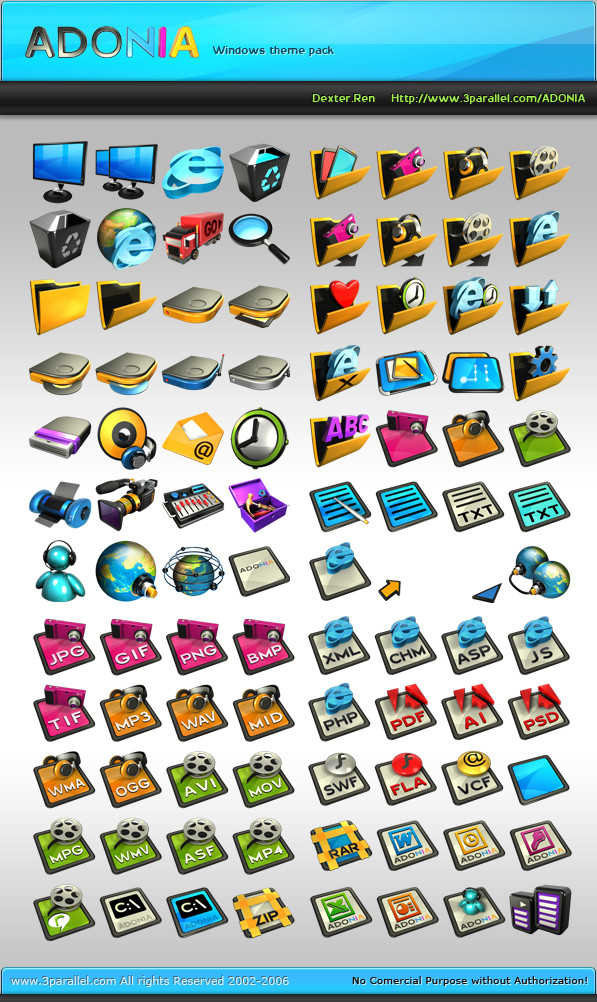
175 icons in the pack!
Some may think are too much but I just couldn't stop haha.
IP is compatible with XP and Vista (Live folders included).
So I hope everyone likes it as much as I did.
And at last. I give you...Delta!
Related content








Comments: 26

👍: 0 ⏩: 0

Been following your work for a long time. Cursors, Objectdock, etc. Picked up IconPackager yesterday. Check out my gallery for screenshots

👍: 0 ⏩: 1

I saw a couple of them, they're pretty cool. I'm glad you like my stuff!
👍: 0 ⏩: 1
Cool, glad you checked them out!! I love your stuff.
👍: 0 ⏩: 1

Love the icons man, great work. Just came across them recently and I use them with my new xbox360 theme. I just wish the folder and trash icons had a light-greenish hue to them so they'd match, but otherwise its perfect. Nice and sleek too.
👍: 0 ⏩: 1
I'm glad you like them, you could recolor them with iconpackager can't you?
👍: 0 ⏩: 1
I actually have redone a few, although I use Axialis Icon factory. The problem is that some icons can be re-colorized or have the hue changed with no problem, but there are some that when either effect is applied, due to the variation in coloring already involved(such as 2-toning) I cannot reach the effect I desire so I have to lose a little to get close to what I want. Case in point TXT.ico had 2 tones, when changing hue the upper part of the icons color would not change to the nice green I wanted to use for the entire icon, however when colorizing, the white changes to light green and I lose the original effect as well. I'm no Photoshop genius, hell I don't even own a copy lol. I like changing windows to my preferences and I like your icon set. I just gotta work with what I got, not that I'm expecting you to redo it or anything. I will look forward to any future development you have planned though. Thanks again for the icons, peace.
👍: 0 ⏩: 1
Oh yeah it's tricky recoloring everything. If I were still into making icons I would have recolored the ones you needed. Sorry I can't help more man, I'm glad there's people still using my stuff.
👍: 0 ⏩: 1
Nah man its cool, figured out I could grayscale before adding new hue attributes, just didn't see the option in the command menu. Good luck with future endeavors.
👍: 0 ⏩: 0


