HOME | DD
 bubblespace — Girl Edit 06

Published: 2010-06-22 05:32:35 +0000 UTC; Views: 224; Favourites: 5; Downloads: 3
Redirect to original
Description
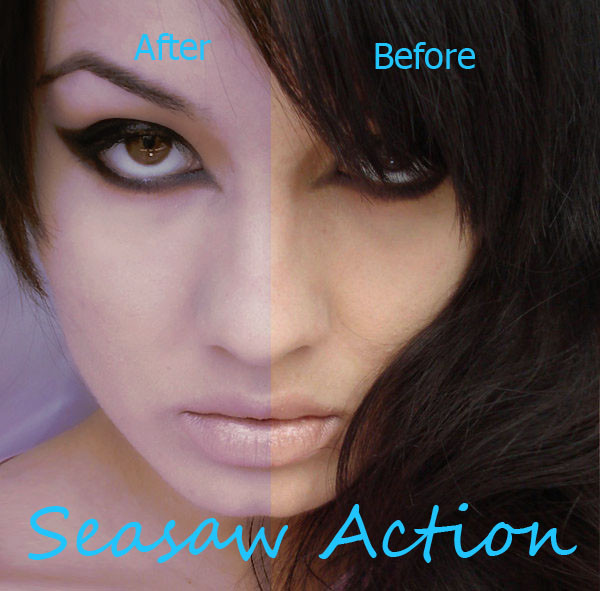
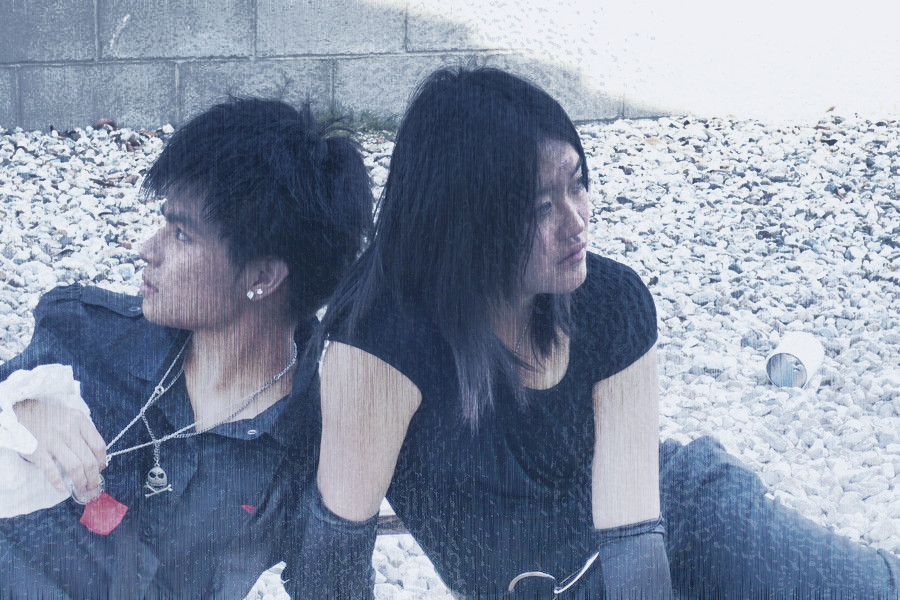
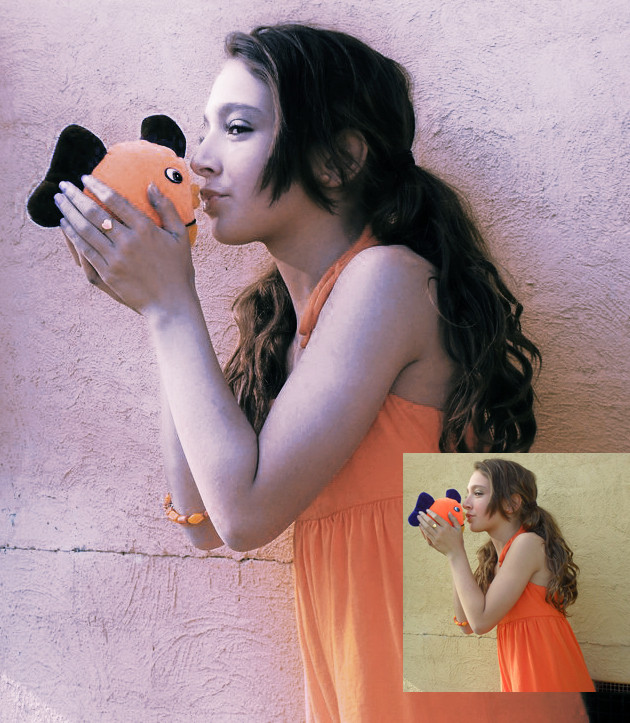
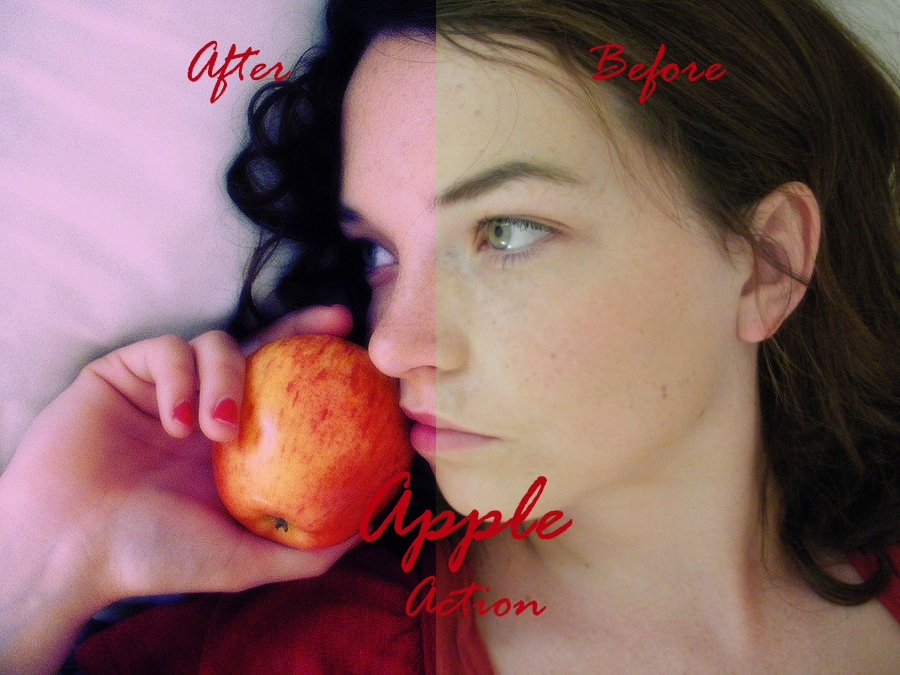
[link]An edit of a rather popular stock.
Yet again simple.
Simple seemed to work best here.
Related content





Comments: 4

Alot of it is done via patch tool, and if theres too much red or something in the blemishes, I tend to down the red channel in the channel mixer before I go patch crazy.
Also, if you merge all of your layers then duplicate the backround one, you gaissian blur that duplicated layer until its slightly too blurry, then make a mask on that layer and invert it, so you can't see the layer at all. Next you take a fuzzy brush at about 20 on opacity and fill or so percent and go over the skin with it on the mask part of the layer, it works wonders for smoothing skin...
If the skin's uneven, sampling a midtone of the skin with the eyedropper and then using that color for a fill layer ((you invert this too)) helps. Go over the skin at about 30 percent opacity and fill, switch the layer mode to color, and then down the opacity of the layer until it looks alright.
I always play with the brightness and contrast, and such after that in the end.
I use photoshop CS3 by the way, so I don't know how you'd do this in like Gimp or some other program like thst. I know the information's muttled. I've been meaning to clear my thoughts more and make a tutorial, but haven't really gotten around to it yet. X3
👍: 0 ⏩: 1

thank you very very much) i'll try ...I'am not strong in English....but I will try to understand

👍: 0 ⏩: 1
If I do make a tutorial, I'll make sure to use plenty of pictures.
I've actually started on it a little, but it's taking alot of time and patience.
👍: 0 ⏩: 0