HOME | DD
 bubito — Skulls
Published: 2008-02-26 23:17:13 +0000 UTC; Views: 277507; Favourites: 194; Downloads: 109122
Redirect to original
Description
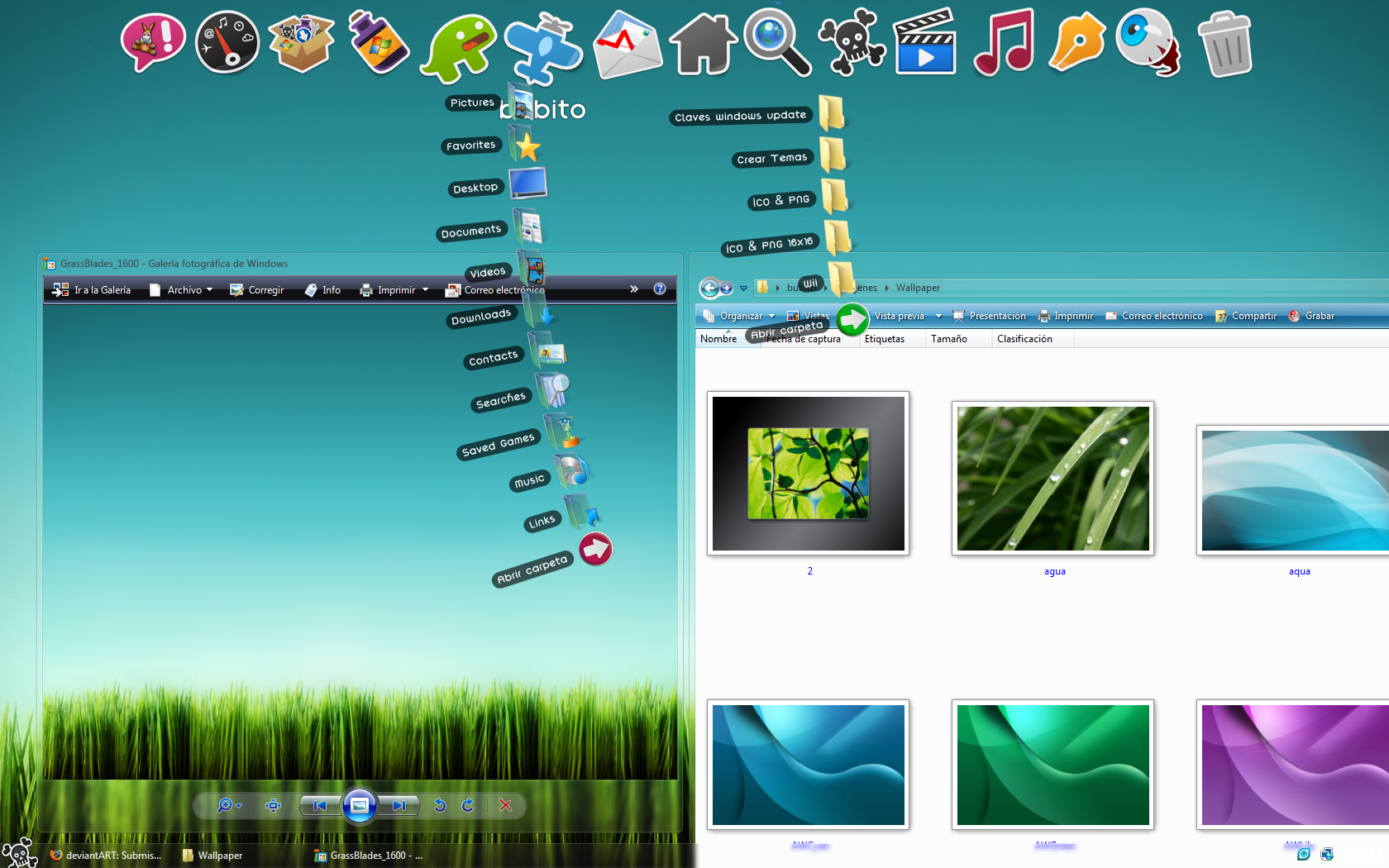
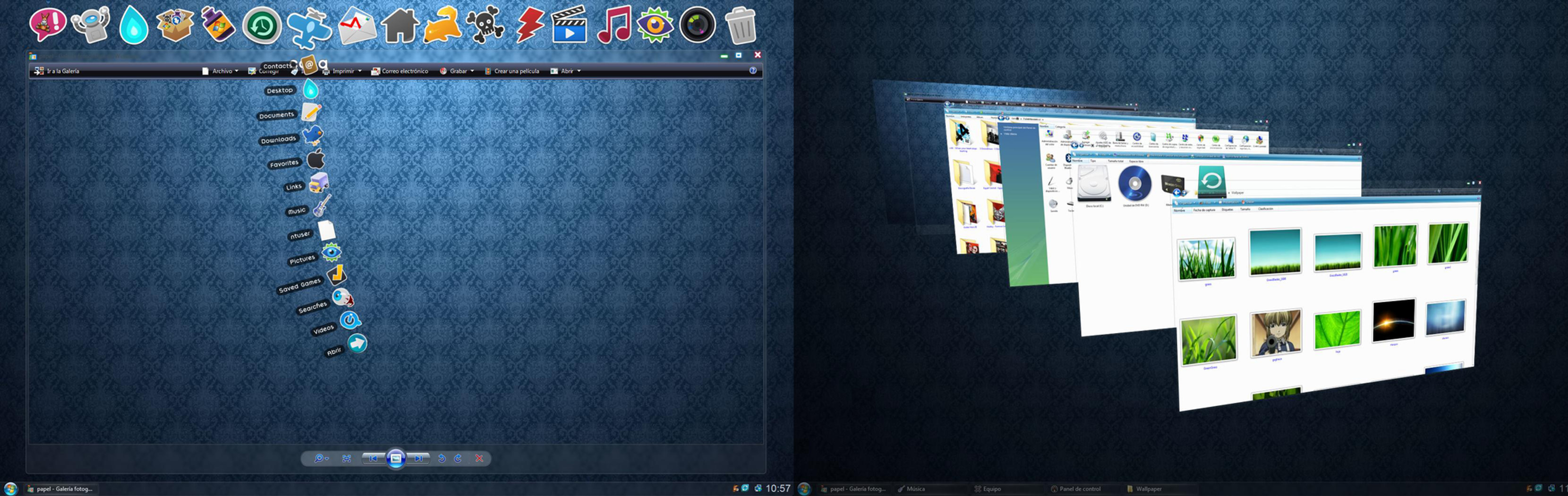
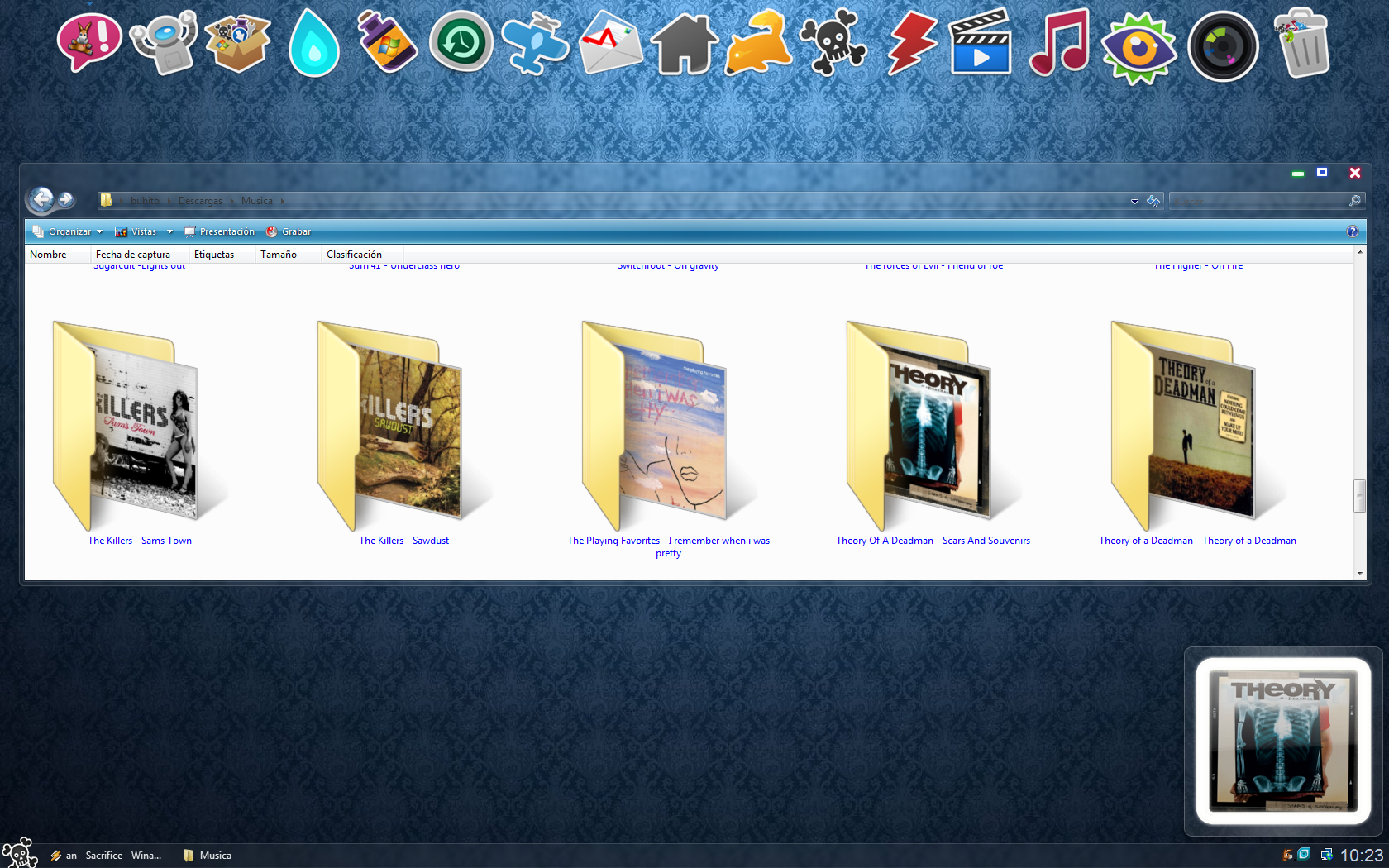
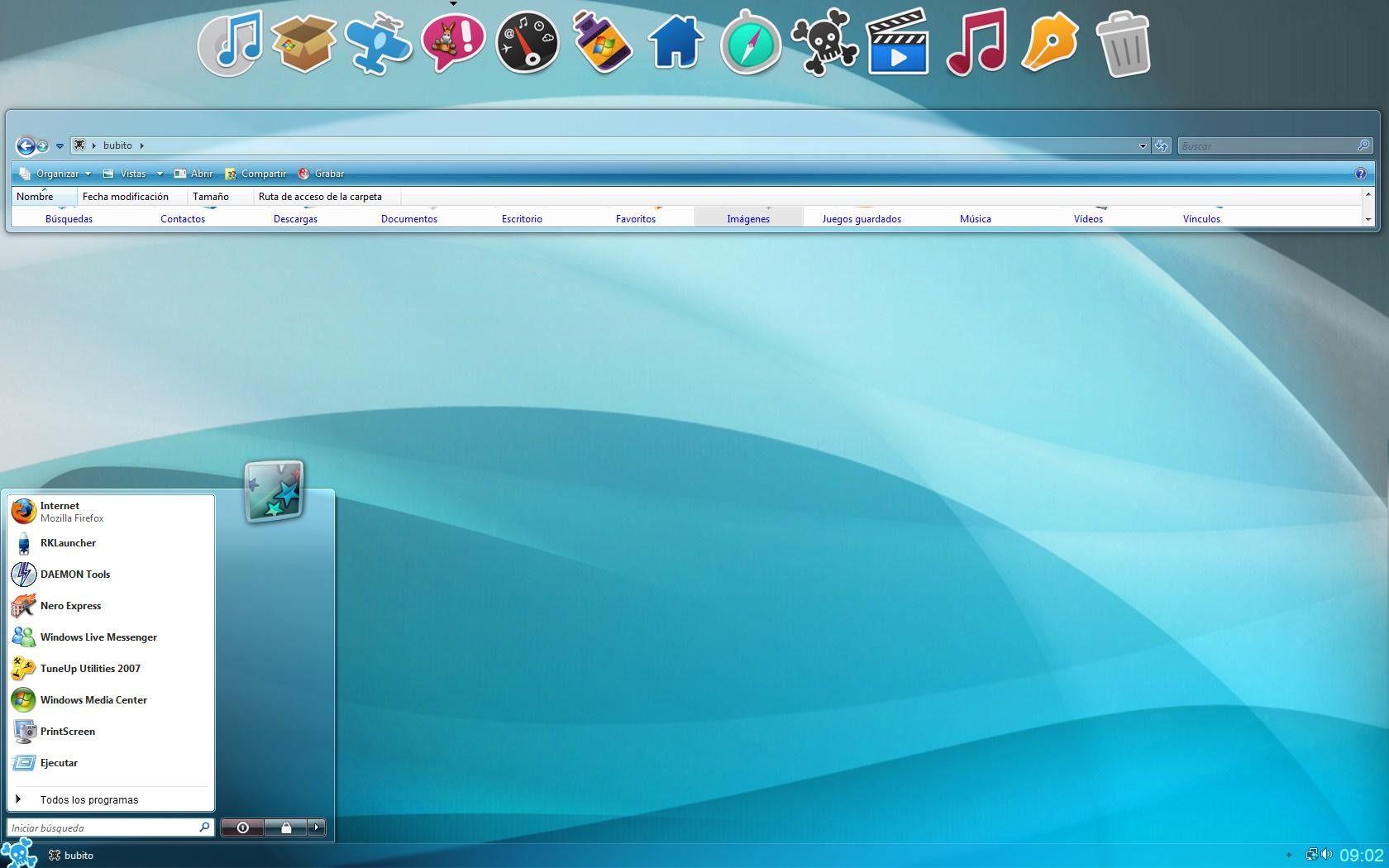
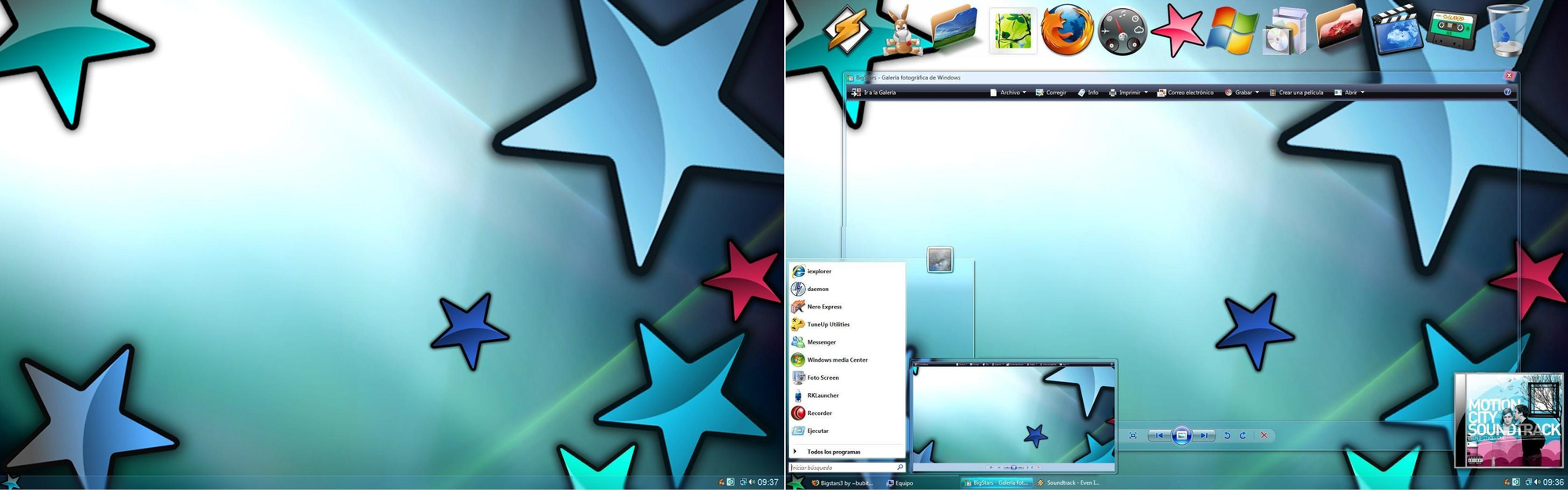
Revision of my last VS for Windows Vista, new colors improved in the start button, and more brilliant colors in close and minimize hope is the liking, a greetingRelated content



Comments: 145

ciao,come faccio a scaricarlo?non trovo il download

👍: 0 ⏩: 1

alexsandraaaa ecco il link di download [link]
però ti avverto che è per Windows Vista, tu hai 7?? io ho il tema per 7 se lo vuoi mandami un messaggio privato

👍: 0 ⏩: 0


how do i get the top bar?
I have alrady installed the theme.
👍: 0 ⏩: 0

the .theme file is missing...so it won't work...sorry
👍: 0 ⏩: 0
can you please tell me how to install it...i can't get my desktop to look like that..pleeeaasseeeeee
👍: 0 ⏩: 0

I downloaded it, but now how would I change my theme to look like this one?
I have windows vista
👍: 0 ⏩: 0

Please help me. How can I download this one?
👍: 0 ⏩: 1

I do not understand what you mean? the download link you have on the right side.
👍: 0 ⏩: 0

when i install the theme it will install it, but it is in vista basic. what happened. vista home premium 64 files patched
👍: 0 ⏩: 0

I already download this theme .. but how do i get it installed ?
👍: 0 ⏩: 0


OMG is a Wonderful job¡ congratulations¡ Love
👍: 0 ⏩: 0


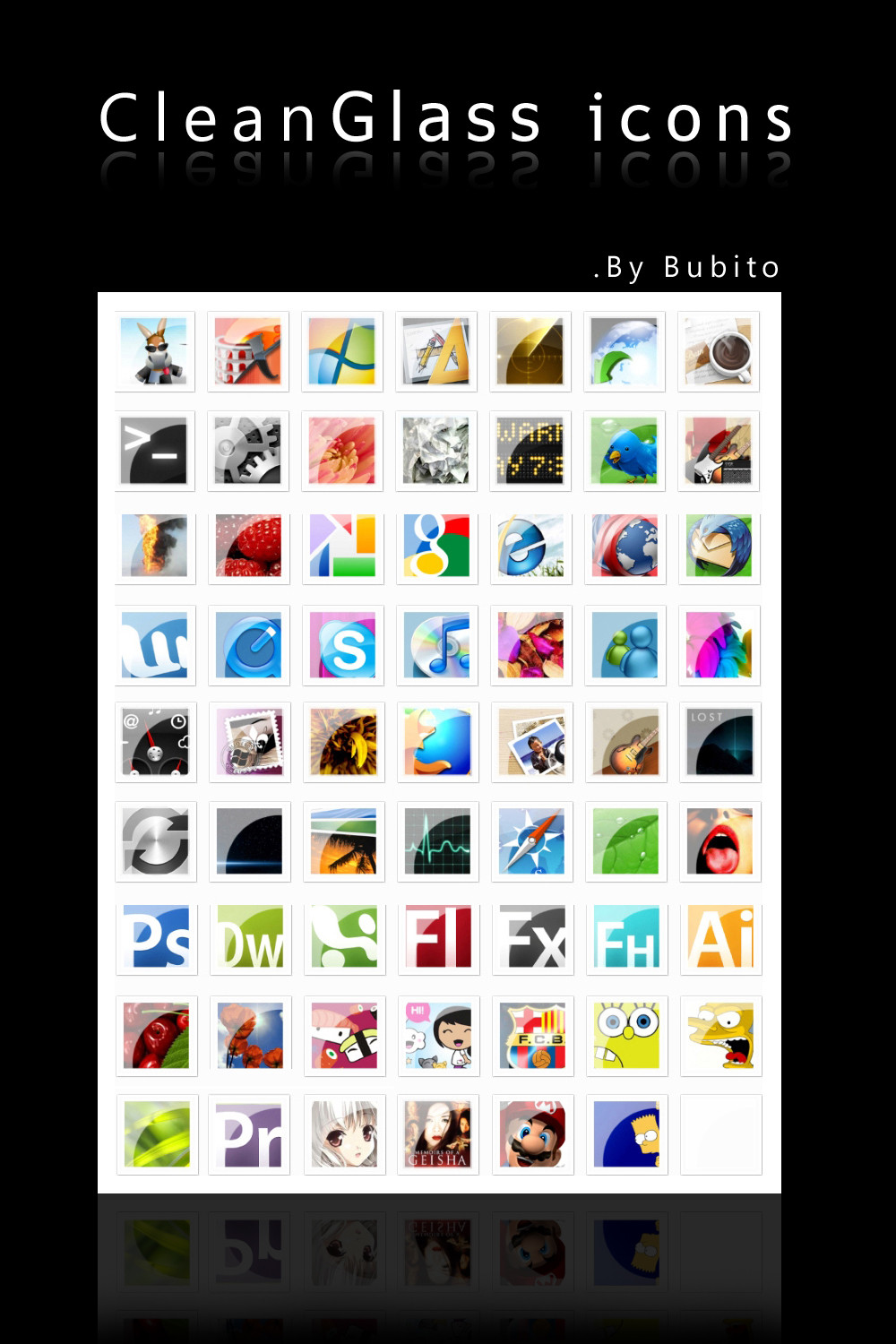
hey this is an awesome theme i really like it. i was just wondering where you got those icons and what font you are using in your dock. thanks and keep up the good work
👍: 0 ⏩: 0


You retarted they already sed all this shit anyway try "tune up utilities" or patch ur vista with UXtheme patcher
👍: 0 ⏩: 0

thanks m8 its cool i likes it looks stylish and smart thanks
👍: 0 ⏩: 1
Hi. Can you help me download this? I don't really know how.
👍: 0 ⏩: 0

How do you get the docks to show the extended docks (my doc, my pics etc)? Thanks

👍: 0 ⏩: 1
Hi you have to download a Docklet stackdocklets called, that you put in the application folder rklauncher / docklets, once this is done right click on the dock and add Docklet appears then the stack and only give you the route you want to open If you have further questions do not mind asking a greeting, I leave my email if you want to ask more directly because I do not watch every day deviantart, migmeil@gmail.com, greetings
👍: 0 ⏩: 0


Awesome theme Featured it on my blog [link]
Thanks!
👍: 0 ⏩: 0

Hi! I'm trying to create a visual style and I'm using the base of your, but, I've a problem, I save my image (the image of the menù, which you change the windows logo with a skull) in .png with photoshop cs3 and I tried with cs4 too, but the problem goes on and it's the background. Anyway I save a transparent background, when I apply the visual style appear a white background and I don't know what can I do? Thanks for giving me your time, sorry for the disturb.
👍: 0 ⏩: 0


Ok, it's been a while and i finally got the skull on the start button, but i can't get rid of the colored tab beneath it. I am using XP.
👍: 0 ⏩: 0

Umm How you do? in stacdocklet:
change font.
open downside.
Thanks I love it!!
👍: 0 ⏩: 1
all ok the problem is with stackdocket 2.0
👍: 0 ⏩: 0

yo tengo una gran dudaaa
a esta genial.. lo baje i lo instaleee
pero solo se ase transparente cuando tngo las ventanas aviertas.. en grande.... i cuando las minimizo se pone todo azul osea no transparente
tengo vista de 32
ai porfavorrrr
i neeeeeeeeeeeeeeeeed help
👍: 0 ⏩: 0

I put the skulls folder in my theme folder, but it won't show in the personalize>themes section. I sued Vista Glazz to patch. Help?
👍: 0 ⏩: 1
You have to put the visual style in the resources folder, once done make sure you have windows vista patched properly, I think that with the vistaglazz is sufficient, if it is not looking through the internet, you have many pages explaining how to do it in some my themes also explains, a greeting
👍: 0 ⏩: 1
Thanks! How do you get the icons at the top though?
👍: 0 ⏩: 1


it's amazing 

👍: 0 ⏩: 1
first have to download the uxtheme for windows vista, this link will find all the help you need [link] , a greeting
👍: 0 ⏩: 1


Hi there!
It's a really nice theme but... could you maybe tell me how I could edit it?
Or could you maybe release one with a bigger taskbar buttons and the window buttons (close/maximise etc.) visible not only on hover? that would be really nice of you
regards
~Asmodiel
👍: 0 ⏩: 1
to edit the theme download the program restorator 2007, once this is done you can change the visual style files
👍: 0 ⏩: 1


best theme i have seen so far and i saw a lot
skulls>nv3,soulsglass,steelflash,turquoisevs,white,any mac os theme,mnlstk,any aero theme!!!
i use this skin now since lot of months and i dont want to take another one!!
thank you
👍: 0 ⏩: 1
ps: a very nice browser which fits with this theme very well is srware iron (google chrome clon) because of the transparency!
👍: 0 ⏩: 0

doesn't seem to work with Vista x64...am I right?
👍: 0 ⏩: 0
doesn't seem to work with Vista x64...am I right?
👍: 0 ⏩: 0


hey! i love the theme
but but but but is there a version which has like a normal button instead of a skull?
👍: 0 ⏩: 0
| Next =>