HOME | DD
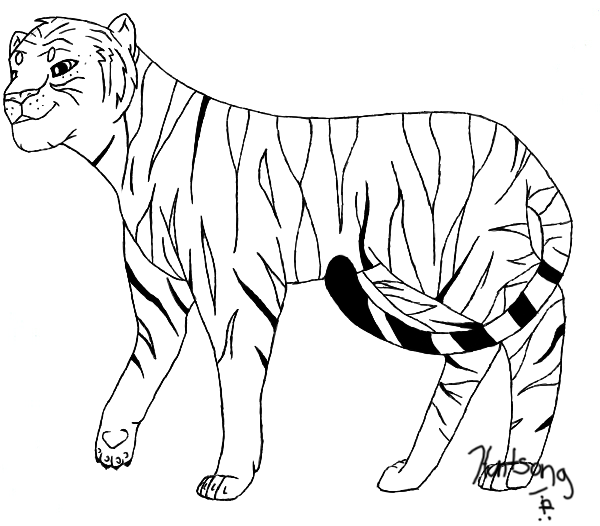
 Coppertooth — MS Paint Tutorial -lions-

Published: 2008-04-07 16:12:27 +0000 UTC; Views: 420; Favourites: 0; Downloads: 5
Redirect to original
Description
This is the original tutorial: [link]i just felt like redoing it, so im giving them credit!
stage 1: create a sketch
stage 2: add an outline
stage 3: erase sketch
stage 4: do touch-ups on outline, and add details
stage 5: color, and add anything else
i forgot to shade it! oh well, shading is the last step, not including backgrounds
Related content











Comments: 6


it is really hard, and takes a while to get used to
but really fun when you do!
👍: 0 ⏩: 0

if your sketch is blue then you make your color on your taskbar or whatever blue, then you right click on the color that you want to change the sketch to, in this case white, then when you drag the eraser over the sketch (right click when doing this) it will vanish, and noting else will be erased
i hope this made sense^^
thanx for checkin out my tutorial!
👍: 0 ⏩: 1
np^^ im so glad i helped someone!
👍: 0 ⏩: 0