HOME | DD
 Deepok — EveryDay Update
Published: 2010-06-04 03:45:56 +0000 UTC; Views: 84375; Favourites: 104; Downloads: 17198
Redirect to original
Description
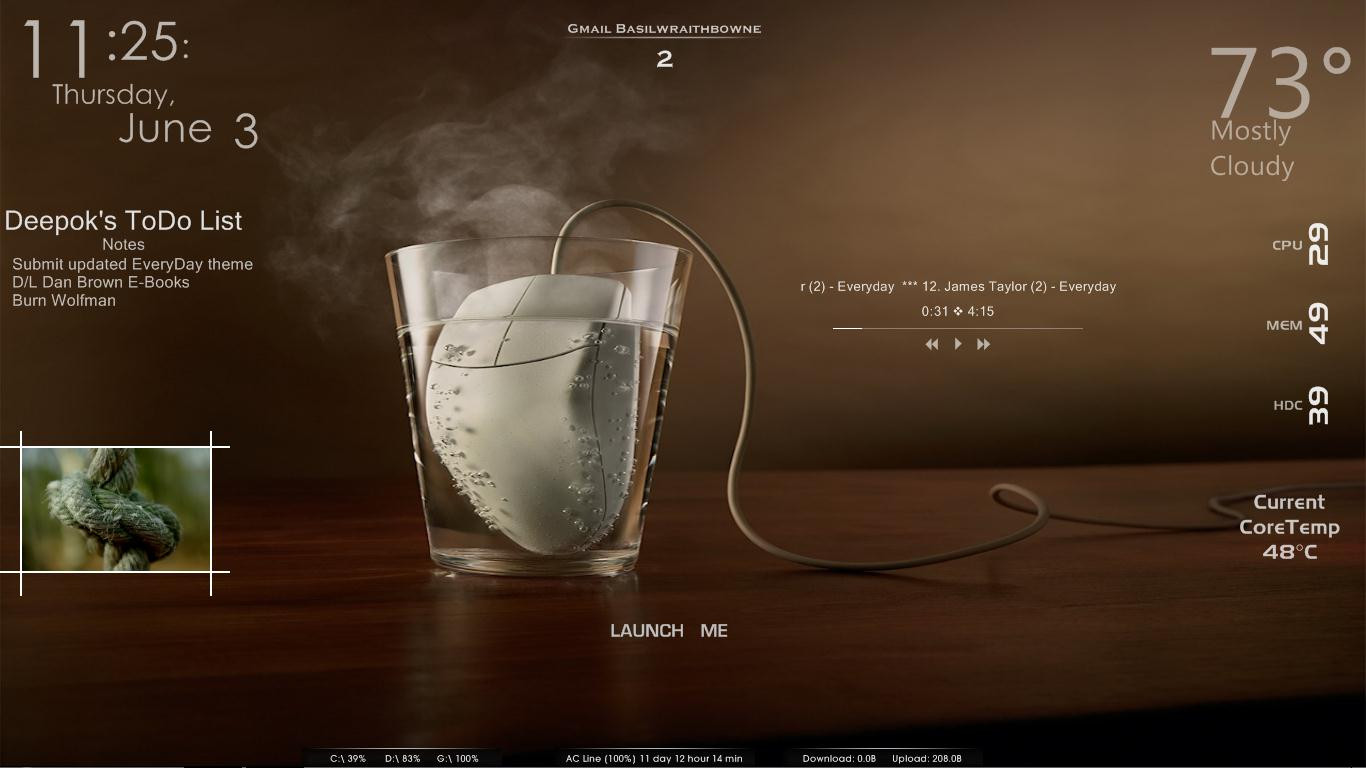
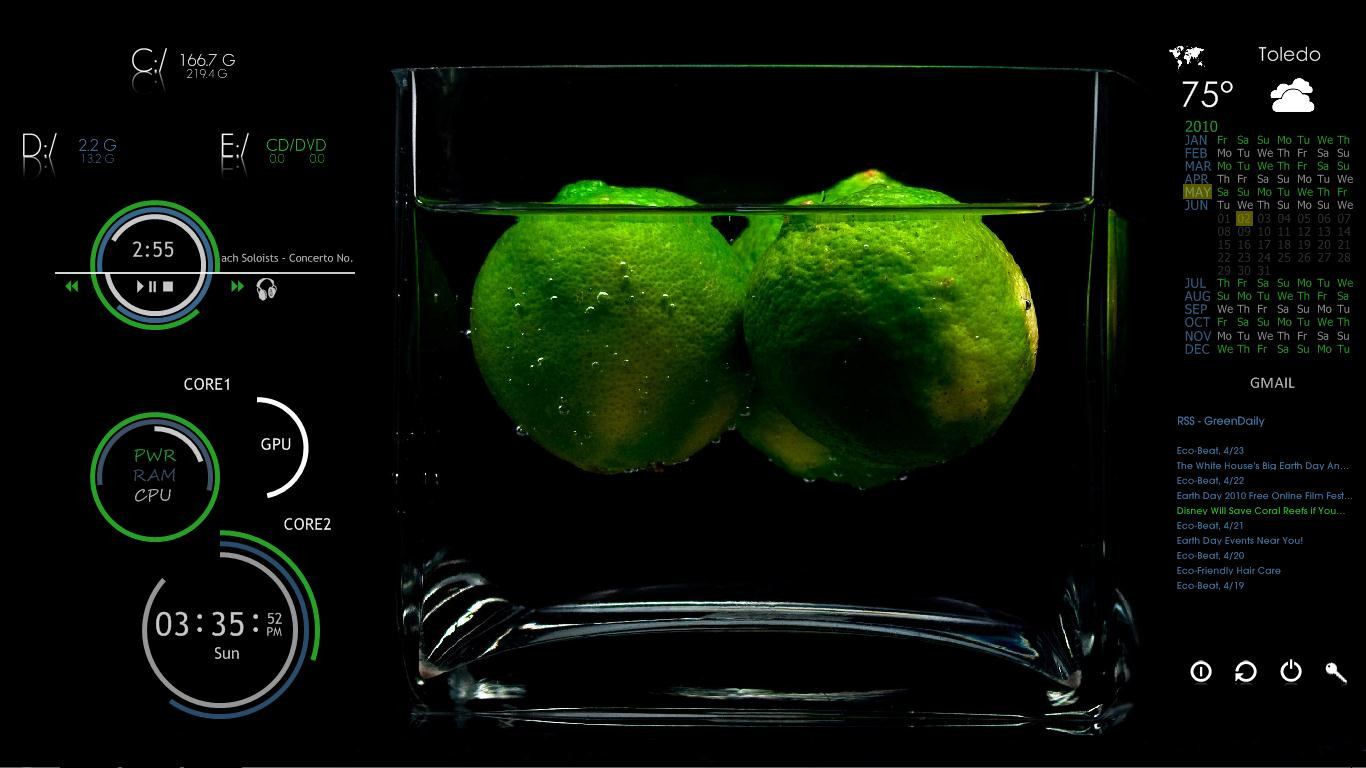
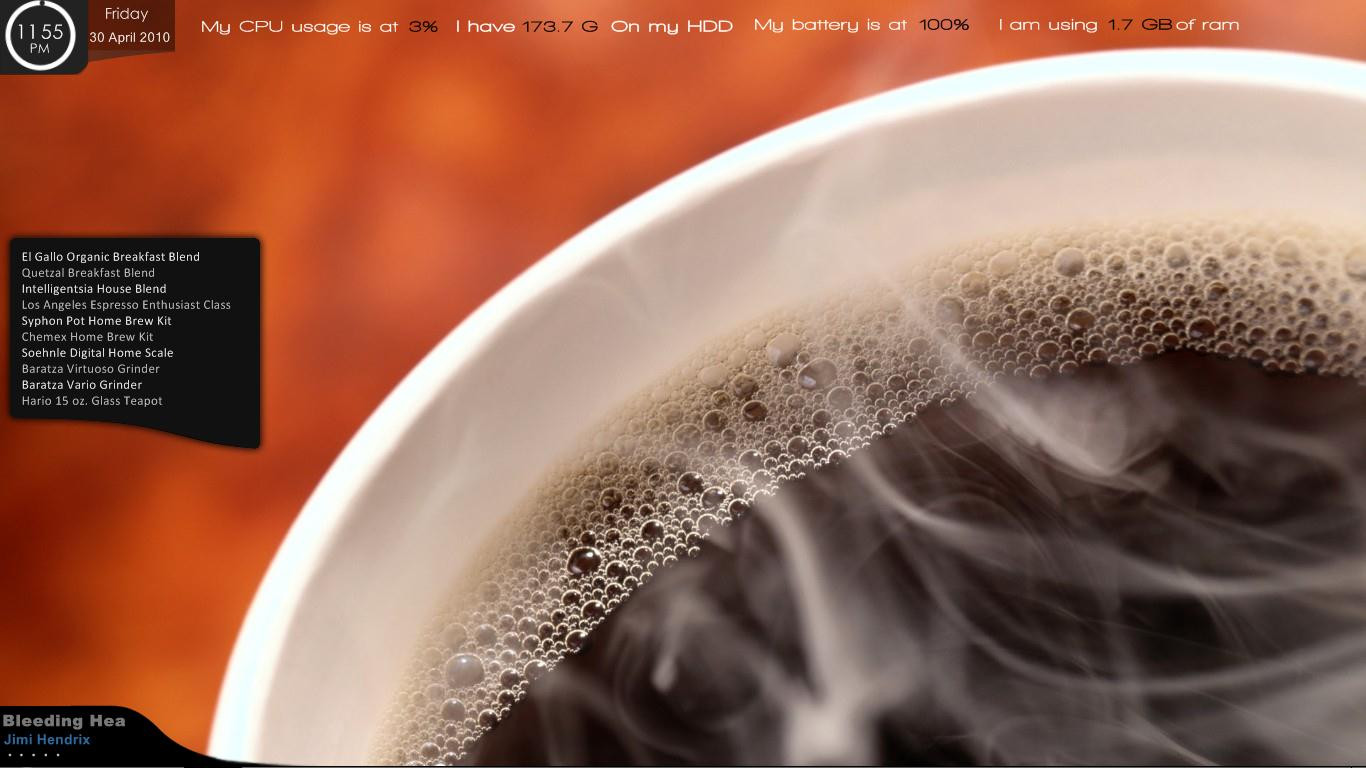
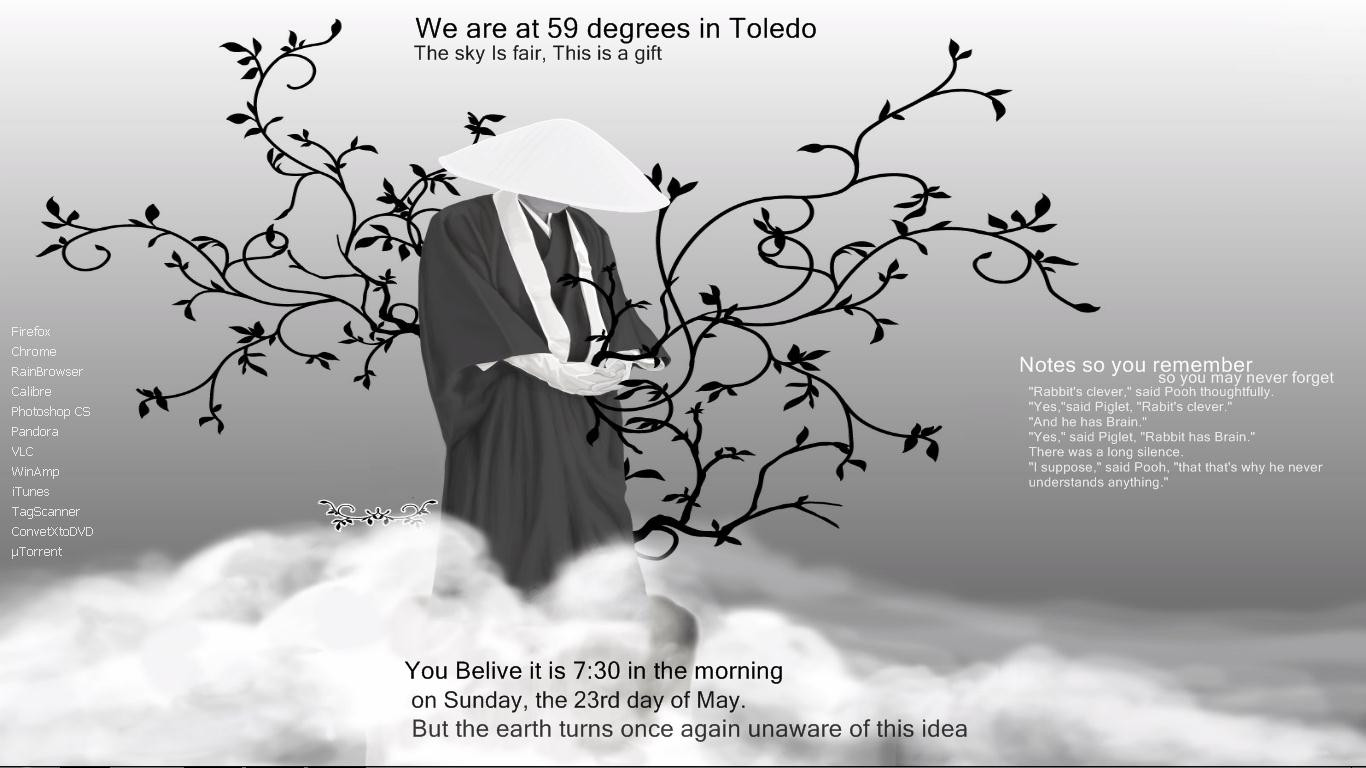
This is just an update to my EveryDay desktop, I made it more useful to my needs and Ithought some of you might like it

The new wallpaper is included
the new link is Arkan Tab by Aidaah ~ [link]
Related content




Comments: 49


Uhh....is it going to be a problem for those who dl and used the older version? I just found out about this new update. Nice work by the way! I loved it!!
👍: 0 ⏩: 0

it's a artwork, and ,im windows7 64bit, can i use this?
👍: 0 ⏩: 1
Yeah man, you can use every rainmeter based skin for win 7 in general, just download it and run it with the rainmeter, you can do edits and stuffs later. Not sure what happens with an update though....
👍: 0 ⏩: 0

Hi, I copied the everyday folder in my Skins folder, refresh all in rainmeter but the theme does't show up. What do I do wrong?
👍: 0 ⏩: 1
I think you need to close Rainmeter once and open it again. Same thing happened to me earlier and I knew that I had to close it and re-open it. Refresh just won't cut it. If you have trouble finding the program, down on the right - where is the date and time and so on in the taskbar - press the little arrow and you will see a water drop - this water drop is the rainmeter's symbol - right click on it and exit. To run it again, if you can't find it or don't know or remember where is it, simply go to the Start Orb - from the taskbar you were the opposite direction/left - and type in the search box " Rainmeter " without the "" and press the symbol of rain drop once, it will open and then you can just use the everyday.
^I hope I helped a little.
👍: 0 ⏩: 0


Finally I got a Notepad that works for me!
Thanks!
Everything else awesome too! nice work!
👍: 0 ⏩: 0

Downloaded and loving it but have problems with TIME and DATE 
Please help!
Thanking you in advance!
👍: 0 ⏩: 0

I can use =S when i try use something appear a error "No such StringStyle:#Style#"
Pls help me =/
👍: 0 ⏩: 0

I'm also having the "No Such StringStyle" error with both the time and date. How can I remedy this?
👍: 0 ⏩: 0


this is the first time i use rain meter can you tell me how to install the theme?????
really love your theme btw
👍: 0 ⏩: 0

hey, how do you change "Deepok's list" name to your own, i tried edditing it, but no change......
love the theme by the way
👍: 0 ⏩: 1
and also there was no "time" as well as no "date"
👍: 0 ⏩: 0

nice mehn im using it now on my new rainmeter custom but idk why doesnt the deepok to do list change into my name instead 
👍: 0 ⏩: 0


I'm getting an error when trying to load the date and time. It say's: No such StringStyle: #Style
It's pretty annoying
👍: 0 ⏩: 0

how can i cahnge the weather dude? im in the philippines..
👍: 0 ⏩: 0

ok i found the system info but which font have you there? by me it looks another
👍: 0 ⏩: 0
i cannot find the slideshow in the skin
👍: 0 ⏩: 0


im trying to use this but it doesnt work. when i load it in rainmeter it says "no such string style". can you fix this?
👍: 0 ⏩: 0


is the player on desktop wmp? how can i use foobar2000 instead?
👍: 0 ⏩: 0

How do I "install" this theme? Would really appreciate some help!
👍: 0 ⏩: 1

K you will have to have rainmeter installed and install each skin via rainbrowser
👍: 0 ⏩: 0


the wallpaper is included in the download - Everyday folder, 49.jpg
👍: 0 ⏩: 0

