HOME | DD
 dep21 — ...A...
Published: 2006-11-17 02:30:37 +0000 UTC; Views: 665; Favourites: 7; Downloads: 21
Redirect to original
Description
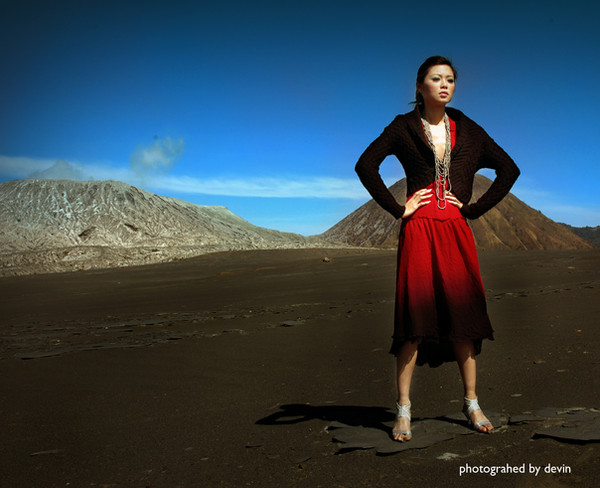
bromo sessions..august 2006Related content




Comments: 10

ini oke banget... tapi ada kotorannya tuh.. coba di healing.. ganggu... kyk jerawat di jidat. hauhauhauhauha.. 
👍: 0 ⏩: 0


Nice tones, good photo. If you haven't already, you should clean your sensor or clone out that dust spot. That's the only thing that is ruining the overall presentation (other than the aforementioned typo) in my opinion. Other than that, good work.
👍: 0 ⏩: 0


really nicely done. you have a typo in your watermark that you might want to fix.
👍: 0 ⏩: 0

Nice Colors.... How did you light this? and do you have a polarizer on the lens because the upper corners seem to get darker???
👍: 0 ⏩: 1

hmm..i didn't use the polarizer anything..just uv filter..en it was borrow from my friend...i just use the color balance in photoshop en use the lighting effect for vignneting..that's all... 
👍: 0 ⏩: 0