HOME | DD
 deviantdark — Ubuntu Logo Brushes
by-nc-nd
deviantdark — Ubuntu Logo Brushes
by-nc-nd
Published: 2007-08-23 22:24:03 +0000 UTC; Views: 7316; Favourites: 24; Downloads: 1557
Redirect to original
Description
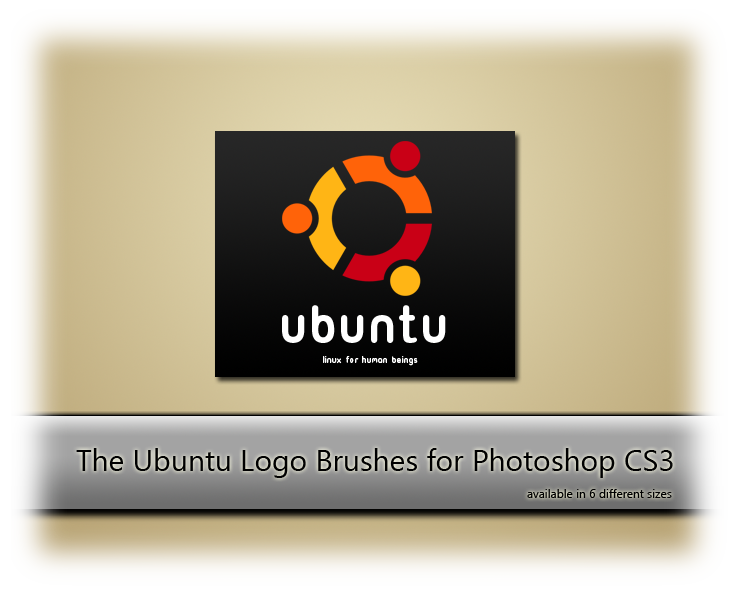
subject: ubuntu logo brushessoftware: adobe photoshop CS3
Here it is my first brushes submission.
I couldn't find around the web a good abr file with Ubuntu Logo brushes, so I decided to make one of my own, and finally [in line with the ubuntu spirit and philosophy] share it with all of you.
For a complete suite, I suggest you to download and install the Ubuntu title font, which will let you to write like the "Ubuntu" name you can see here in the preview.
Instructions on how to download and install the Ubuntu title font within Windows and Ubuntu OS, please follow this link [it is in Italian language, but very simple to understand...].
To download the Ubuntu Logo Brushes click here .
I hope you like them.
Related content







Comments: 16

2013 And this brush is most perfect for what I want ! Big TY !
👍: 0 ⏩: 0


I'm rather disappointed, the link to the font does not work anymore.

👍: 0 ⏩: 1


But we all know one who uses Ubuntu won't be able to use these brushes in Photoshop unless they Buy Windows too.
👍: 0 ⏩: 1

We all know this, for sure...
But you can use Wine to emulate Photoshop, or maybe have a dual-boot system like me.
Choices..
I'd be glad to learn to use GIMP like I use Photoshop, but it does take a long long time... so...
👍: 0 ⏩: 0

Really, Really great brushes. They work great as background images and also with effects applied!
Amazing job + Fave! : )
👍: 0 ⏩: 1


Thanks to you. Glad you like my submission
👍: 0 ⏩: 0

Now I want to make brushes!!! 
👍: 0 ⏩: 1
It's quite simple in Photoshop.
You can follow this tutorial and turn your own images into brushes
I'm sure you'll find that "how to" very easy to follow and functional.
Thanks for your FAV 
👍: 0 ⏩: 1
Alright, I will check out the tutorial! Thanks

👍: 0 ⏩: 1
Then let me know if there is some kind of problem... I'll be glad to help you to resolve it

👍: 0 ⏩: 1