HOME | DD
 dimage — Black
Published: 2008-07-03 00:11:28 +0000 UTC; Views: 304240; Favourites: 179; Downloads: 129062
Redirect to original
Description
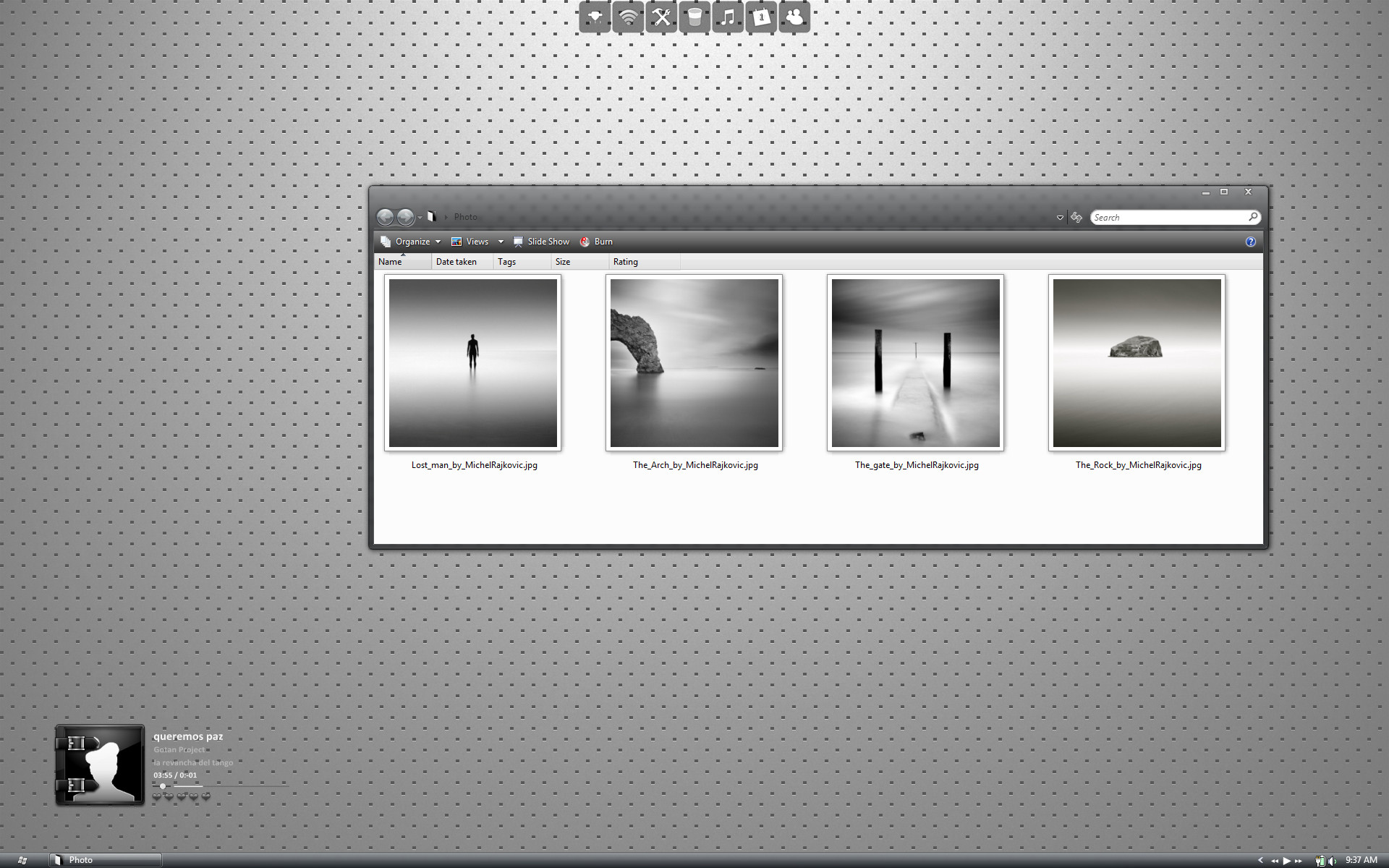
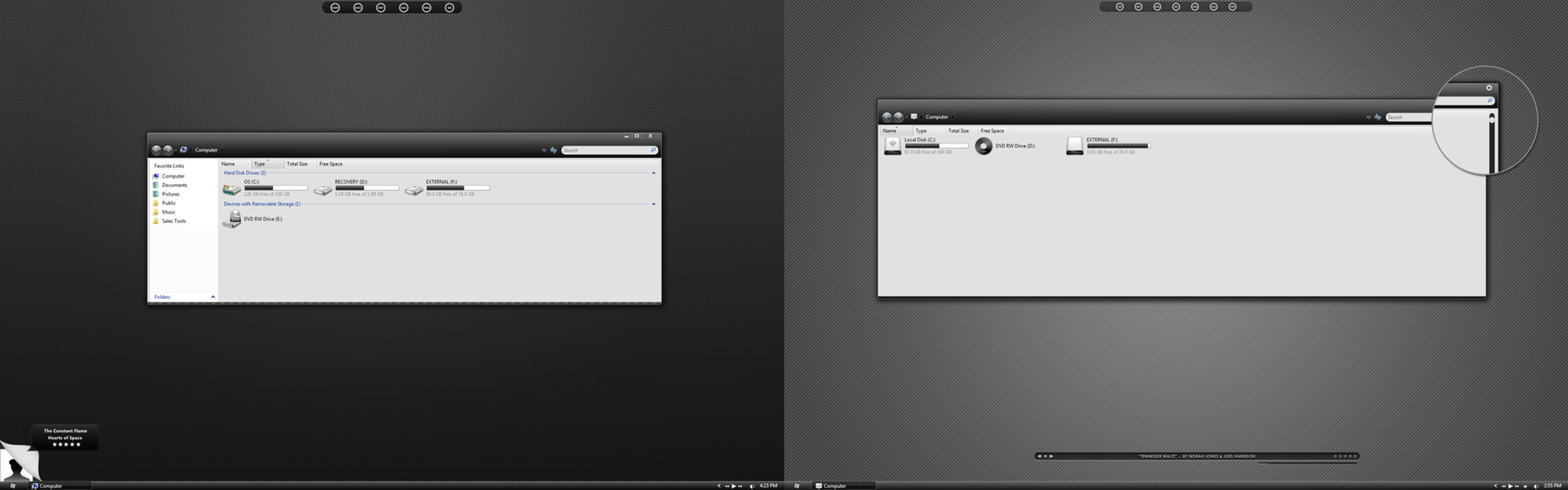
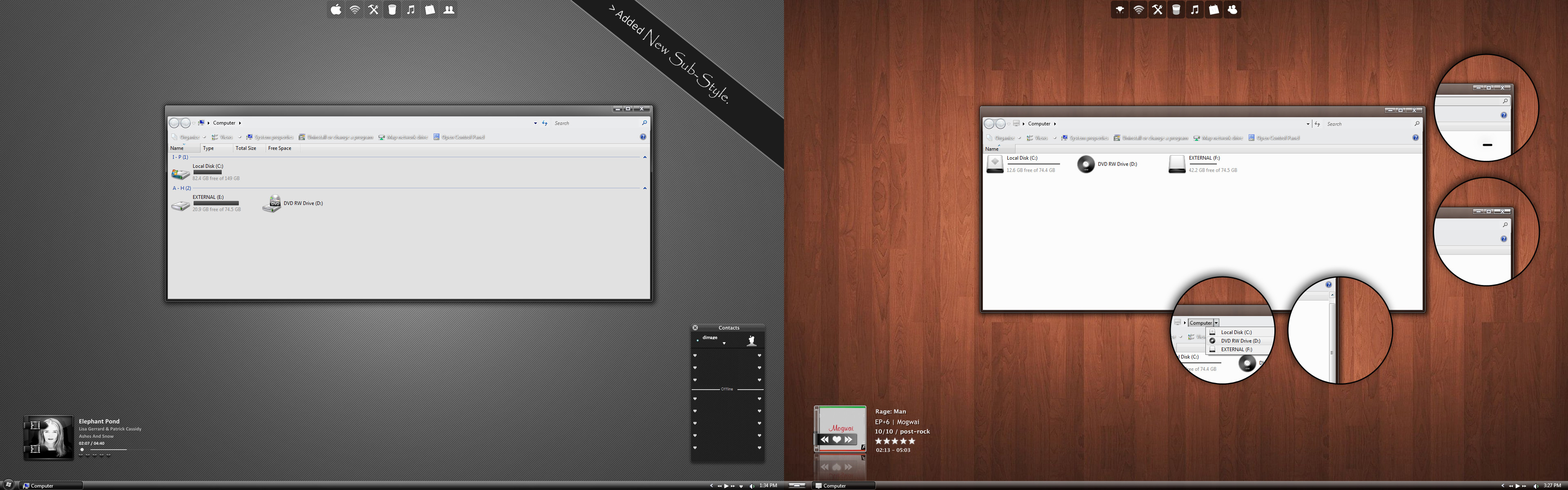
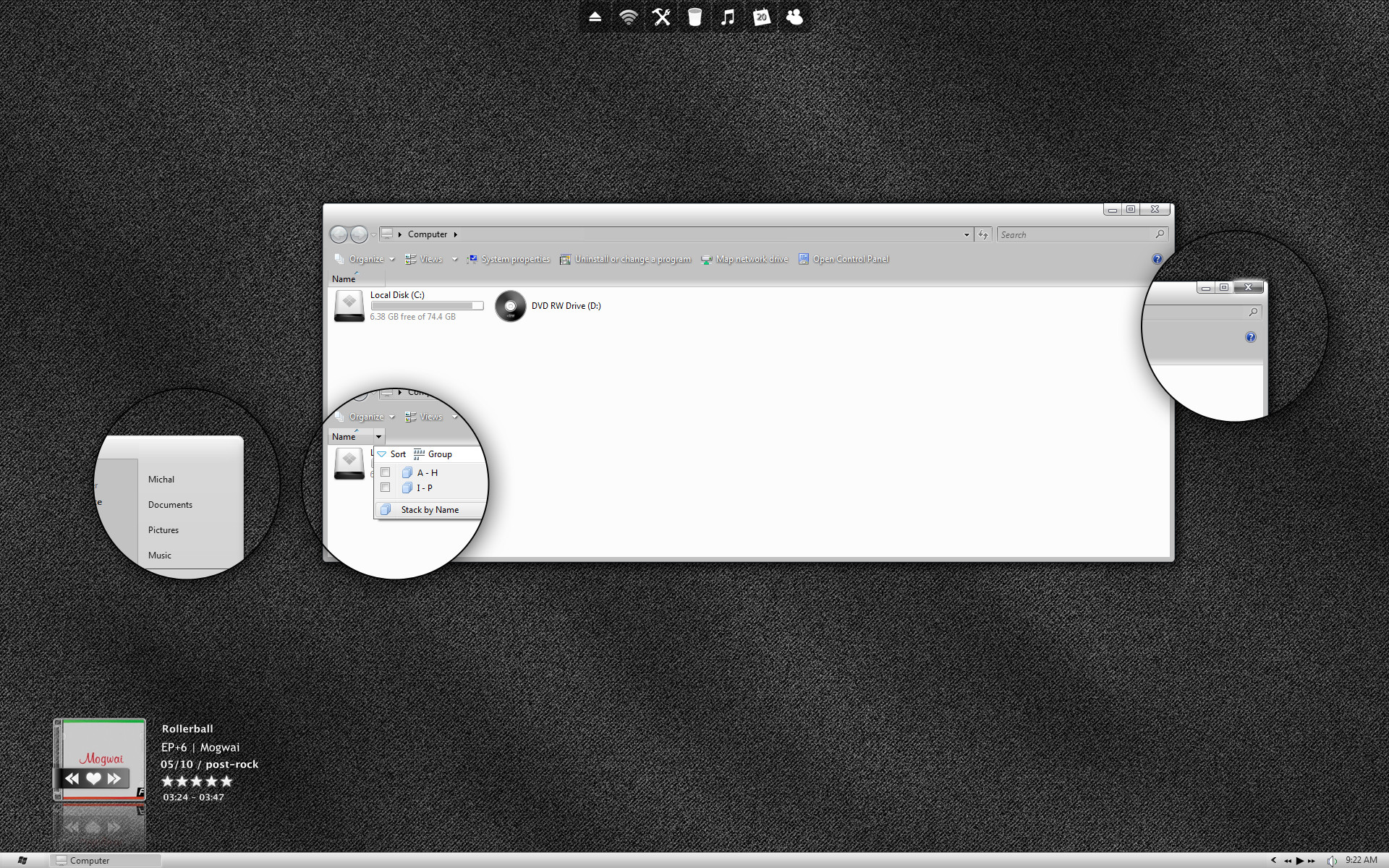
Another Mod of Aero Style>Aero mode only.
Dock Icons from [link]
.: 01-14-09 small update > cleaned up the stream:.
Related content




Comments: 101


nice taskbar and windows but you have to change the buttons, scrolls, tabs etc also to get me favourite you
👍: 0 ⏩: 0


i just went through your favs twice to find that wallpaper.. i couldnt find it? please may you send the link to me?
👍: 0 ⏩: 0


Just patched my system to allow custom themes and this is my first download. Just wanted to say that it's pretty freaking nice! Good job.

👍: 0 ⏩: 0


Does this works with Vista ultimate sp1 using vistaglazz?
👍: 0 ⏩: 1

Hi im new to creating visual styles for vista and i was wondering. How do you make the taskbar as thin as yours? Leave a comment on my page if you can help me.
👍: 0 ⏩: 1

I used one of these templates as a start
[link]
👍: 0 ⏩: 0

is there a patch that needs to be applied to vista before the theme can be applied?
i've tried to apply the theme and it doesn't take effect.
can you re-direct me to a link somewhere that tells me how to patch or something?
i will greatly appreciate it.
:3
👍: 0 ⏩: 0

The .msstyles don't work for me!! Why can't people include .Theme files :@
👍: 0 ⏩: 0


Do you have a link for those folder icons? Been looking for them in your faves.
👍: 0 ⏩: 1
[link]
packed in here i believe
👍: 0 ⏩: 1


i love this theme i just want to know were did u get your icons from as in were it says photos its a white icon and also please share your wallpapers i love them
👍: 0 ⏩: 0

@razzell2
use vistaglazz, it's the simplest way to get work the VSs (read first vistaglazz manual!).
- install vg
- patch
- restart
- copy vs to resources/themes folder
- 2Xclick on *.msstyles
- choose the right VS from the list
👍: 0 ⏩: 0

Good work...but i have a question where i can find the wallpaper...thanks[link]
👍: 0 ⏩: 0

I absoulutly love it! (well, what i have of it)
So Vista home premium, even though has the aero theme with it, isn't aero? I can't seam to get the windows to match yours. which is a shame but i can live with it if it means keepin the sexy taskbar
Thanks
👍: 0 ⏩: 0


I cant get this to work...ive tried everything i have vista home premium...ive tried vistaglazz and that didnt work...ive tried a hack at joejoe.org and nothing worked....can someone tell me how to do it step by step plz?
👍: 0 ⏩: 0

i might sound stupid but can anybody tell me how to apply theses themes?? i really dont know i have vista and i wanna change my theme but dunno how...this is my e-mail sofia3939@hotmail.com if anybody could help me 
👍: 0 ⏩: 1

sofia, im with you. no one will tell me exactly how to install these themes once they are downloaded to my desktop.
can we just extract them directly into our 'C:\Windows\Resources\Themes' folder, and have them work?
or do we have to install some kind of a program, like this vistaglazz that i keep seeing?
but, if you read the comments, there are so many people who are having problems, unfixable problems, with vistaglazz, that i decided not to install it.
anyway, dimage, and sofia....dimage you have some great themes. i really want to install them.
but i dont know how.
and i dont know the best program to use, if indeed we have to use some program to install and run new themes.
what? how? (you good folks that got this theme to install properly, tell us what programs you used to install it? please? did you use vistaglazz?
thanks dimage, sofia, and anyone who replies and tells us what?, and how?
👍: 0 ⏩: 0


I just love these theme. Can you please tell how can apply it without changing the taskbar?
You'll probably asking why do it like the theme so much as if you don't even want to change taskbar... Well, I like it simple, minimalistic, and these black colour. But I'd like to keep original taskbar.
Hope you can help. Many thanks
👍: 0 ⏩: 0


hi there. does anyone know how to work this theme on vista, i just tried but none is workin. any clues. help please. anyway brilliant peice of work.
👍: 0 ⏩: 1

[link]
'Also, if the theme you downloaded comes as ".msstyle" only, then you have to copy the original Aero theme folder, rename it to your new theme's name e.g., "Max clear", and replace the old ".msstyle" file in the copied folder with the new ".msstyle" file.'
👍: 0 ⏩: 0

cant you just make it easier for everyone and create windowblinds skins
👍: 0 ⏩: 0


I really don’t understand this, none of the interfaces on the site work for me unless they contain a “name.theme” file along with their sub folders, default aero works fine, classic works and Vistaglazz installed and functions correctly, every single interface I have tried that contains a custom “name.theme” file works.
Double clicking on the “name.msstyles” in interface sub folders just opens the “Appearance Settings” dialog with a duplicate (and if applied) visually identical aero instead of the new design.
It’s not just this one but any interface that does not include the “name.theme” file.
Is there a step that I’m missing or what?
👍: 0 ⏩: 1


see the edit i added a kink to the description
👍: 0 ⏩: 0

I am not basically a fan of minimalistic interfaces, but this simply beats all the reast. I'm gonna try it right now, but I would really like to have the wallpapers from the screenshot.
Could you tell me where to get them from? Thanks a lot!
👍: 0 ⏩: 1


| Next =>