HOME | DD
 dimage — Q2 ::
Published: 2009-04-16 16:12:17 +0000 UTC; Views: 20750; Favourites: 34; Downloads: 8401
Redirect to original
Description
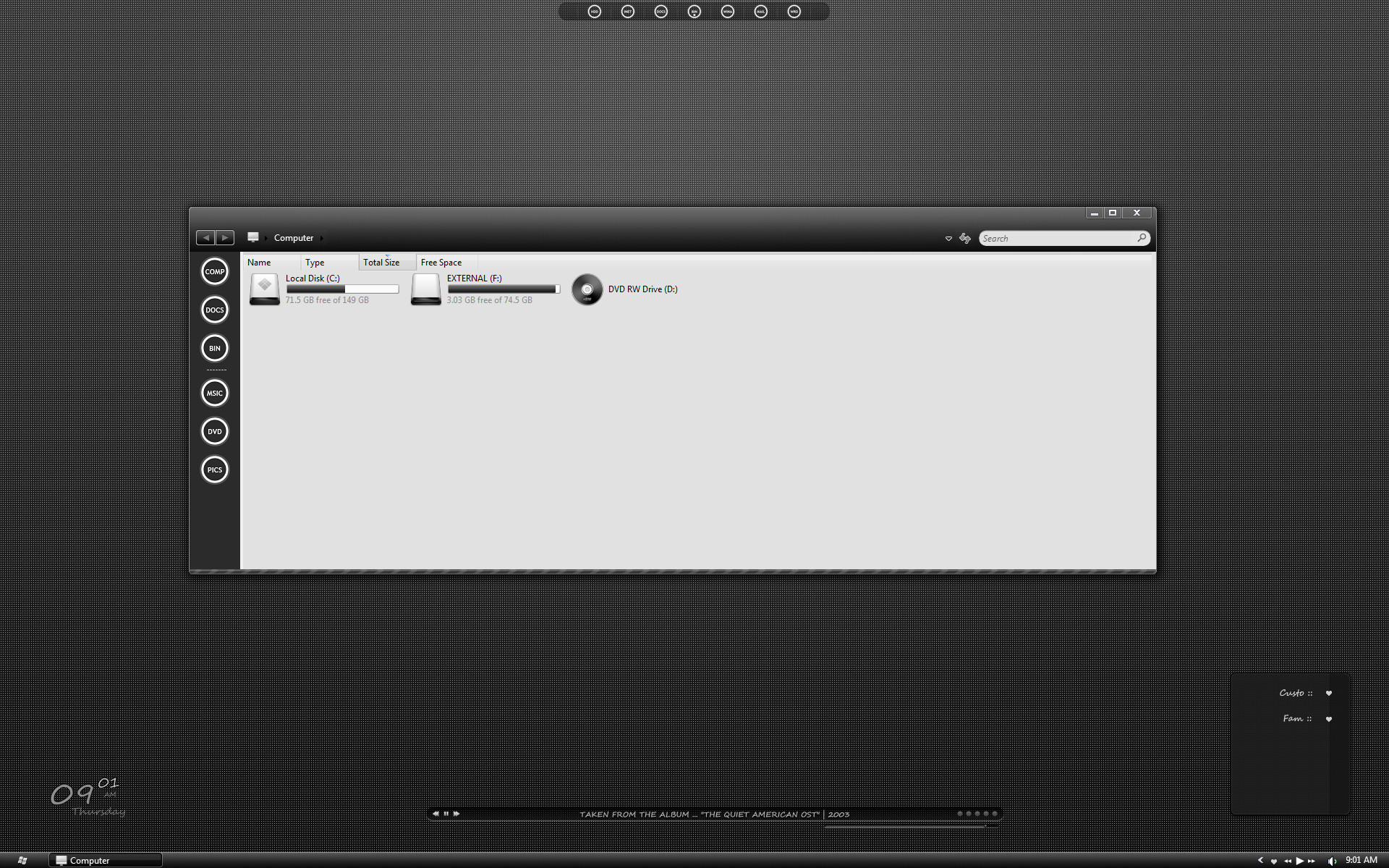
Vista : : VS aero only> designed to simulate 1px border left side works along with.
Findexer :: [link]
> background color (R 43 / G 43 / B 43)
Dock :: [link]
CAD :: [link]
Miranda :: [link]
AveDesk :: [link]
Wall :: [link]
browserui included :: use @ own risk
Related content






Comments: 44

Love it 
👍: 0 ⏩: 0

I just installed this theme and there are some slight differences but quite important to me so please help
👍: 0 ⏩: 1

hmm try the Q version that may have the times you are looking for.
icons are in here [link]
👍: 0 ⏩: 0

how did u add the play and pause button on the taskbar?
👍: 0 ⏩: 1


Can you say me how I can remove the Favourite Links and the Command Bar like you? Now it's look like this: [link]
👍: 0 ⏩: 1
expand the top shell bar (it is set on autohide) then select :
👍: 0 ⏩: 1
Thank you, but there is a other problem now. If I close the window and open it again the FindeXer doesn't load automatically. What can I do?
👍: 0 ⏩: 1
make sure you have the option selected "load findexer for each window"
👍: 0 ⏩: 1
Where I can choose this option I don't find it.
👍: 0 ⏩: 0


Ok, wow, very good vista shot, and I didn't know that side bar thing worked in vista. Cool stuff
👍: 0 ⏩: 1
Lol, I mean good vista theme... err... I'm tired

👍: 0 ⏩: 0

Can u plz give me the icons that you have in FindXer and in Objectdock those look really cool
by the way nice work man( one of my favorites)
👍: 0 ⏩: 1

hey, im sorry to bother you, but i went through his favs and i cant find those icons, could you send me a link? thanks.
👍: 0 ⏩: 0

have something of windows longhorn style...
and i like your theme so much 
👍: 0 ⏩: 0


Can anyone help me making a simple guide on how to install the theme permanent?
I have tried hard for a long time now. Tried Styleselector and Vistaglazz, but nothing works
I have a Vista 32-bit

👍: 0 ⏩: 0


For people that have trouble replacing the browseui.dll. I once bricked my Vista while replacing it. 
Like the style btw. Let's try that FindeXer one more time
👍: 0 ⏩: 1
For some reason the MS C Runtime Libraries For VS2005 don't seem to install.. Clicking the file gives a popup with loading and preporation for install (like it's supposed to), but then it's gone and nothing happens -.-'
👍: 0 ⏩: 1
hmm i used the 2008 Redistributable Package and it worked
👍: 0 ⏩: 0


I am eager to use it.
Great, that Findexer works on Vista, too!
I'll test it immediately on my PC.

👍: 0 ⏩: 1
Thanks for the information, mate.
I have tried to install it, and it worked partially. I am not too familiar with VS since I'm using WB. And FindeXer worked, but if I close the window and I reopen it, it's gone.
Anyway. A very nice theme you did here. Thanks for the share!

👍: 0 ⏩: 0

How did you get FindeXer to work in Vista? Not working over here...
👍: 0 ⏩: 1
hmm worked for me make sure you have the latest build
👍: 0 ⏩: 0


This looks promising. I like the feel of it and how there are stripes along the bottom.
By the way, how did you manage the 1px border?
👍: 0 ⏩: 0

i love your desktop
👍: 0 ⏩: 0


Looks realy good. Hope that you will release it someday.
Btw. how did you get the icons on the right of the explorer?
👍: 0 ⏩: 1
Thanks, Findexer follow the link in the descriptions
👍: 0 ⏩: 1
Ah thanks, I always thought it is only for xp
👍: 0 ⏩: 0