HOME | DD
 Geosammy — Planet Rings
Published: 2012-08-31 20:10:54 +0000 UTC; Views: 3400; Favourites: 43; Downloads: 99
Redirect to original
Description
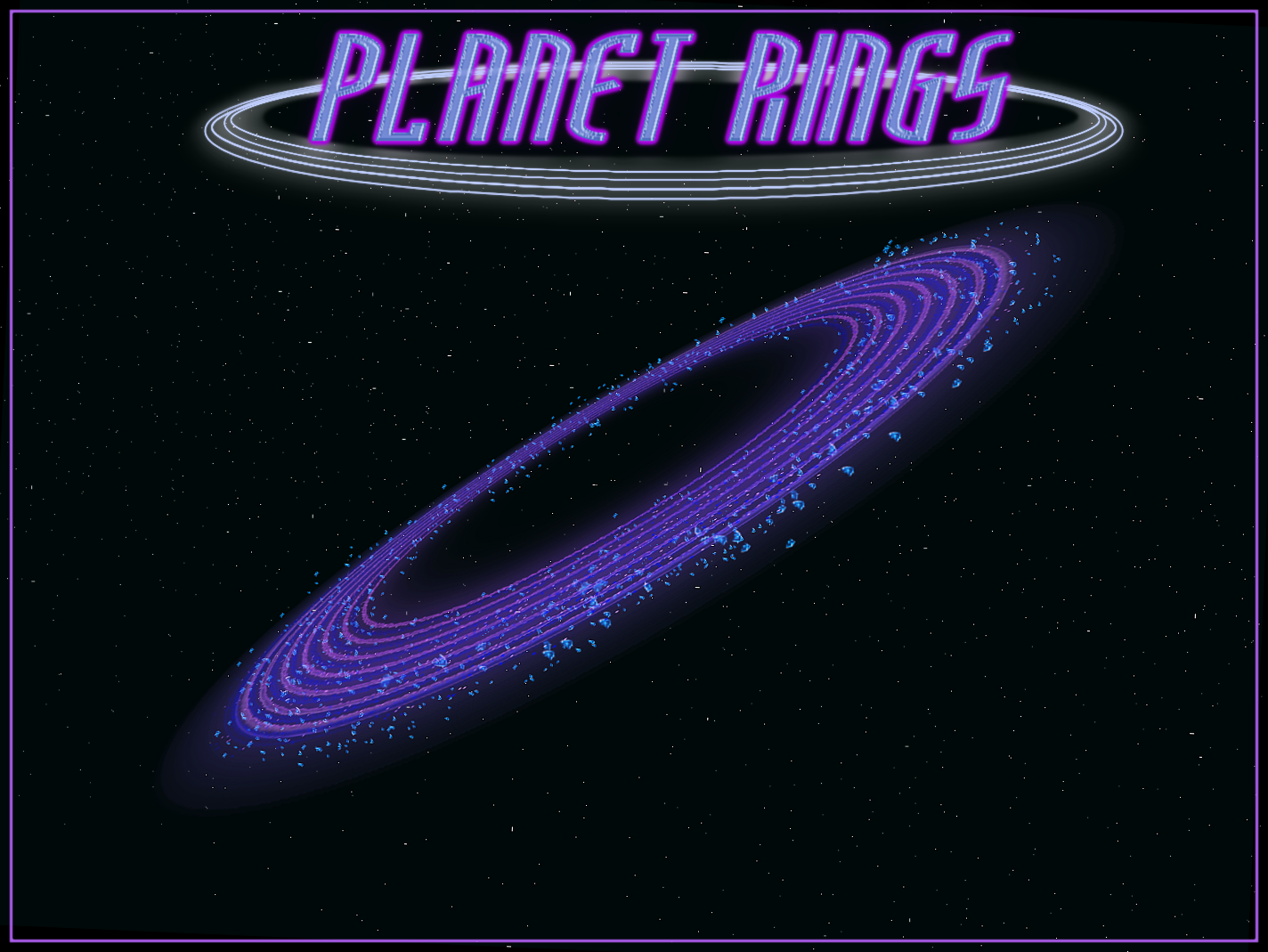
In this zip file are, a Photoshop Document and a Gimp XCF file along with PNG images of the different layers used to create these "planet rings".This planet ring has 3 layers and 4 layers if you count the black background. Only the preview image is in color.
The layers are named as follows:
Ring 1
Ring 2
Debris/Junk
BG
Planet Rings Example Image: [link]
Made Using 2.6.11
Related content





Comments: 17


... I hope you have as much fun here as I do.
Thanks for the favor and your comment, 
👍: 0 ⏩: 0

I've seen them and yours are fine. 
Thanks for the compliment. 
It was an experiment that worked out well, I put it together so other might us it in their space art.
I'd love to see someone use it. That's the ultimatum compliment really.
👍: 0 ⏩: 1

It really does feel good when people enjoy our work. I know someone will use yours.
👍: 0 ⏩: 1
I'm going to try and put together a tutorial on this for , because I noticed there's lots of them for and I haven't see any for .
I will try and explain the base for making planet rings.
I use a "steep-bar" gradient that I made to create the rings. Here is an image of this gradient... [link]
I start with a canvas that has even dimensions, such as 1200x1800. I then place 2 guide lines to establish the center.
Once I have the center point I place this gradient (set to "radial") within a circle, starting from the center mark with the gradient, dragging outward toward the edge of the elliptical selection.
This will form a good base to begin creating the rings.
I also made an animated-brush to use to paint the debris/junk that is around the rings.
Once I have this base, I then enlarge the canvas to about twice it's size and center the image, then I stretch it out with the "perspective tool" to my desired appearance.
I duplicate this layer once and then do an alpha-to-select, feather of 10 and invert the selection then clear it.
This will be used to make a layer of "noise".
I move this layer slightly to reveal it's rings more and set the layers mode to "dissolve" and lower it's opacity to about 50%.
Next I duplicate the original base layer to give the rings an atmosphere by applying a large "Gaussian blur" effect of about 150-200 or more and lower it's opacity to about 50%.
Once this is done I add a new layer and paint in the debris/junk with the animated-brush of debris/junk that I made.
I next give each layer the color I want and merge it all together.
This is basically the outline of the tutorial I was thinking of making. This is not written in stone and you should experiment to make something to your liking.
This will give you a good base on how to create your own planetary rings.
If you need the steep-bar "gradient" for gimp let me know and I'll try to supply it to you.

👍: 0 ⏩: 2

wow, thank you very much!! You will make tutorial for this right? I will wait for it
👍: 0 ⏩: 1
I decided not to make the tutorial after all, sorry.
👍: 0 ⏩: 0
I failed to mention to remove the center to make room for your planet before resizing the canvas and doing any of the other operations. This is important and must be done before you begin duplicating this layer or continuing.
👍: 0 ⏩: 0