HOME | DD
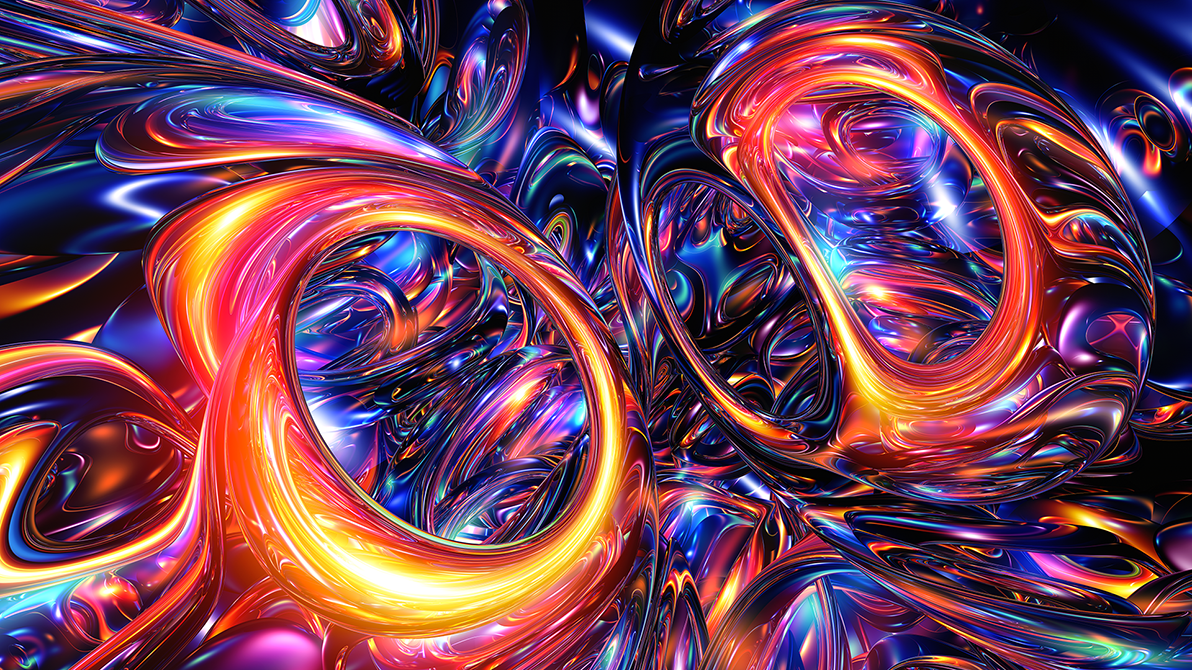
 HalTenny — Sphere Cluster

Published: 2012-01-27 16:13:03 +0000 UTC; Views: 2718; Favourites: 61; Downloads: 0
Redirect to original
Description
Still lurking around.Related content




Comments: 44


Thanks! Glad you had a look at some older pieces.
👍: 0 ⏩: 0

Beautiful! A very clean render. I'm working on finding the right settings for my renders. What settings do you use to get them this clean? How big do you render? I have made my best images 8000x6000 px and I usually get a rendertime of about 6-10 hours.
👍: 0 ⏩: 1
It can greatly depend on the formulas you use and their settings. Some formulas are just noisy and large renders are one of the ways to help fix that. The formulas I used in this piece are not generally noisy so clean renders are easy. My basic render settings are DE stop: varies according to render size (Increasing DE stop while previewing your image might help clear up some noise. Once you have it set in preview, do not change after scaling up for final render as it changes automatically when you scale up for rendering. Check the box Vary DE stop on FOV) ~ Raystep multiplier: 0.08 to 0.01 (lowest for noisy images. Higher for smooth images. Lower settings increase render time) ~ Stepwidth limiter: 1 (I almost always use 1, but 0.5 to 0.1 might help noisy formulas though I have never had success with it) ~ Stepcount: 12 ~ Smooth normals: 3 ~ Normals on DE stop and first step random I usually have checked. Raystep sub DE stop is checked if your DE stop is high. I don't know what is considered high though, maybe 15 or 20?
I rarely render higher than 5760 X 3240 (16:9 ratio for my monitor) for clear images. Unless you specifically want an image size of 8000X6000 for some reason, you can also use the view buttons (top middle of the main window) to reduce the size (before saving) with anti-aliasing. 1:2 or 1:3 will use anti-aliasing and help the image somewhat. If you have a specific image you're having trouble with, you can note me the parameters and I can look at if you wish. Then I can tell you if it's a formula issue or if noise can be overcome or not. Hope this info helps some!
👍: 0 ⏩: 1
It helps a lot. Thanks! I have been wondering about anti-aliasing. I would never have thought of looking for it in the viewing size! I was more into thinking that I might have to render an animation with only one frame, or something.
👍: 0 ⏩: 0

What a lovely smooth render - cool forms. Glad I stumbled upon it!
👍: 0 ⏩: 1