HOME | DD
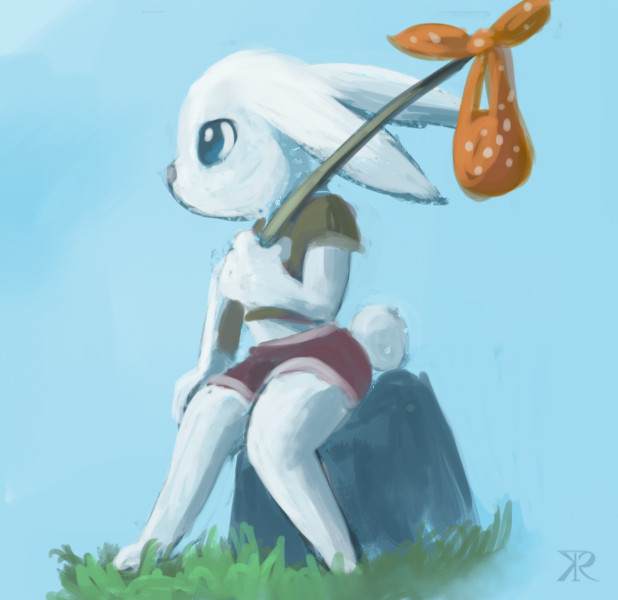
 hydrowing — Lost

Published: 2014-02-16 13:06:20 +0000 UTC; Views: 1171; Favourites: 33; Downloads: 0
Redirect to original
Related content






Comments: 3

Hello:
I like this pic a lot, I hope your charatcer will find his/her way back 
The texture you used gives a big plus to the image's overall environment and mood. I suppose you add it as a layer in a program like Photoshop or PSP?
Keep it up! 
👍: 0 ⏩: 1

Thanks. =ω=
Yes the texture is a layer above all other layers.
Set the blending mode to "soft light" or "overlay" makes it mix with original picture.
Then I adjust the texture's hue/saturation/lightness/opacity to make it not affect the original color too much.
This can be done in any program that support layer blending mode. =ω=
👍: 0 ⏩: 1
Hello:
Thank you for the reply!
I do use a lot the layer opacity feature for my 3d models, as they give extra hull details and it works really well.
But I'll keep your tip saved in a notepad for future reference because of how you've made the colors not affect your original
👍: 0 ⏩: 0