HOME | DD
 hyperion — Glimmerz
by-nc-sa
hyperion — Glimmerz
by-nc-sa
Published: 2009-07-29 05:05:58 +0000 UTC; Views: 3406; Favourites: 11; Downloads: 599
Redirect to original
Description
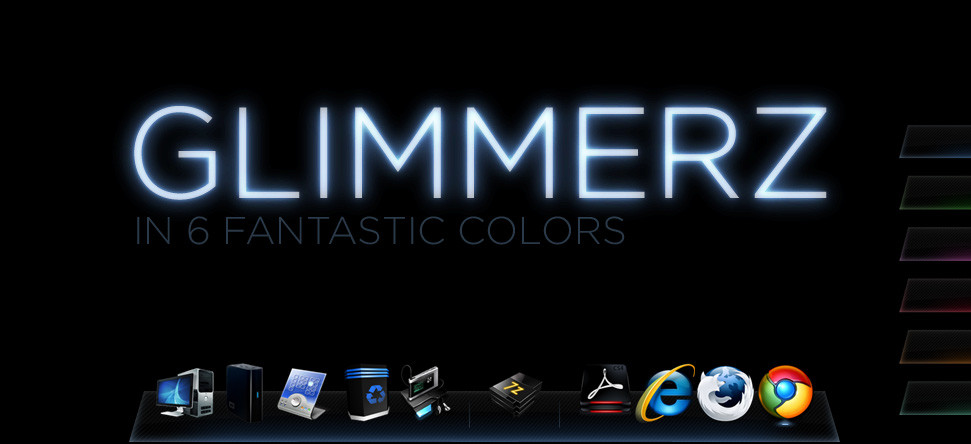
Glimmerz-------------------------------------------------------------This is a Rocket Dock theme I decided to create. I had a lot of fun with it and I hope other people get some use out of it.
Heavily Inspired by... ~tienano
- he has a beautiful set of Wii Black windowblinds themes
Indicators------------------------------------------------------------
The indicator lights do not work by default so follow these steps.
1. Navigate to C:\Program Files\RocketDock\Defaults\DefaultIndicator
2. Rename indicator.png to indicator1.png
3. Copy indicator.png from the theme your using
4. Paste it into C:\Program Files\RocketDock\Defaults\DefaultIndicator
HAVE FUN!
Related content










Comments: 6


The only thing that would make it better (in my opinion) is if the black part was either 100% transparent, or mostly transparent with a "glassy" look.
Even so, I'm still using it. I love this dock skin.

👍: 0 ⏩: 0

dude how do u make the dock work? i dont have idea how lol.....do u use a software to install it? cus there is no .exe in the zip folder :[
👍: 0 ⏩: 2
k so i got it to work lol thanks to u. the only thing that didn't work was the indicator even though i did as u say in the artists comments
👍: 0 ⏩: 0

1) go to rocketdock.com
2) download rocketdock and install it.
3) copy the folders in my zip file to c:/program files/rocketdock/skins
run rucketdock. right click the dock and go to dock settings, then style, then select the skin from the drop down menu.
👍: 0 ⏩: 1