HOME | DD

kendrin — Texture and Pattern Brushes

Published: 2013-08-01 23:26:35 +0000 UTC; Views: 49142; Favourites: 2779; Downloads: 7737
Redirect to original
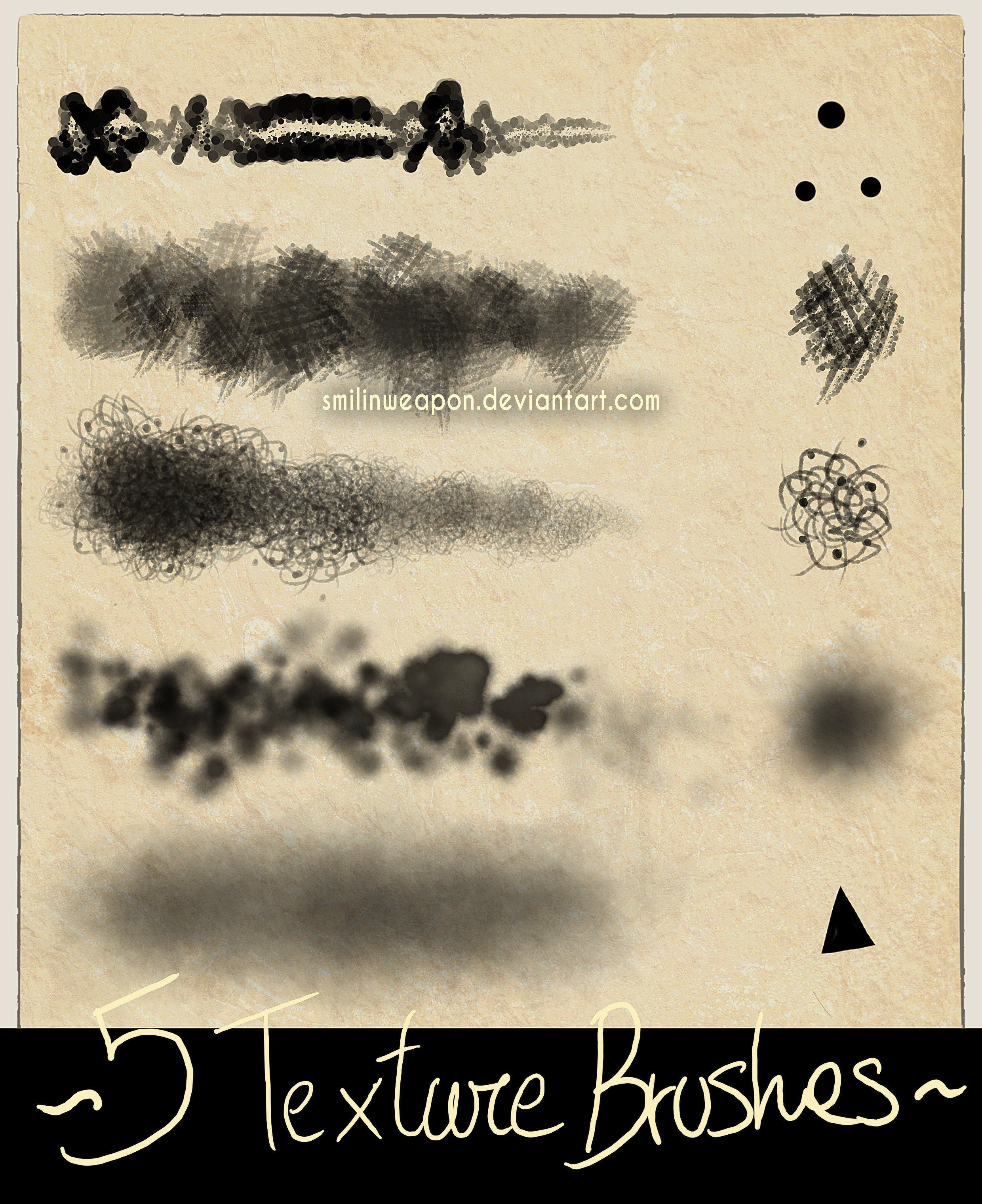
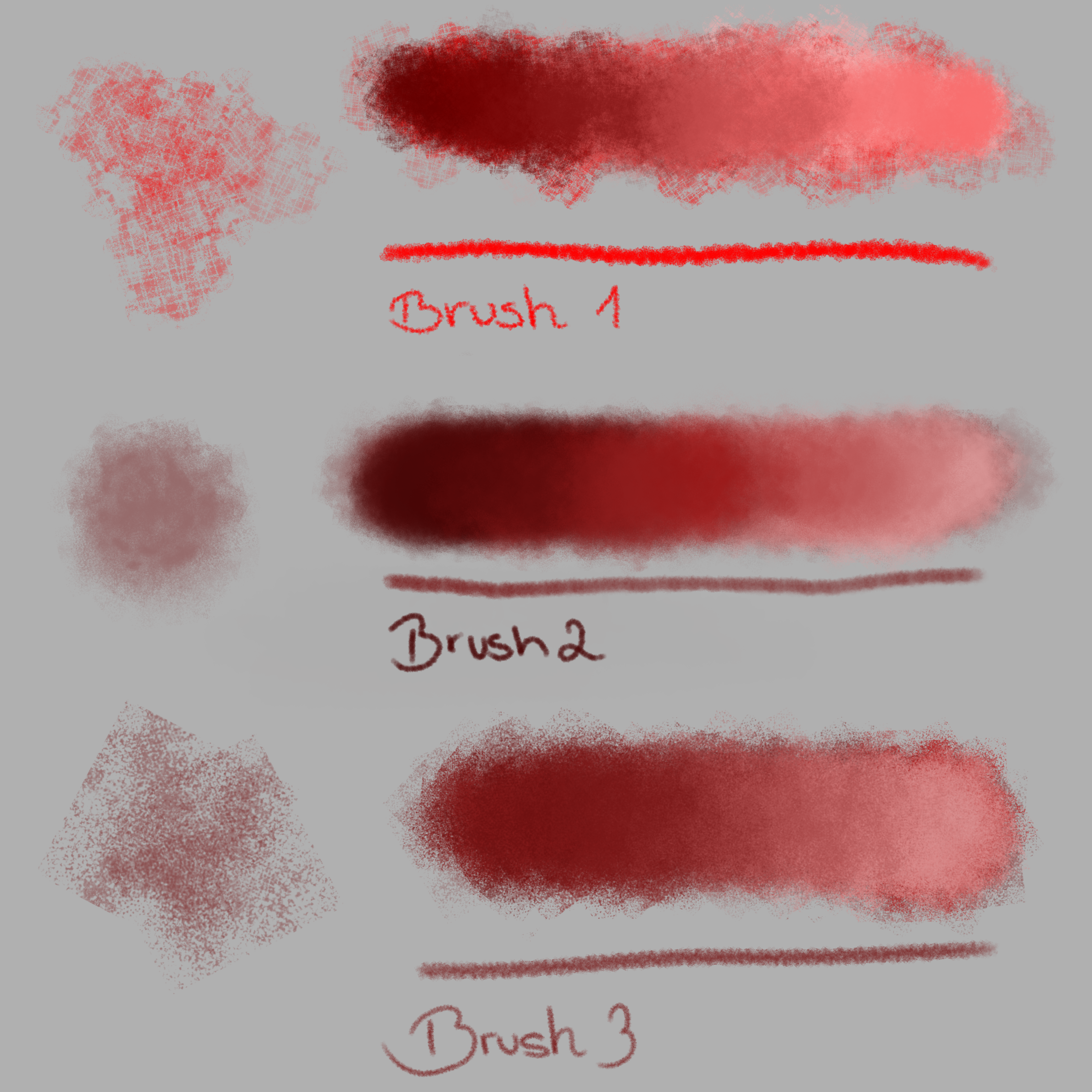
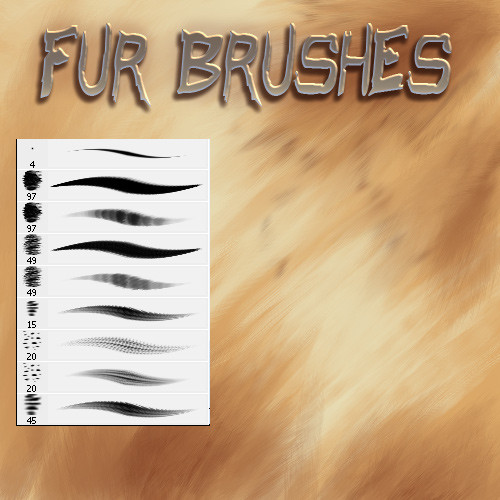
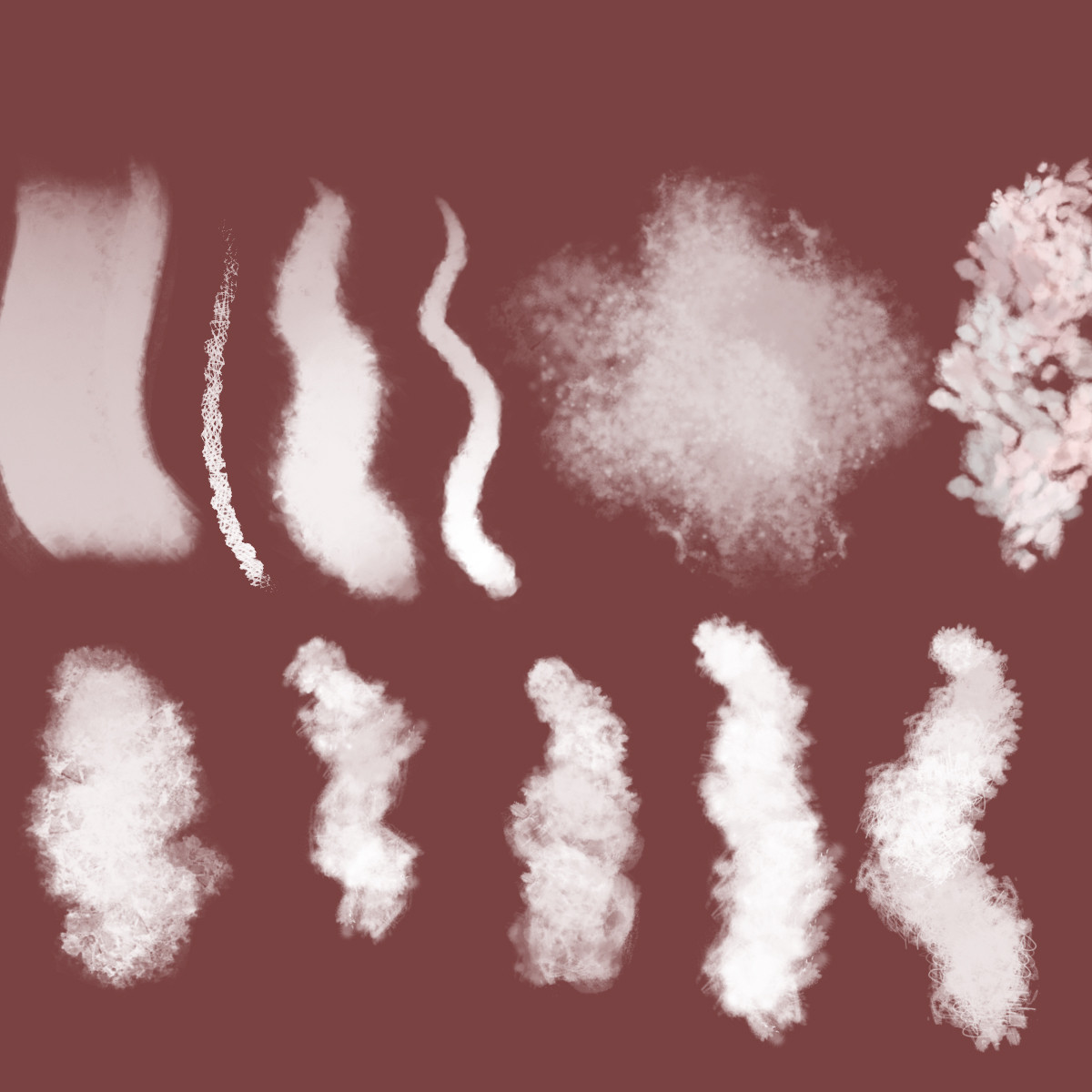
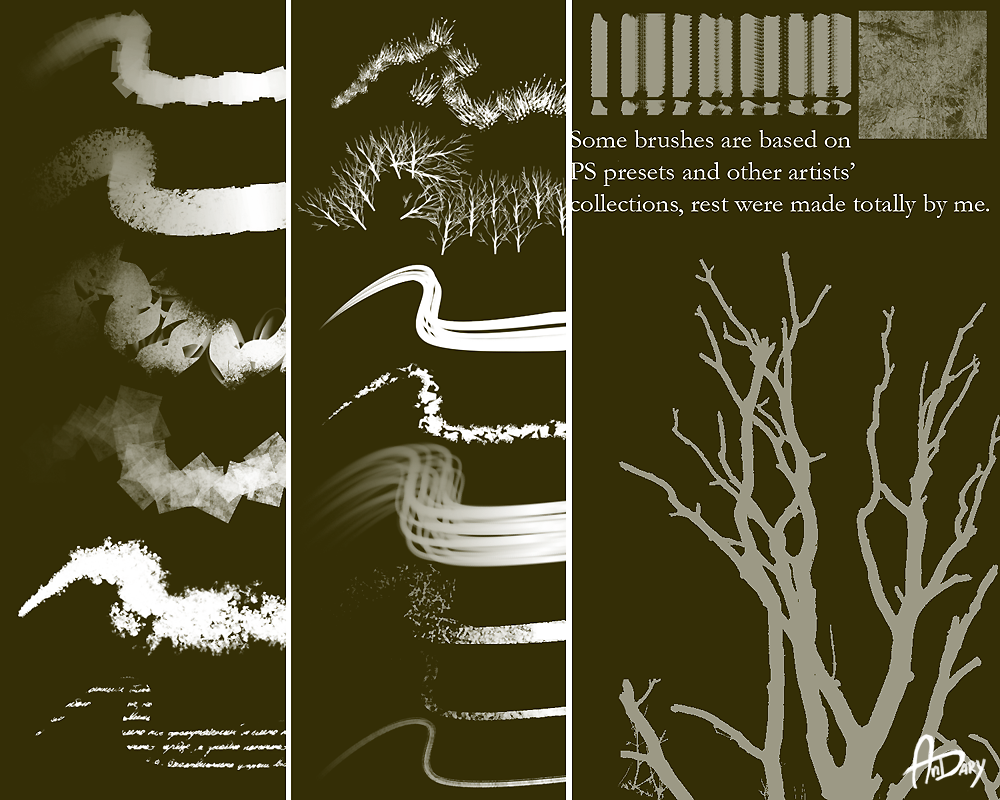
Description A collection of 18 Photoshop Brushes (created in CS3) that I made myself and have used for different purposes over time.

Free to download and use in your own work as you will — personal or commercial application. No need to ask, just enjoy. No credit required, if you use them, but link back here if you want to share them with others. Not for resale.

If you wanna show me what you do with them, great. If not, no big deal.

Have fun.

EDIT:

Holy flamin' electrons, Batman! I never expected the response this post has received. It's at once gratifying and surprising to me. So, thank you, all.

For those that are curious, I've posted a journal entry about my thoughts around these brushes, including a few hints about how they were made and why. You can find the post at: kendrin.deviantart.com/journal…

Sláinte
Related content
Comments: 279

Milvaed [2015-07-26 17:50:44 +0000 UTC]

Downloaded ! Thank you so much for sharing ! I'll test that ASAP

👍: 0 ⏩: 1

kendrin In reply to Milvaed [2015-07-27 02:39:04 +0000 UTC]

You're very welcome. Enjoy them!

👍: 0 ⏩: 1

Milvaed In reply to kendrin [2015-07-27 14:08:24 +0000 UTC]

Thank you I'm already trying them !

👍: 0 ⏩: 1

kendrin In reply to Milvaed [2015-07-31 18:39:04 +0000 UTC]

You're very welcome. Enjoy!  

👍: 0 ⏩: 0

Mlm0 [2014-08-02 19:44:53 +0000 UTC]

Going to try them today, thanks for making them and sharing, going to link when i make something.

👍: 0 ⏩: 1

kendrin In reply to Mlm0 [2014-08-15 17:31:52 +0000 UTC]

Great. I'll look forward to seeing it.

👍: 0 ⏩: 1

Mlm0 In reply to kendrin [2014-08-16 03:31:15 +0000 UTC]

👍: 0 ⏩: 1

kendrin In reply to Mlm0 [2014-08-18 19:43:22 +0000 UTC]

👍: 0 ⏩: 0

aniforlife [2014-08-01 08:00:36 +0000 UTC]

thank you very much for the brush set!!

👍: 0 ⏩: 1

kendrin In reply to aniforlife [2014-08-15 17:32:02 +0000 UTC]

You're welcome.

👍: 0 ⏩: 0

TheOwl68 [2014-07-29 22:49:43 +0000 UTC]

These look great thank you so much for creating & sharing~

👍: 0 ⏩: 1

kendrin In reply to TheOwl68 [2014-07-30 04:31:07 +0000 UTC]

You're quite welcome.

👍: 0 ⏩: 0

Gell-pen [2014-07-28 03:22:19 +0000 UTC]

Couple years too late but YOU ARE A GOD SEND! THIS IS FANTASTIC! <3

👍: 0 ⏩: 1

kendrin In reply to Gell-pen [2014-07-30 04:31:19 +0000 UTC]

You're welcome.

👍: 0 ⏩: 0

SigiTurtle [2014-01-16 19:01:45 +0000 UTC]

I did it again^^

Thank you very much for sharing.
Used and credits given here:
Faved here: ziggyturtle.deviantart.com/fav…

👍: 0 ⏩: 1

kendrin In reply to SigiTurtle [2014-01-20 22:37:56 +0000 UTC]

Very cool.

👍: 0 ⏩: 0

SigiTurtle [2013-12-12 12:16:09 +0000 UTC]

Thanks a lot
I used ih here for the scarf:
It matches perfectly *.*

👍: 0 ⏩: 1

kendrin In reply to SigiTurtle [2013-12-18 03:06:07 +0000 UTC]

Oh, cool. Great job. Thanks for showing me.

👍: 0 ⏩: 0

xAlsatianx [2013-12-10 21:38:41 +0000 UTC]

Amazing<3
Thank you so much for these!

👍: 0 ⏩: 1

kendrin In reply to xAlsatianx [2013-12-12 02:36:20 +0000 UTC]

You're quite welcome.

👍: 0 ⏩: 0

tuxee [2013-11-06 06:59:52 +0000 UTC]

Amazin <3 Will use

👍: 0 ⏩: 1

kendrin In reply to tuxee [2013-11-07 02:04:27 +0000 UTC]

Thank you. Enjoy.

👍: 0 ⏩: 0

SSaraJane [2013-11-04 22:39:43 +0000 UTC]

thanks so much


👍: 0 ⏩: 1

kendrin In reply to SSaraJane [2013-11-05 23:11:56 +0000 UTC]

You're very welcome.

👍: 0 ⏩: 0

flokastres [2013-09-02 15:54:03 +0000 UTC]

Thanks for these!

👍: 0 ⏩: 1

kendrin In reply to flokastres [2013-09-03 18:30:49 +0000 UTC]

You're welcome.

👍: 0 ⏩: 0

Biku--Chan [2013-08-31 06:07:47 +0000 UTC]

Umm dose this count for Adobie elements it is Photoshop but dose it have the same brushes?

👍: 0 ⏩: 1

kendrin In reply to Biku--Chan [2013-09-01 23:08:48 +0000 UTC]

To be honest, I'm not sure. I imagine they're compatible, yes, since Photoshop Elements is largely derived from Photoshop itself. But, I've never had to try them to find out. A quick Google search, however, suggests they should work.

👍: 0 ⏩: 1

Biku--Chan In reply to kendrin [2013-09-02 02:02:10 +0000 UTC]

ok thank you

👍: 0 ⏩: 1

kendrin In reply to Biku--Chan [2013-09-02 15:08:54 +0000 UTC]

You're welcome.

👍: 0 ⏩: 0

Noel-24 [2013-08-31 03:48:55 +0000 UTC]

Thank you for this

👍: 0 ⏩: 1

kendrin In reply to Noel-24 [2013-09-01 23:07:04 +0000 UTC]

You're welcome.

👍: 0 ⏩: 0

Miafka [2013-08-28 13:56:27 +0000 UTC]

Спасибо огромное) Очень полезные и красивые кисти) 

👍: 0 ⏩: 1

kendrin In reply to Miafka [2013-08-29 02:27:10 +0000 UTC]

Вы очень приветствуются.


(Not being a Russian-speaker, I'm really hoping the Google translation was right!)


You're very welcome, in any case. And thank you.

👍: 0 ⏩: 0

Amjad-Miandad [2013-08-23 16:00:07 +0000 UTC]

thank you very much dear

👍: 0 ⏩: 1

kendrin In reply to Amjad-Miandad [2013-08-24 16:03:35 +0000 UTC]

You're welcome.

👍: 0 ⏩: 0

caleb-case [2013-08-18 13:37:18 +0000 UTC]

I'll have to try these awesome looking brushes out on a good job

👍: 0 ⏩: 1

kendrin In reply to caleb-case [2013-08-18 15:18:08 +0000 UTC]

Thanks very much.

👍: 0 ⏩: 1

caleb-case In reply to kendrin [2013-08-18 16:42:24 +0000 UTC]

you're most welcome

👍: 0 ⏩: 0

NikoRuRene [2013-08-10 01:59:15 +0000 UTC]

These are great!! I was wondering how you make the hair effect on the left side. I've been trying and nothing seems to work. 

👍: 0 ⏩: 1

kendrin In reply to NikoRuRene [2013-08-10 03:59:20 +0000 UTC]

It's done by layering values and paying attention to the flow of the lock -- where the highlights and shadows would be. I switched between three different values of grey... light, mid, and dark. (Generally, if it looks right in monochrome, it will look right in colour.) Mostly, I used the dark as a base, added the mid over top as the main body of the lock, and then the light sparingly as highlight on top. The colour was added via a colour-layer after, which basically included a fill and a clipping mask. 


I also changed the size of the brush. Bigger strokes form the base, smaller strokes get added on top. 


Basically, it requires patience and experimentation. I also suggest you take a look at a few hair tutorials out there. They can help you understand how locks flow and where the highlights and shadows fall.


👍: 0 ⏩: 1

NikoRuRene In reply to kendrin [2013-08-10 15:22:22 +0000 UTC]

Ahh, okay. Thank you so much! 

👍: 0 ⏩: 1

kendrin In reply to NikoRuRene [2013-08-11 16:59:19 +0000 UTC]

You're welcome.

👍: 0 ⏩: 0

SkyeDrakeDemonae [2013-08-05 22:39:32 +0000 UTC]

amazing! love it!

👍: 0 ⏩: 1

kendrin In reply to SkyeDrakeDemonae [2013-08-06 01:18:44 +0000 UTC]

Thanks!

👍: 0 ⏩: 0

Dawnface [2013-08-04 17:11:21 +0000 UTC]

Downloaded them, going to install and try them out now! These brushes look amazing, ahh I might have to start using Photoshop again! :'D

👍: 0 ⏩: 1

kendrin In reply to Dawnface [2013-08-04 17:24:37 +0000 UTC]

Thanks! Good luck with them. Enjoy.

👍: 0 ⏩: 0

WoadedFox [2013-08-04 11:46:46 +0000 UTC]

would these work with GIMP2.6?

👍: 0 ⏩: 1

kendrin In reply to WoadedFox [2013-08-04 15:34:26 +0000 UTC]

I don't know. I've never tried. 


That said, I found a tutorial that says "Yes": graphicssoft.about.com/od/gimp…


My best suggestion is that you try it and let me know.


Thanks!

👍: 0 ⏩: 1

WoadedFox In reply to kendrin [2013-08-05 09:18:18 +0000 UTC]

Oh thanks, i will take a look at this later and see if it works I shall get back to you soon thanks again!

👍: 0 ⏩: 1


| Next =>