HOME | DD
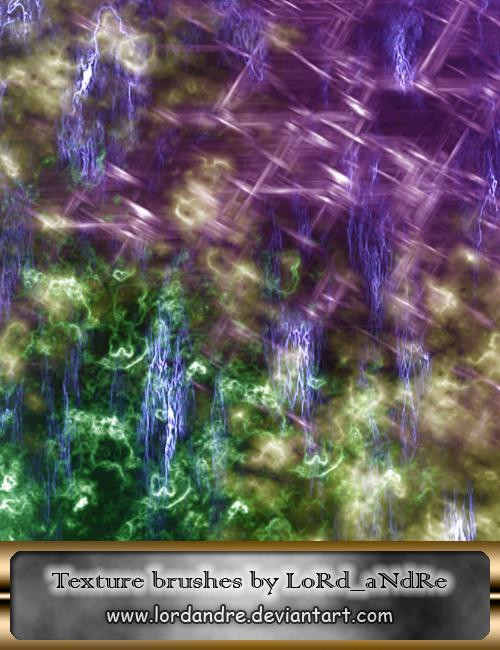
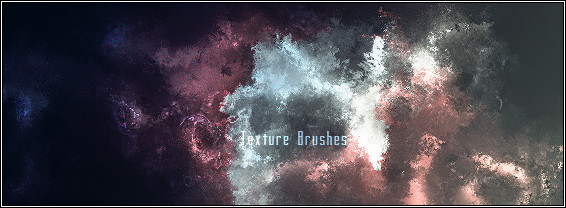
 LoRdaNdRe — Texture brushes
Published: 2008-05-04 09:52:48 +0000 UTC; Views: 2428; Favourites: 23; Downloads: 648
Redirect to original
Description
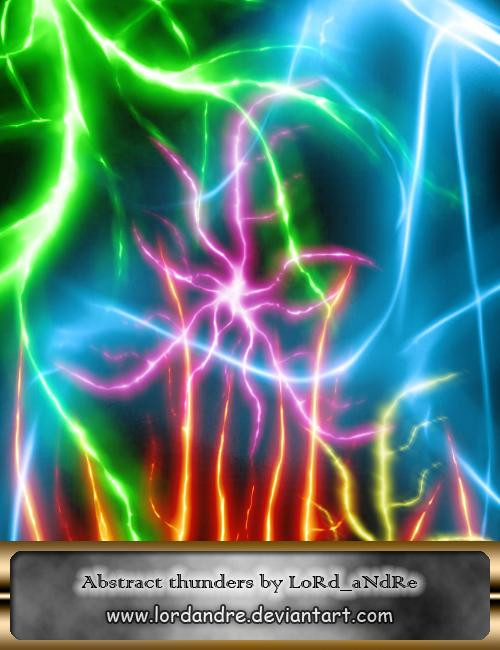
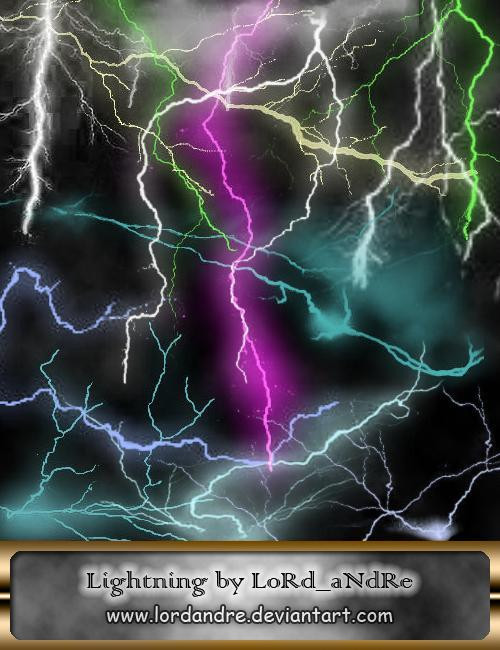
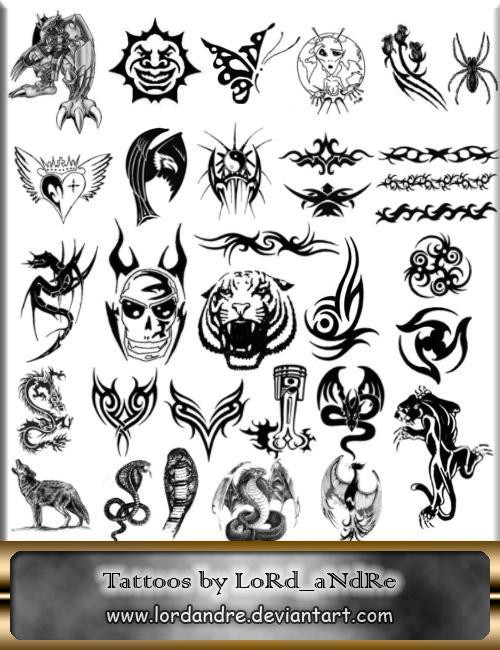
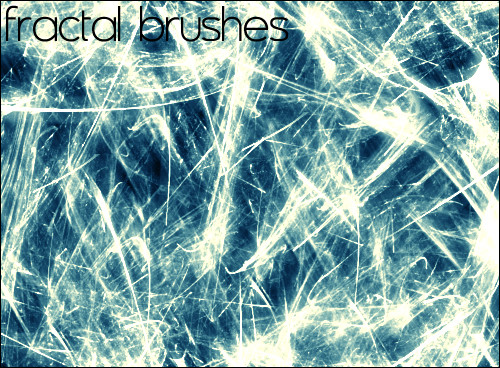
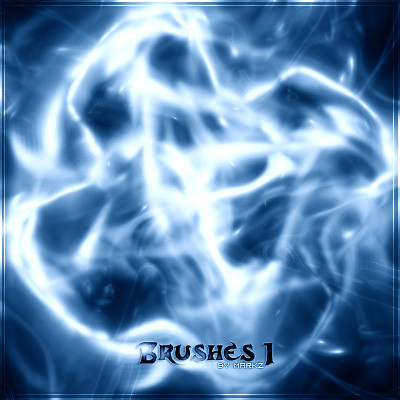
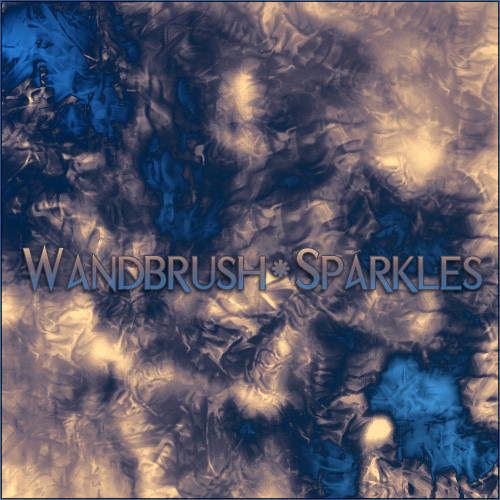
Brushes: 6Resolution: 1264-1500px
Made in PS CS3.
Image pack included.
Visit my profile and watch my other brushes here: [link]
Related content









Comments: 8
how do i download.
it won't open afterwards, it tries to open with the internet.
:/
👍: 0 ⏩: 1

download button=>save as...=>unpack with WinRar=>enjoy
*Maybe you just selected "open file" instead of saving it

👍: 0 ⏩: 1
well i have firefox.
so either i save to a disk or i open with something.
whats winrar? :/
👍: 0 ⏩: 1
oh I see now where`s the problem
Winrar is the software I packed up my brushes with and it`s required to unpack it on your disk, so that you could have the .abr file of brushes.
Here`s what you have to do:
1.Download and install Winrar (you`ll definitely find it round the net). 2. Download the archive I`ve uploaded here by clicking DOWNLOAD button on the left. (.rar file). Click on the archive [when it`s already on your disk] by right mouse button and select EXTRACT ARCHIVE... 3. Select destination and extract. 4.Then you`ll gonna have the .abr file where you chose to extract, so just open it then in your Photoshop and enjoy
*If you don`t have PS CS3, you gonna have to define all the .jpg files into brushes in your version of PS [they`re all in the archive as well].
Heh, I think now it`s all clear
👍: 0 ⏩: 1
alright awesome, thank you!
👍: 0 ⏩: 1

