HOME | DD
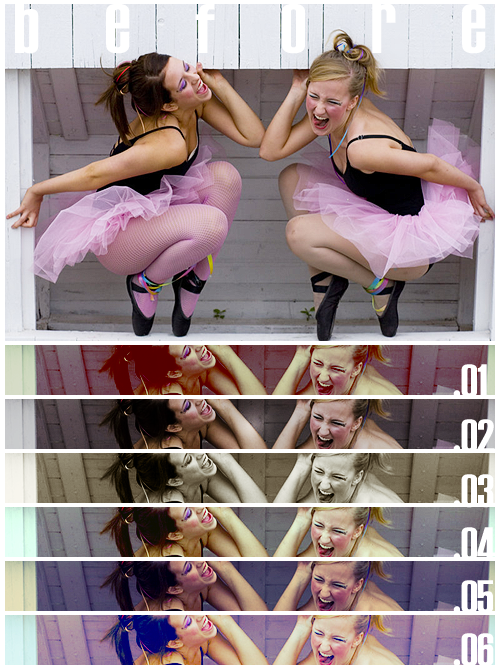
 lustdrunk — Photoshop Action Set 8.
Published: 2010-06-03 17:11:04 +0000 UTC; Views: 14242; Favourites: 89; Downloads: 4690
Redirect to original
Description
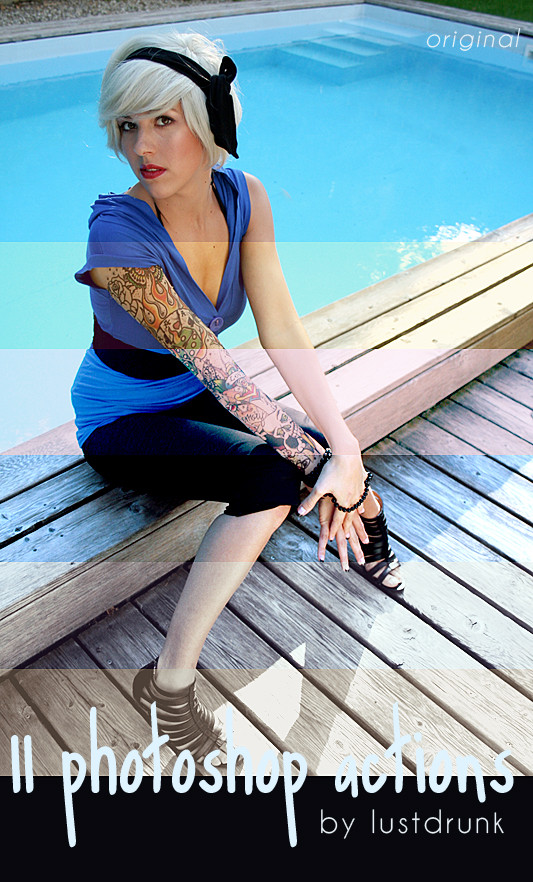
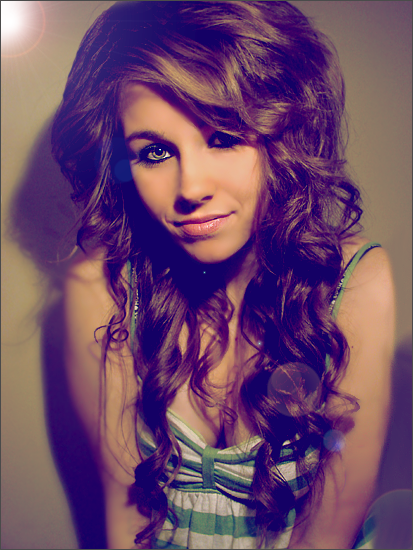
Set of 11 Photoshop actions(only 5 actions are featured in the preview)
Made in Photoshop CS4, but should work in any version of Photoshop.
Check out my other Photoshop resources HERE !
GUIDELINES
>> Please comment or
 if you download this action set!
>> Feel free to edit these actions as is needed for your photo(s), but do not redistribute and/or claim as your own.
>> Also, I'd love to see what you used these for! <333
Enjoy!

*stock image by ~yellow-stock
Related content






Comments: 15


Thanks a lot for actions!
I've been wondering for a while (I'm not a pro at Photoshop), how to create the same effect as in your picture? (to make stripes of multiple actions)
👍: 0 ⏩: 1

you're welcome :]
and the way i did was i had the original stock picture open in a separate window and the actual action preview image open in another window. i used the actions on the original picture, flattened the image, and copy + pasted it onto the action preview image [remember you'll have to revert the stock picture to its original state before using each action]. then i just used the selection tool to create rectangles, inverted the selection, and deleted the excess picture. do this for the rest of the actions and you'll have a preview image like mine.
sorry if that's confusing, i just typed it quickly so it might be a little jumbled up haha
👍: 0 ⏩: 1
Oh no, actually I got everything^^ Thank you!
👍: 0 ⏩: 1
okay, thats good haha :] you're welcome!
👍: 0 ⏩: 0

Downloaded and thanks for sharing them ^_^
They look AWSOME
👍: 0 ⏩: 1

Downloaded too.
Same goes as in my other comment mate
Cheers
👍: 0 ⏩: 1
thank you, enjoy :]
👍: 0 ⏩: 0