HOME | DD
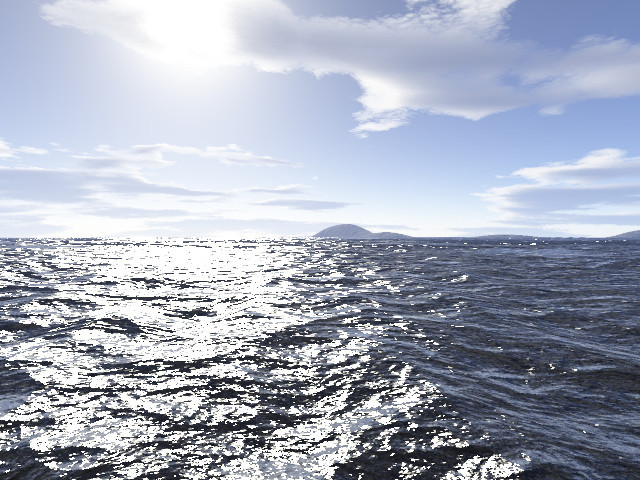
 ralfmaeder — Water testrender

Published: 2015-05-20 17:01:26 +0000 UTC; Views: 267; Favourites: 4; Downloads: 0
Redirect to original
Description
Vue 10 and DOF postprocessing.Related content




Comments: 8

The water is easily created in Vue or other 3d software. For the DOF and Bokeh-effect I used an older commercial Photoshop-Plugin called DOFPro. Unfortunately only available for Photoshop 32bit versions.
👍: 0 ⏩: 1

Oh, I thought it was done in Vue, You had me fooled, Ralf!

👍: 0 ⏩: 1
Vue is not capable of simulating Bokeh. DOF is of course possible to do in Vue.
👍: 0 ⏩: 1
Maybe one day! Looking up DoF tutorials now!
👍: 0 ⏩: 1
DOF can generate good quality in Vue. Normally I use FastHybrid with 5 to 10 passes. This method cheats somewhat, but is way faster than Distributed Raytracing and Hybrid2.5. You can see several Vue-DOF renders in my gallery, last render was "Caiman".
👍: 0 ⏩: 1
I've tried to use it - doesn't seem to actually DO anything. If someone were to write an instruction manual for Vue - they'd make a fortune.
👍: 0 ⏩: 1
There already exist a written documentation. I read it once and it can be really helpful. There are three steps you have to follow in order to see DOF. 1. Set camera blur according to your scene and adjust focus. These options appear by selecting the active camera. 2. Change render options to "User settings". 3. In Render settings choose "Blur Rendering Setting" and select one of the three choices (fastest FastHybrid2.5) and select the number of passes. More passes will yield in smoother results.
👍: 0 ⏩: 0