HOME | DD
 RaymonVisual — Chromium vs Preview

Published: 2013-01-07 04:42:02 +0000 UTC; Views: 774; Favourites: 2; Downloads: 0
Redirect to original
Description
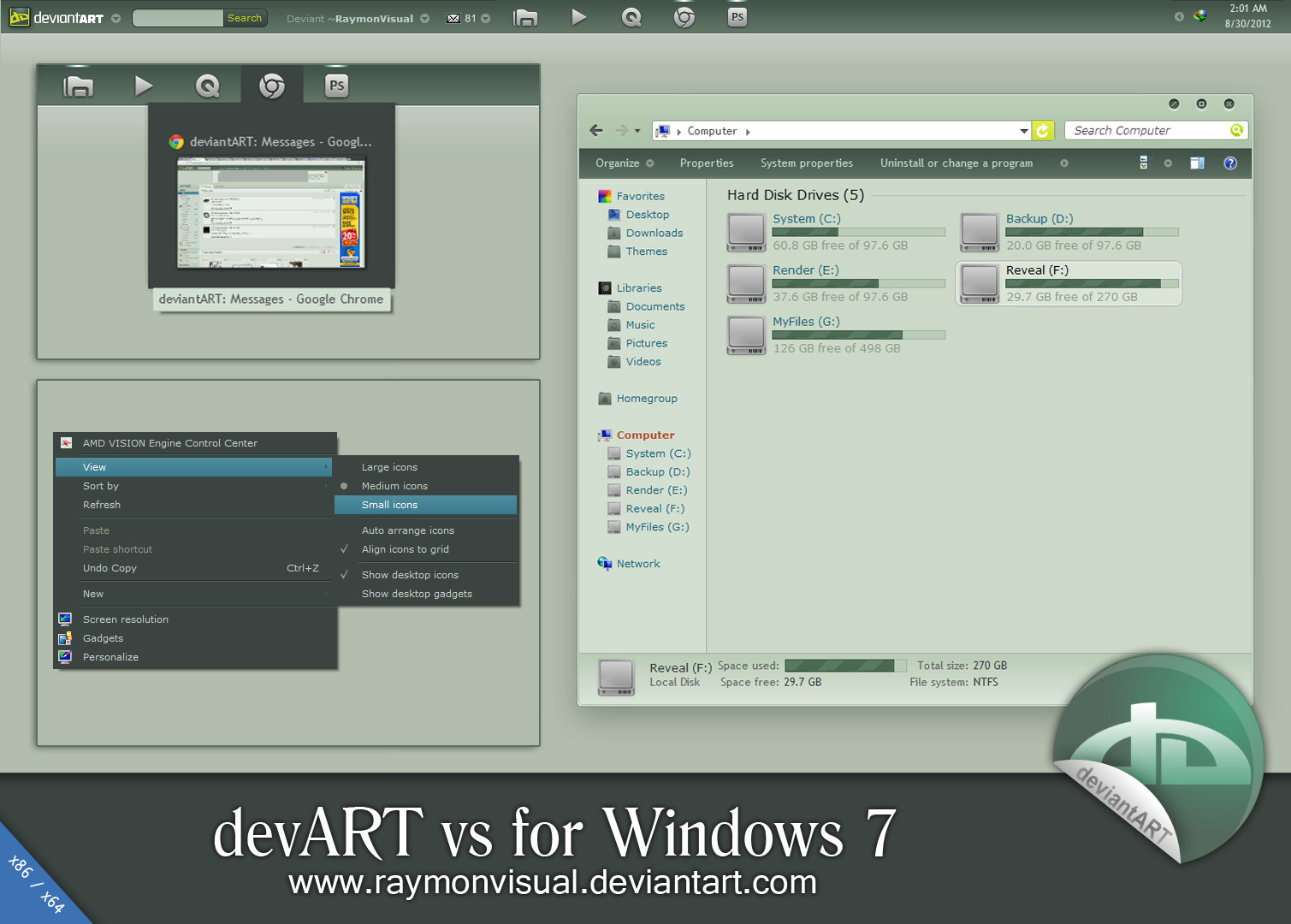
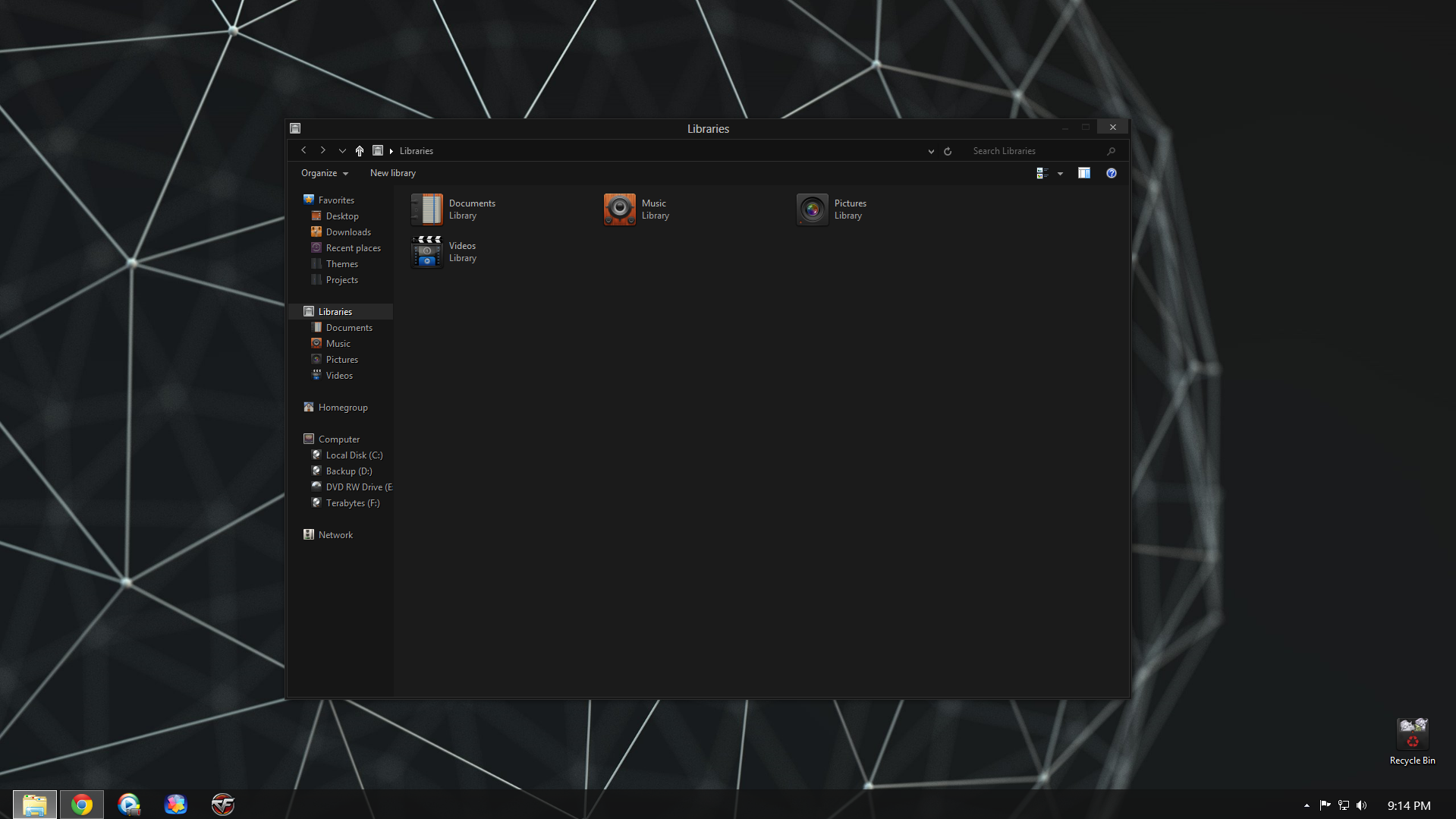
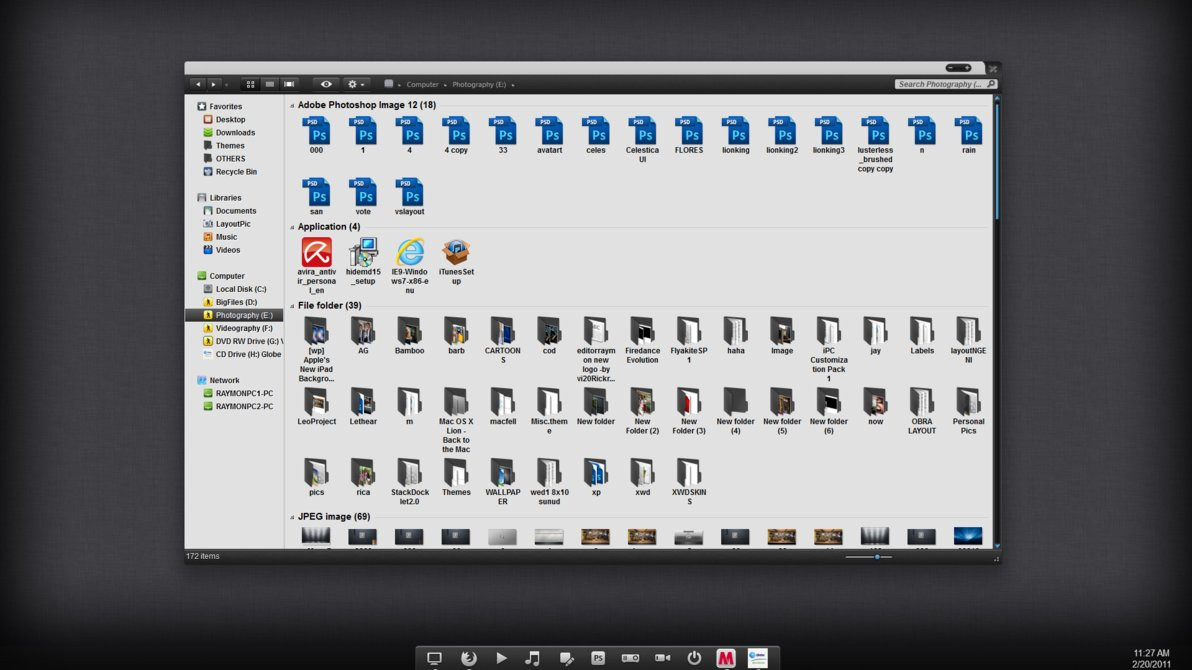
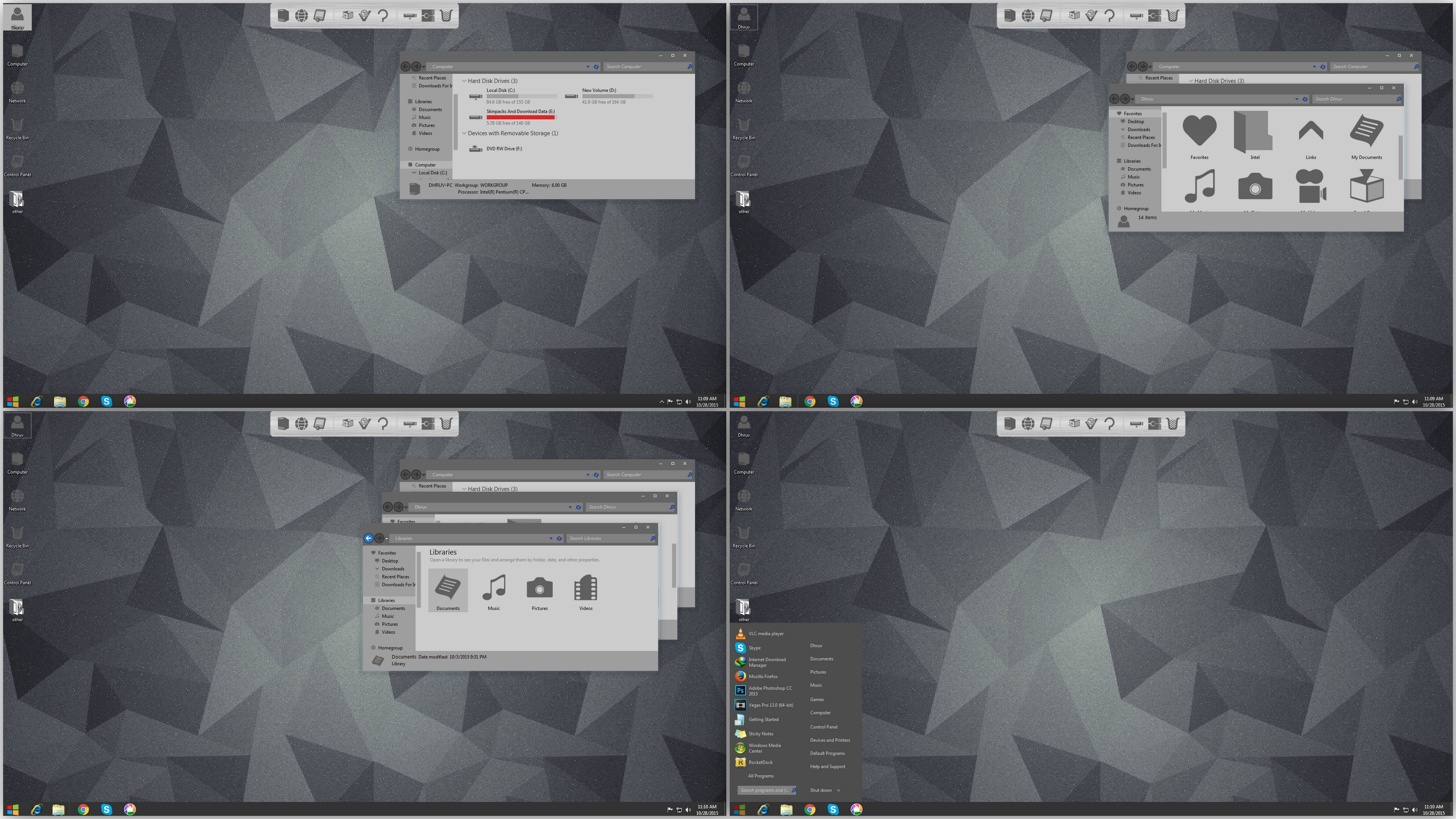
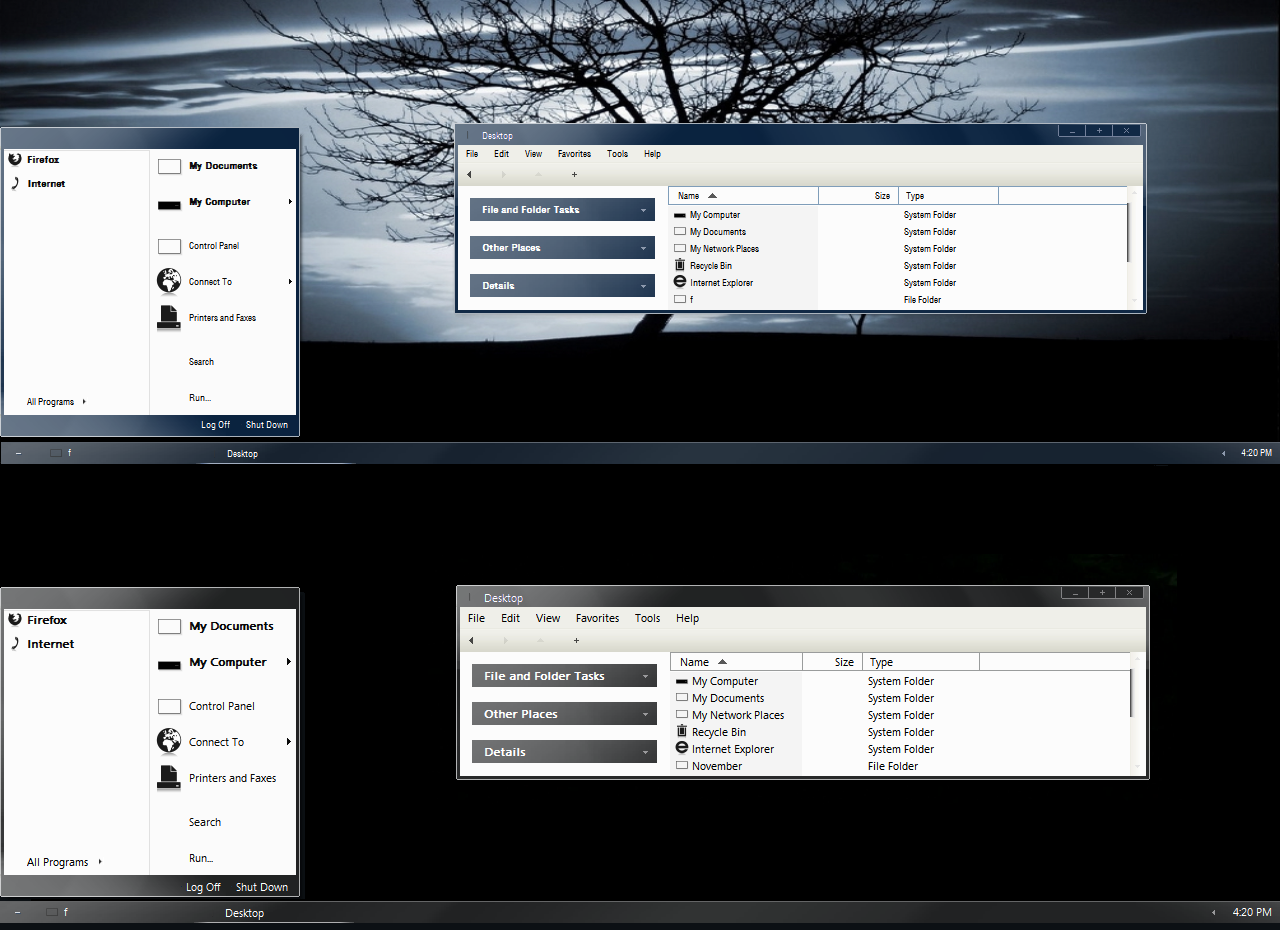
Some details of my new upcoming (chromium) vs.Inspired by Chromium OS.
I don't like some details on Chromium OS so i decided to make my own style. See my taskbar and the taskbar of Chromium OS, you will see the differences.

taskbar preview here [link]
Related content








Comments: 10

What about explorer icons ?
This is a really nice VS


👍: 0 ⏩: 1

i don't make icons.
i'm sure iconpackager is working on windows 8. what set of icons (using iconpackager) will you suggest that fit on this vs?

👍: 0 ⏩: 1
Iconpackager is useful only for live folders. Tuneup is better to make your own icon pack (and to choose which icon to put for which type of element)
I'll send you a crack if you don't have any.
Here are good icons : [link] [link]
👍: 0 ⏩: 0

It's getting better and better. And you are right to use Manuels patch. He always does the best job.

👍: 0 ⏩: 1
Thanks my friend! yep manuels patch works perfect on my pc.
👍: 0 ⏩: 0

Oh man it's looking better and better. I really like the progress bars and the scroll bar in this shot. Gosh I just can't wait, even though patching isn't so great for windows 8 right now I'll go back to patching my system and not installing updates (so they don't break the patch and my system) just for this theme.
👍: 0 ⏩: 1
i updated all windows update and used this patch [link]
works fine on me until now.
👍: 0 ⏩: 1
With using that one after awhile the updates mess up the patch and eventually after one update windows won't load properly. It's happened on both my laptop and my desktop. UxStyle seems to work for a little while but then after a few updates 3rd party themes won't work. I wouldn't have such a big problem with UltraUXThemePatcher if when windows updates break the patch you would still be able to uninstall the patch without the uninstalling breaking windows as well. I'll just stick with UxStyle and make sure that whenever I do decide to update that I create a system image and be ready for the worst.
👍: 0 ⏩: 1
i encountered that problem too.
here's what i'm doing to prevent that problem:
1. disconnect your net connection when installing windows 8.
2. after win8 completed, change the setting of windows update to "Check for updates but let me choose whether to download and install them".
3. click "check for updates" and check all and install all updates. note: don't do anything while updating.
4. after that, restart your pc. then check updates again. then, check and update all. then restart again.
5. check windows update again. if no update available, run the patch and install it.
THERE YOU GO. YOU CAN USE ALL VS NOW.
=============================
the problem you're experiencing is:
when updating automatic, then install patch, then restart. the windows update didn't completely install that's why you can't boot your windows again.
to prevent that problem, you must install all updates before doing anything like installing software/apps/patch..
👍: 0 ⏩: 1
No I did that. I installed all the updates prior to patching. Then when another update came along it broke the patch. I tried to go back via a restoration point that was before the update and then uninstall the patch but that didn't work, the uninstalling of the patch did the same thing. The on thing I haven't tried since then is uninstall the patch before installing a new update.
👍: 0 ⏩: 0