HOME | DD
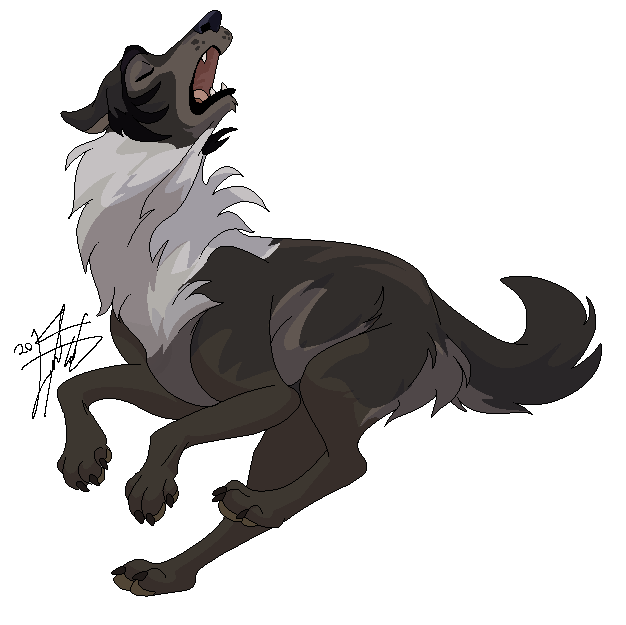
 RunningSpud — Howl

#animal #balto #canine #digital #dog #fan #howl #movie #wolf #runningspud #art
Published: 2015-01-03 20:44:58 +0000 UTC; Views: 1826; Favourites: 56; Downloads: 4
Redirect to original
Description
Just a little Balto .
.After years of being a GIMP user, I've finally figured out how to color my linearts (which is ridiculously easy, actually) >__<
Related content











Comments: 7


you're welcome. 
👍: 0 ⏩: 1

Of course
It usually works nicely if you select colors that are slightly darker than the colors of your character, but you can use any colors that you want
👍: 0 ⏩: 0