HOME | DD
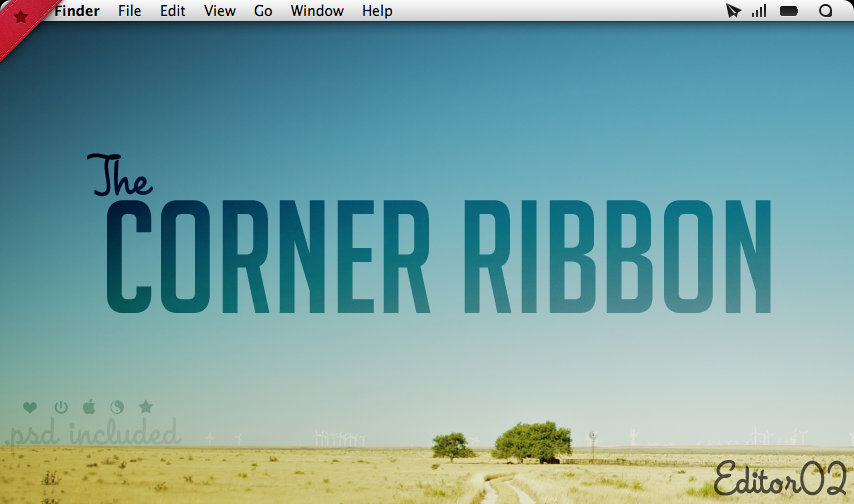
 Side-7 — Red Ribbon
by
Side-7 — Red Ribbon
by
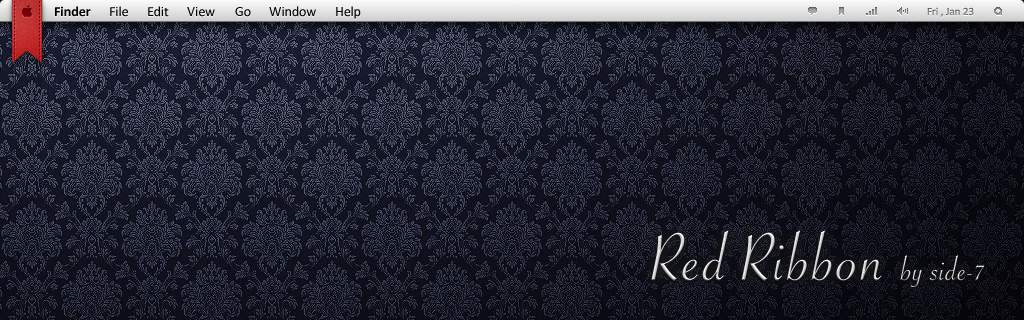
Published: 2011-01-23 15:05:57 +0000 UTC; Views: 63728; Favourites: 293; Downloads: 11573
Redirect to original
Description
Geektool.app : Setting
System Font : Calibri
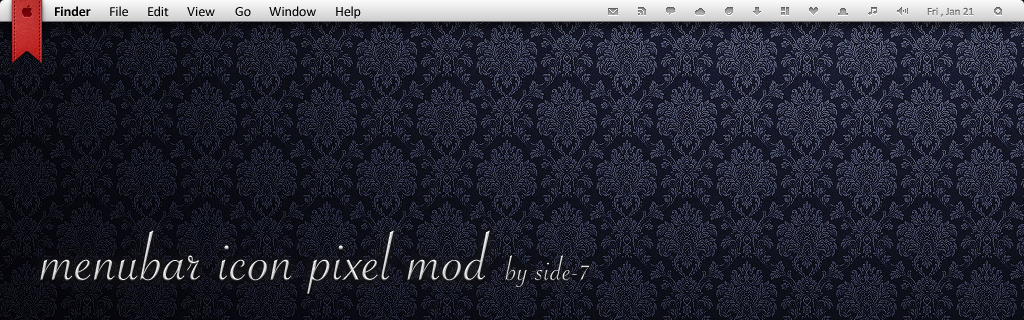
Menubar icon : Menubar icon Pixel Mod
Wallpaper : Classique - Wooden Floor
Screenshot Preview : NEVER STOP
Mac OS X "SnowLeopard" 10.6.x : Finder Toolbar icon Pixel Mod
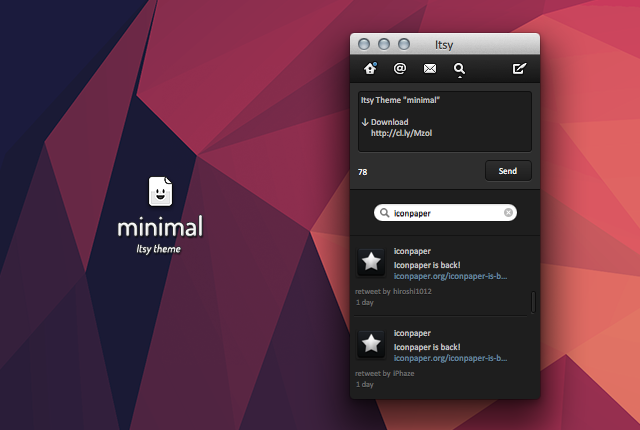
OS X "Lion" 10.7.2 : Finder Toolbar icon Minimal Mod - NEW! -
Related content











Comments: 111


Thanks! You have awesome mods. I love the pixel menubar.
👍: 0 ⏩: 1


hey its cool can u make a gray ver.? thanks

👍: 0 ⏩: 2

You can make it grey yourself if you have Photoshop (or any other image editing app. these steps are for PS)
1) Drag it/Open it in Photoshop
2) Desaturated it: Image > Adjustments > Desaturate
3) Use, Brightness & Contrast: Image > Adjustments > Brightness & Contrast
To make the image as dark or bright as you want, other Adjustments could work too. This is just one way of possibly doing it.
👍: 0 ⏩: 0

Hi, I like this a lot but what folder would it go in to replace the original file?
👍: 0 ⏩: 1
Yeah I know now...someone else helped me out. Thanks.
👍: 0 ⏩: 0
<= Prev |