HOME | DD
 teime — TransV2.0 _ROG_Theme
by-sa
teime — TransV2.0 _ROG_Theme
by-sa
Published: 2013-07-24 02:56:40 +0000 UTC; Views: 41846; Favourites: 30; Downloads: 13613
Redirect to original
Description
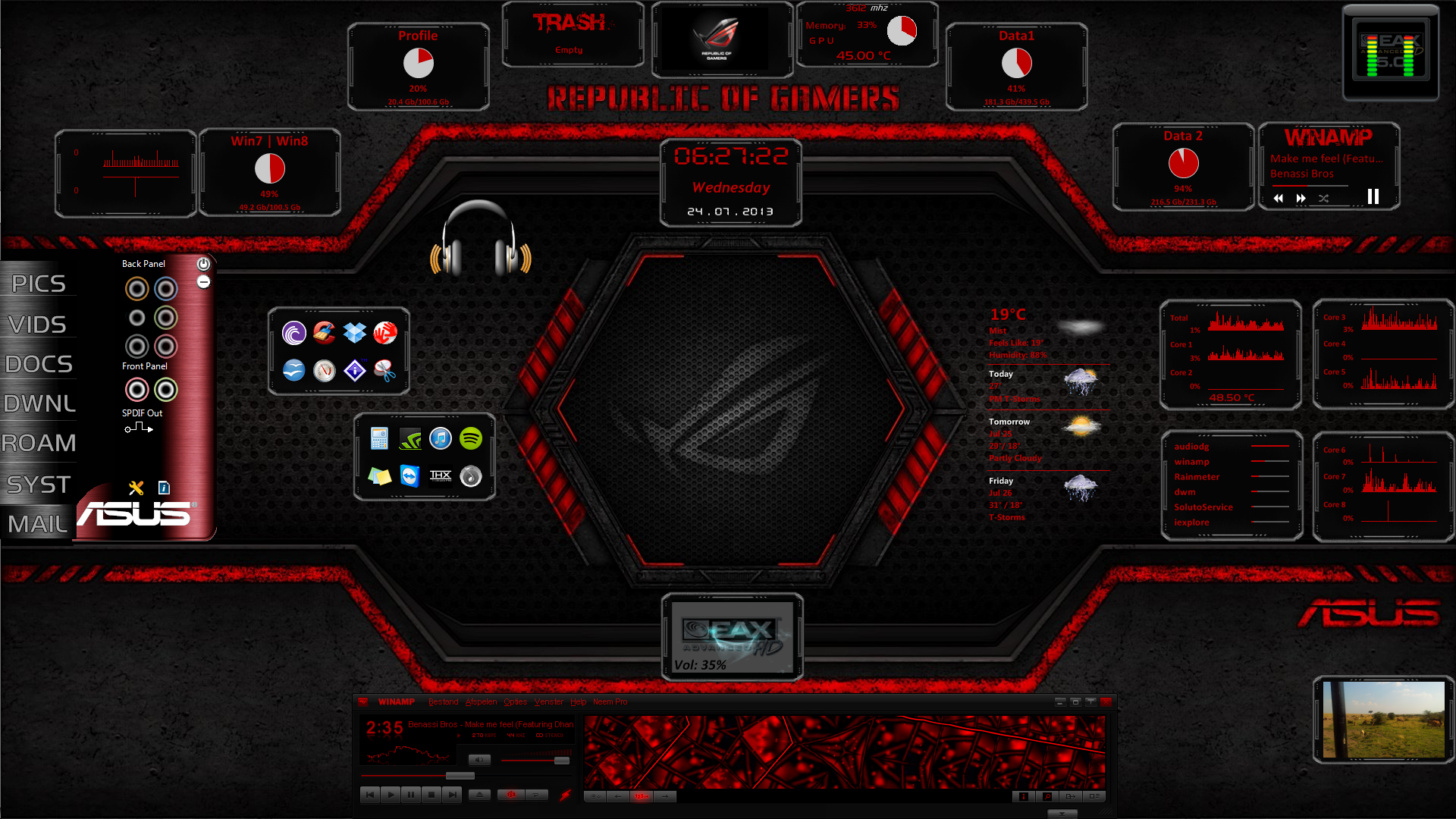
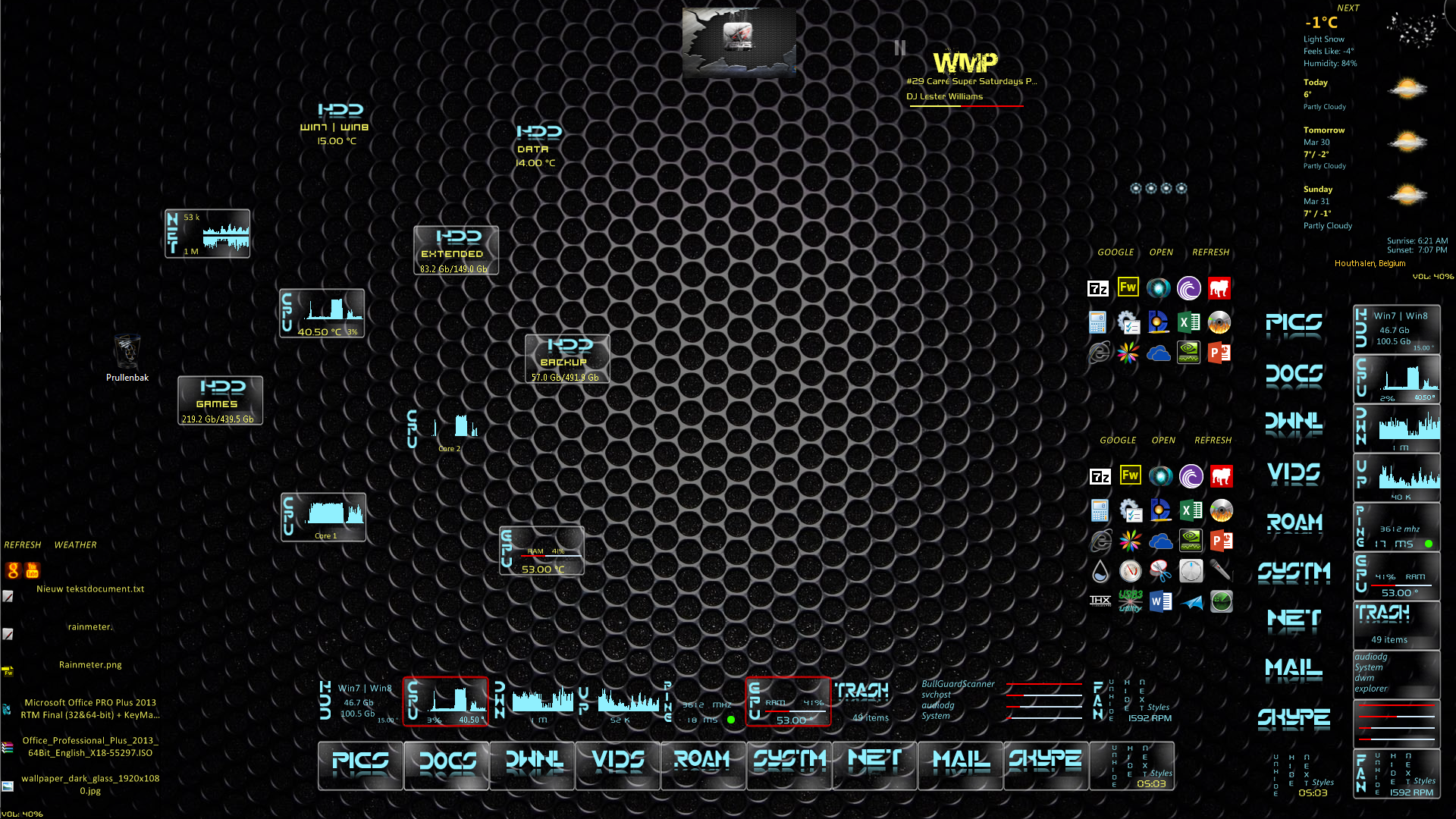
As i needed an timekiller , i've updated from an older skin. Gave it an good paintjob and some handy headphones , a tool for changing between the standard colors (text only), but in 2 way's ,if there's an need for working with highlights.Winamp and the config tool from Asus (Eax sound meters)are not included. The other one is in GIF-format and sharable.
The wallpaper can be found here:fav.me/d5w2fdx
Update 01/10/13 : Added a function at the gallery skin, able to choose your next picture now .
Related content








Comments: 20


Jak mohu spustit tapetu ??? Nemohu, aby to fungovalo.
👍: 1 ⏩: 0


by the way, I'm already running Windows 10. if it might have something to do with it.
👍: 1 ⏩: 0
I already installed SpeedFan. now how do I make it display the temperature? also, on Weather, ''today'' always displays ''not available'' and on the bottom it has the wrong day. today is the 12th and it displays ''Areeiro, 11, Portugal''. thanks in advance.
👍: 1 ⏩: 0


This is very beautifu...even for the guys here, great job> I love it! thank you for this <3
👍: 1 ⏩: 0


sadly weather dot com doesn't give any codes any more. i live in indiana usa and all it shows is my zipcode. they must have changed the site since you last made this....
👍: 1 ⏩: 1

up in the address bar after you go to your local weather there's a zipcode and a series of numbers at the end copy all that and paste in your weather app
👍: 0 ⏩: 0

I've been trying for 2 hours to get the weather to be at my location and no matter where i paste my correct location code it won't work so can you please tell me how to do it.
👍: 0 ⏩: 1

After adding the included layout, at the pannel that shows the different colors, at the right top of that panel. Click on "next".It show's the first page where you need to click on "locations" then paste your code into that popup window, press enter.
If that doesnt work, open the skins folder and look for a map called "Styles" open that txt file , look for locations and delete the current code, paste the new , and refresh.
👍: 0 ⏩: 1
OK but now how do I change it to Fahrenheit?
👍: 0 ⏩: 1
By one click if you are using the included Skin named "Settings". Well that one configures almost everything and it has the needed tooltips.
Or open Styles.inc again where....unit=m becomes unit=f
👍: 0 ⏩: 1
Thank you so much for helping and this skin is freaking amazing
👍: 0 ⏩: 1
