HOME | DD
 The-Lost-Hope — Random Deviant Button Tutorial

Published: 2012-11-16 23:49:52 +0000 UTC; Views: 702; Favourites: 4; Downloads: 12
Redirect to original
Description
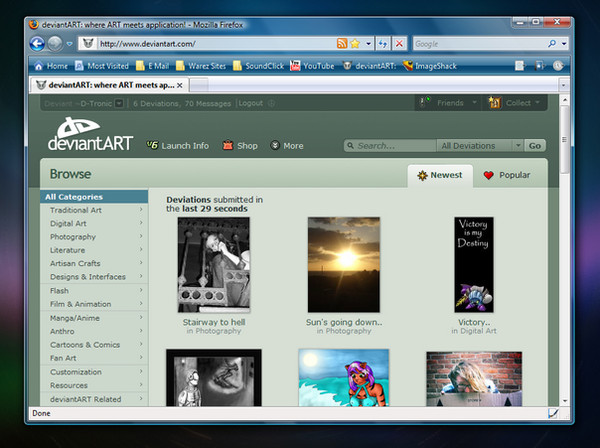
UPDATE: you hover over where it says "MORE" at the top of the page now.In case you can't read:
First hover over the little
arrow next to the deviant art button.
Second scroll over the drop
down menu to where it says Random Deviant.
Third Click and check out a random deviants page.
So I thought I could make up some simple DA tuts so here is the first one.
Ideas for tuts welcomed,
Bubbles