HOME | DD
 TheOn3LeftBehind — Foreshadow
by-nc-nd
TheOn3LeftBehind — Foreshadow
by-nc-nd

Published: 2009-04-18 16:23:54 +0000 UTC; Views: 533; Favourites: 17; Downloads: 0
Redirect to original
Description
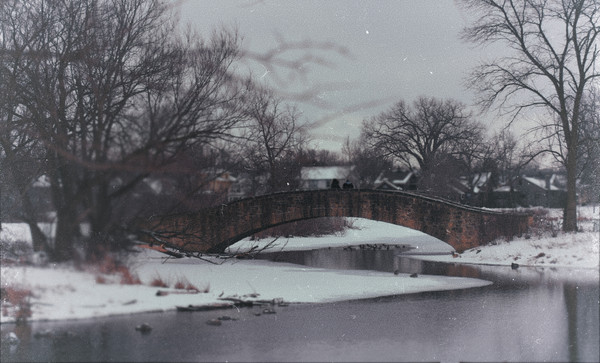
W00t. :] Just playing around in Photoshop with a stock photo while I was trying to get a photo to look like this: [link]Didn't really work. Anyone know how to get that faded look [the like.. grayish black look like someone put a white overlay on top XD]?! It's killing me!
Stock: [link]
TTV Texture: [link]
Other Texture: [link]
Related content


Comments: 6

This reminds me of that flaming tree in The Ring
👍: 0 ⏩: 0


Thanks! and thank you so much for the 
👍: 0 ⏩: 0

Nice work.
Regarding the blurred effect you were trying to achieve, the easiest way would be to use a selective focus point while adjusting your camera's lenses. But since the picture already has a full focus you could try to create a duplicate layer of the picture in photoshop, use the gaussian blurr on the duplicate and through the use of masks create a gradient that allowed the duplicate to blurr into the fully focused picture. However, this may look sort of weird in a picture like this, it usually works better in macro shots.
👍: 0 ⏩: 1
no prob, if you have any more doubts don't hesitate to ask

👍: 0 ⏩: 0