HOME | DD
 thrynk —
Calla
by-nc-sa
thrynk —
Calla
by-nc-sa
Published: 2007-01-28 10:29:57 +0000 UTC; Views: 82442; Favourites: 134; Downloads: 16386
Redirect to original
Description
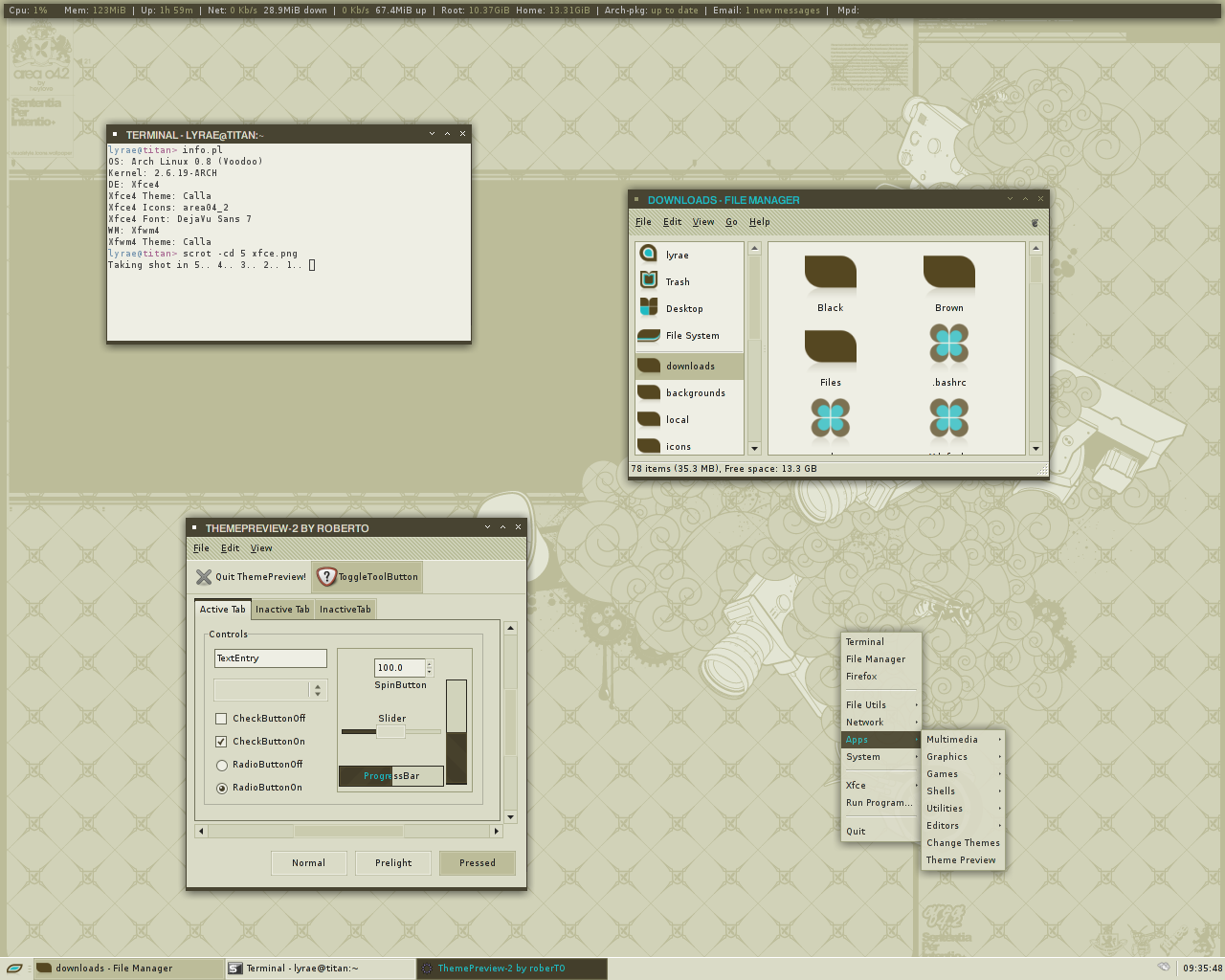
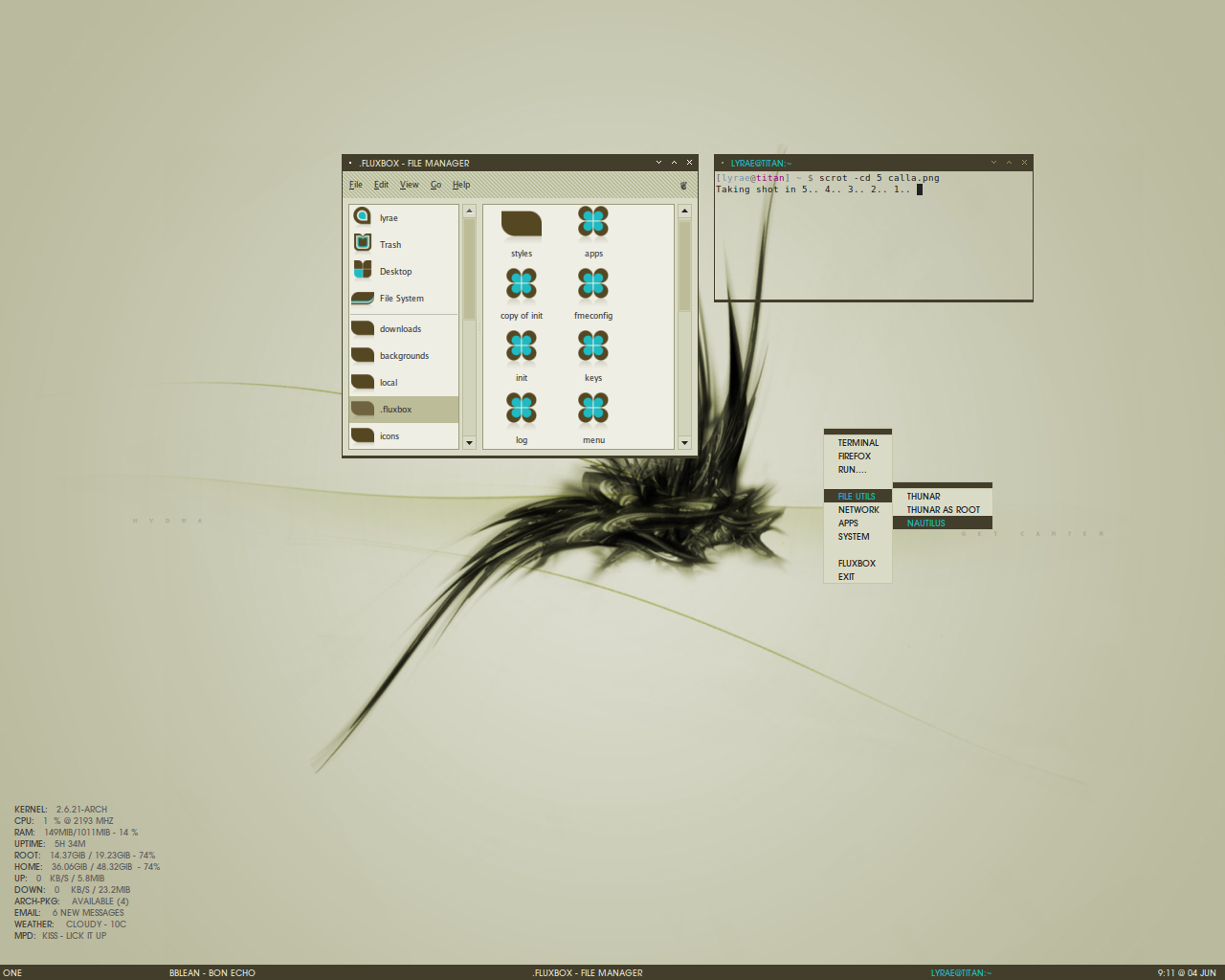
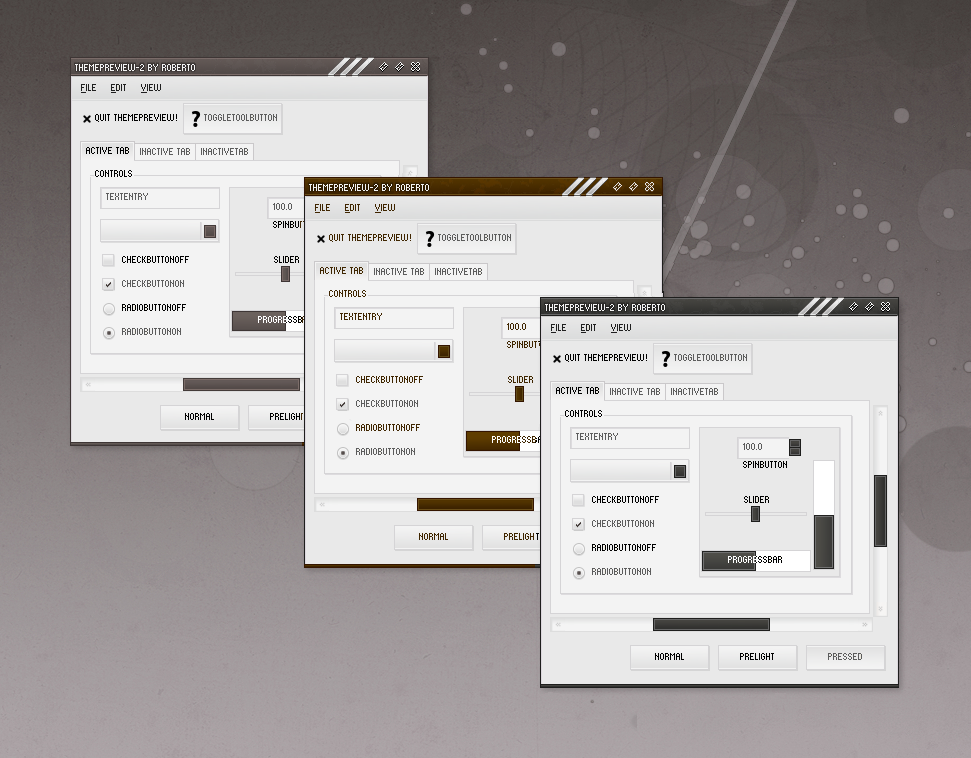
Also included a metacity, xfce and emerald themes. You will need a Rezlooks Engine and Pixmap Engine.Icons are called Area04_2 by heylove.
Wallpaper is from the Area04.2 wallpack by j3concepts at [link]
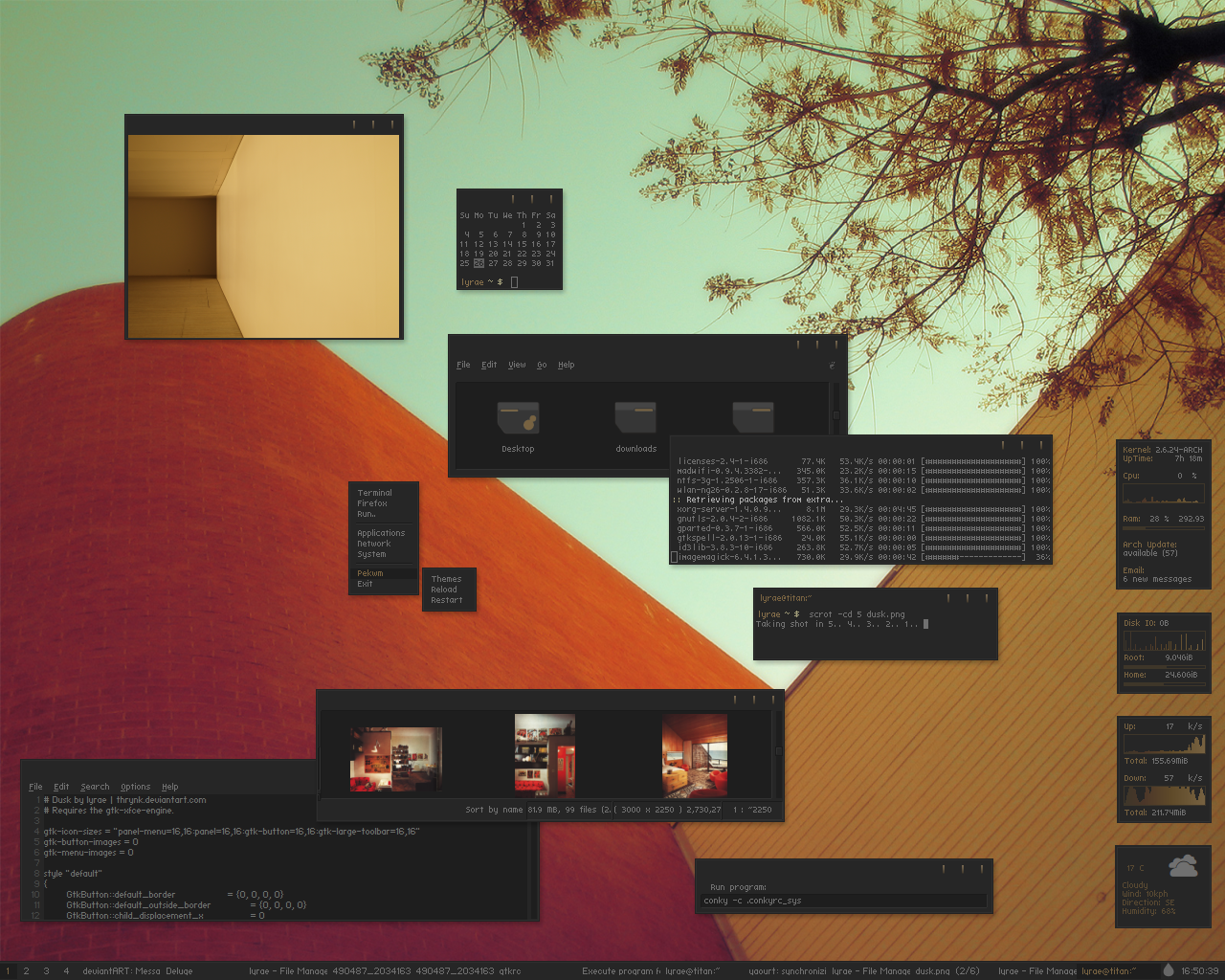
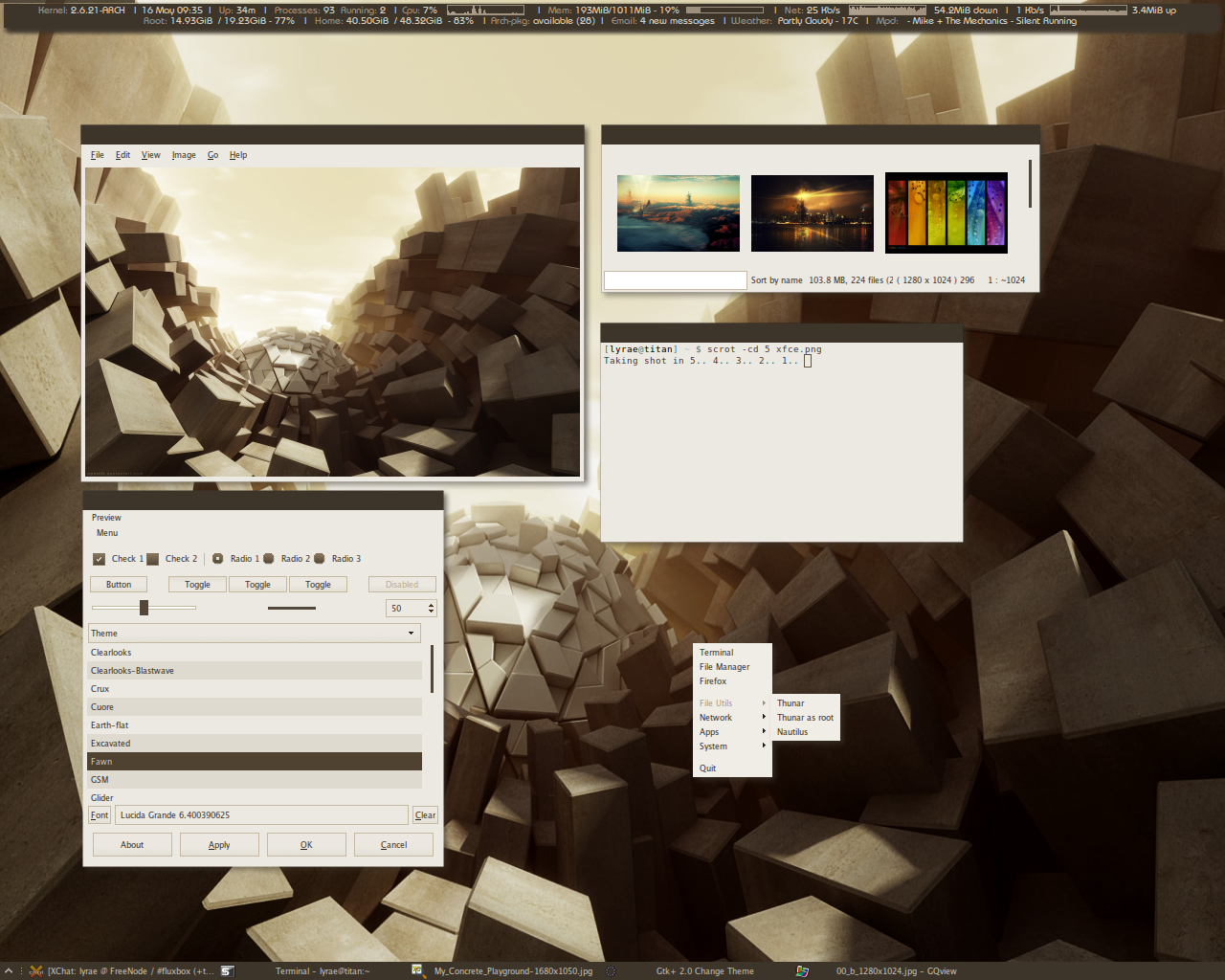
There is also a fluxbox theme at [link]
Conky config is available at [link]
Enjoy!!
----------------
Changelog:
Version 0.2:
Fixed problems with Openoffice
Changed scrollbar color and added arrows.
Related content









Comments: 119


Looks greats 
- Install the rezlooks ubuntu package from [link]
- Download Calla [link]
- Right-click on the file and select "Extract here". Open the folder that will show up.
- Open System > Preferences > Appearance. Drag the folder "Calla" to the themes tab and click to apply. If it complains about "moving directory over blah blah". Open the home folder, press Ctrl + H and open ".themes", delete the "Calla" folder and try dragging the folder to themes again.
- Click customize, select "Window Border" and choose "Calla".
Well that's it. Couldn't find the pixmap engine but things still look good without it, I think!
👍: 0 ⏩: 0


hmm.my buttons are beveled, not flat. any idea how i can remove the bevel? (using arch linux)
👍: 0 ⏩: 0

zomg i'm so confused after i converted the .ico icons to png icons *_* is it possible for you to send me your icons? If you can, thanks : )
jnguyen951@gmail.com
👍: 0 ⏩: 0

Ooh this is really stylish
👍: 0 ⏩: 0


For most themes, I used the default and since I can't remember which themes I used, I think it is the default.
👍: 0 ⏩: 0

Great work!
Of course, I have a few questions to pester you with
What fonts are you using in the screenshot? (If you can remember) Also, does one get all caps in the window title bars?
As for icons, I got ahold of the .ico files, but I'm not sure how to implement them in gnome. I know I have to convert them into .png's, but what do I do from there?
Again, beautiful stuff! Thanks!
👍: 0 ⏩: 1
As shown in my terminal, it is DejaVu Sans. The caps font is Avantgarde LT Medium in the window titlebars.
As for icons, have a look at this [link] or you can get mine if you like although it is not completed.
👍: 0 ⏩: 0


Very clean style, and the colours are certainly an unexpected combination! 


👍: 0 ⏩: 1
Thanks! Hope your dad will let you try linux.
👍: 0 ⏩: 1
I've already tried it but he wouldn't let me (exact words were "It's just a load of cr*p!") It's just trying to convince him it is actually good! 
👍: 0 ⏩: 0

Hi again, I just wanted to let you know why this theme doesn't work that well in ubuntu.
This theme doesn't run under gtk2-pixbuf-engine, like someone previous stated. It needs rezlook, but when installing rezlook with either the .deb or compiled from source, it puts the engine inside /usr/lib/gtk-2.0/2.4.0 where your theme doesn't find it. The easy solution is just install the engine with the .deb and then copy the 2 files to /usr/lib/gtk-2.0/2.10.0.
Thanks again, it's a great theme and I'm using it inside OpenBox together with the Fawn windec.
👍: 0 ⏩: 1
Glad that it is working for you
👍: 0 ⏩: 1
Hehe yeah I'm glad to cause this really is the perfect theme for me. I really hate all those vistaish or macish style and effects everybody seems to be using now a days, this feels more Linux somehow
I just wanted to let you know why this didn't work that well with ubuntus rezlook, cause I saw some people ask about that in both this and the thread on gnome-look.
Thanks again and I hope you continue themeing, cause you really are on of the best out there.
👍: 0 ⏩: 0
Btw I just wanted to make myself clear. I love both your Fawn and Nova themes, it's just that this one might be the most beautiful themes around since...erm...Amiga OS
👍: 0 ⏩: 0
Actually are you sure those 2 engines are all you need with a *buntu install?
I have gtk2-engines-pixbuf and gtk-engines-pixmap installed and i also installed gtk2-engines rezlook from source and still your theme comes up rather ugly in XFCE. Well well, your Nova and Fawn themes have to work but this one is a real beauty.
👍: 0 ⏩: 1
Yes. Strange that it doesn't work. Are you sure you are using the latest version of these rezlook-engine?
👍: 0 ⏩: 1
Yeah, I took it down and compiled them. It's not a big problem though, cause I'm hardly ever inside xfce I'm a OpenBox kind of guy
Thanks for all you beautiful themes.
👍: 0 ⏩: 0

Hey, I can't find a download for the pixmap engine, do you know anywhere I can find it?
👍: 0 ⏩: 1
gtk2-engines-pixbuf and gtk-engines-pixmap are the names you need to install if you are using ubuntu. That is all I know.
👍: 0 ⏩: 1
awesome theme... I'm just wondering how to get the kind of right-click menu you have?
it looks like some of the shell replacements for windows, like litestep...
👍: 0 ⏩: 1
Thanks
👍: 0 ⏩: 0

fav!
totally awesome.
wish I could get the xfwm4 theme working, but unfortunately, in spite of installed libs, the little bitch still clings to clearlooks (;
👍: 0 ⏩: 1


please how can i install this skin in Fedora 6?
What i must download and how to used it, i absolutelz love it but don't now how to used. I have download rezlooks engine package and installed but dont know where find pixmap engine
👍: 0 ⏩: 1
gtk2-engines-pixbuf and gtk-engines-pixmap are the files that you need to install. I'm not sure if it is the same in Fedora 6? Just put the theme in /home/yourname/themes folder.
👍: 0 ⏩: 1

👍: 0 ⏩: 1
I install beryl desktop in fedora core 6 and works now ,,, thanx anyway
👍: 0 ⏩: 0

Awesome theme. Too bad it keeps wrecking the OOo-Writer. Do you have any idea why this could be?
👍: 0 ⏩: 1
I thought it had been solved. Did you use the latest version? It should have fix the problem.
👍: 0 ⏩: 1
Yes, alright. The last version solved the issue.
👍: 0 ⏩: 0

Thanks.
👍: 0 ⏩: 0

Btw. I found this icon pack, is there an easy way to convert them to png?
👍: 0 ⏩: 1

Thanks, MarineForce. I got some of the config from the arch linux forum.
👍: 0 ⏩: 1

Great theme, using it right now. Could you send me the config too? email is lazyilmaz at gmail dot com.
Thanks
👍: 0 ⏩: 1
| Next =>