HOME | DD
 TimidLight — Purple

Published: 2008-09-08 19:10:51 +0000 UTC; Views: 383; Favourites: 5; Downloads: 0
Redirect to original
Description
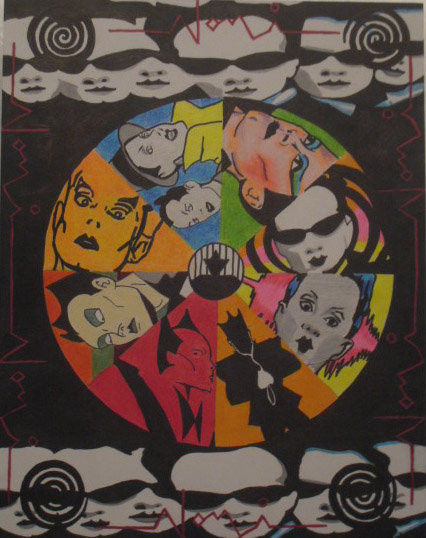
I'm getting frustrated with my scanner. My non-color drawings are showing up as hardly anything. Might help if I learn how to use photoshop I guess. Too many buttons.Related content




Comments: 10

The best photoshop buttons to use after scanning are control "L" to adjust the contrast (makes those black and white drawings show up better), and control "U" to increase the intensity (brilliance) of the colors on color scans.
Not that there aren't a lot of other great features but those 2 are the 2 I use most immediately post-scan.
👍: 0 ⏩: 1

Thanks. I always get overwhelmed by the options. I'll be sure to use them once I start scanning again.
👍: 0 ⏩: 1

Very nice! The branches, especially, are great.
👍: 0 ⏩: 1
Wow! Where have you been?
Thanks!
👍: 0 ⏩: 1
I'm not sure, but I think I might've died.
Nah, I just haven't really been on in far too long.

👍: 0 ⏩: 0

