HOME | DD
 XwidgetSkin — Taskbar Spotlight
Published: 2011-10-25 16:33:24 +0000 UTC; Views: 11928; Favourites: 46; Downloads: 4608
Redirect to original
Description
1, Install XWidget from here : [link] .2, Download skin and double click to install.
More skins [link]
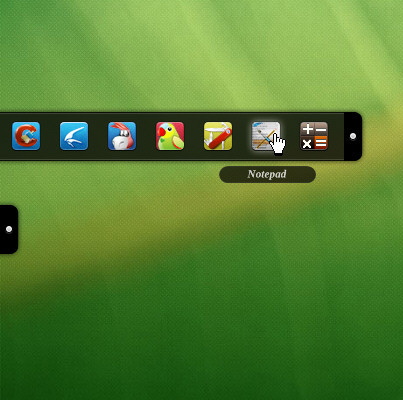
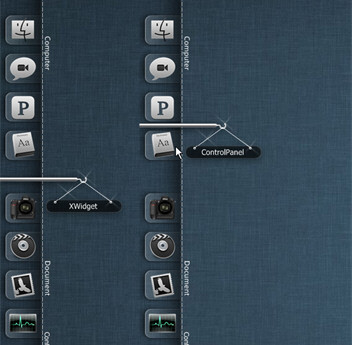
You can place it on the top of screen or under your top taskbar, and Drag the right edge of it to change width to fit your screen width .
It can be used to decorate your desktop.
Related content










Comments: 8


This is one of my favorites XWidgets! I have used in a bunch of computers and I'll put in many more.
Can I suggest to you a bar for the sides and bottom? Also a bar without light, just to serve as a background for other Widgets will be useful..... in several colors or textures! It will make customization a lot easier and funny.
Thanks for sharing your creativity with us!

👍: 0 ⏩: 0

It's about time that Xwidget Skins get their own category

👍: 0 ⏩: 0

