HOME | DD
 ZB652 — Colourful

#arch #kde #linux #plasma
Published: 2019-08-21 11:06:48 +0000 UTC; Views: 4162; Favourites: 34; Downloads: 162
Redirect to original
Description
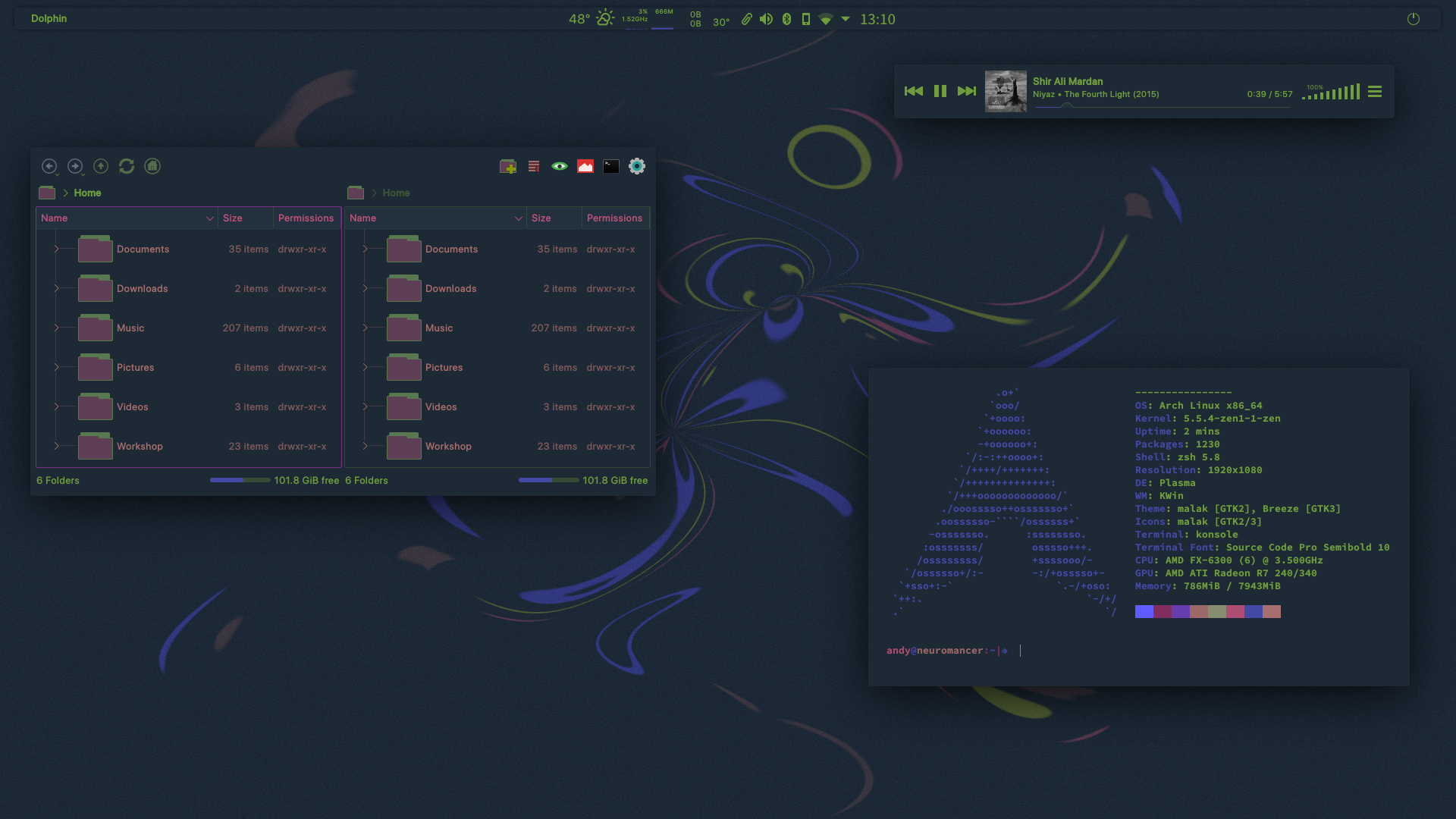
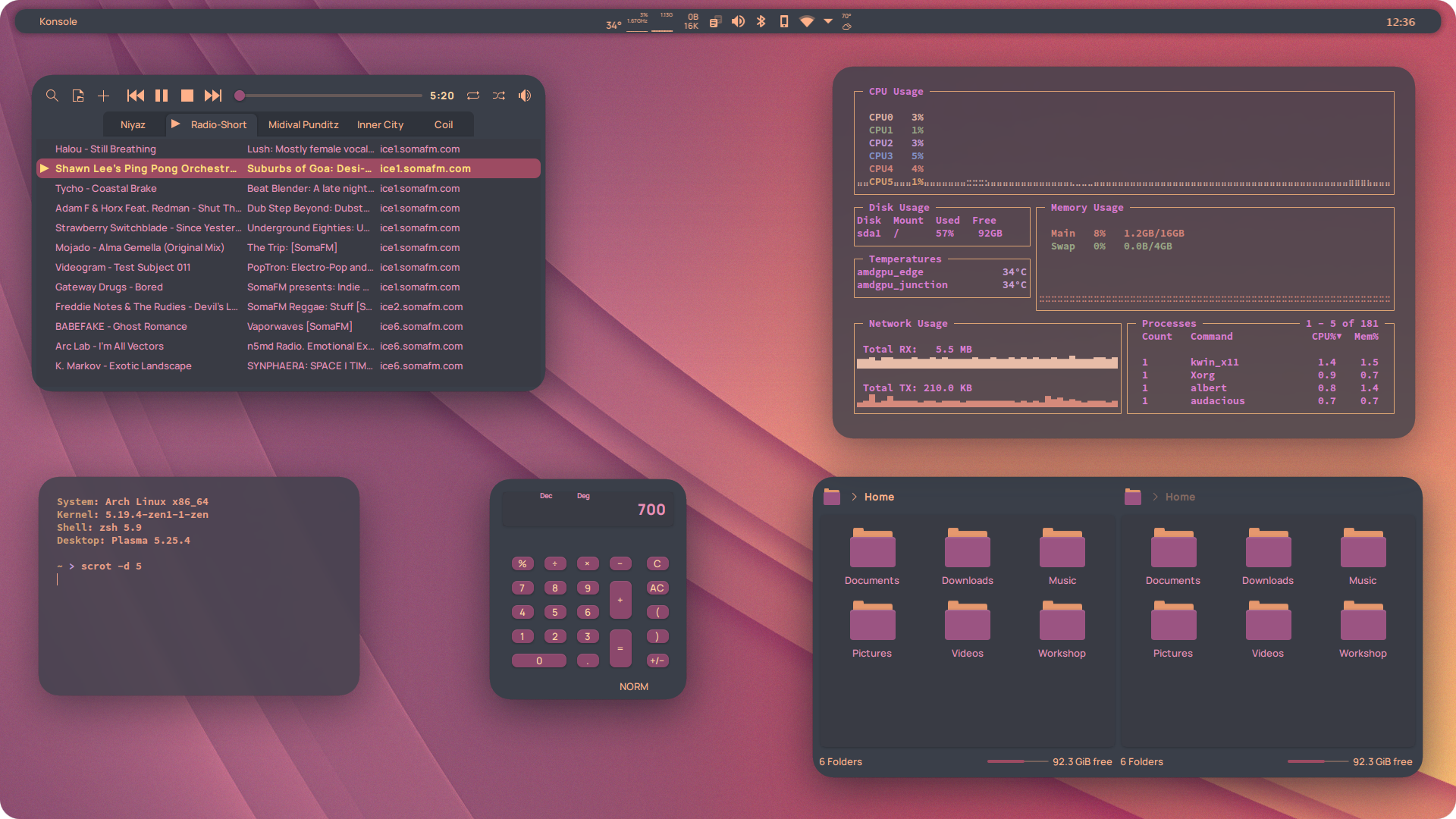
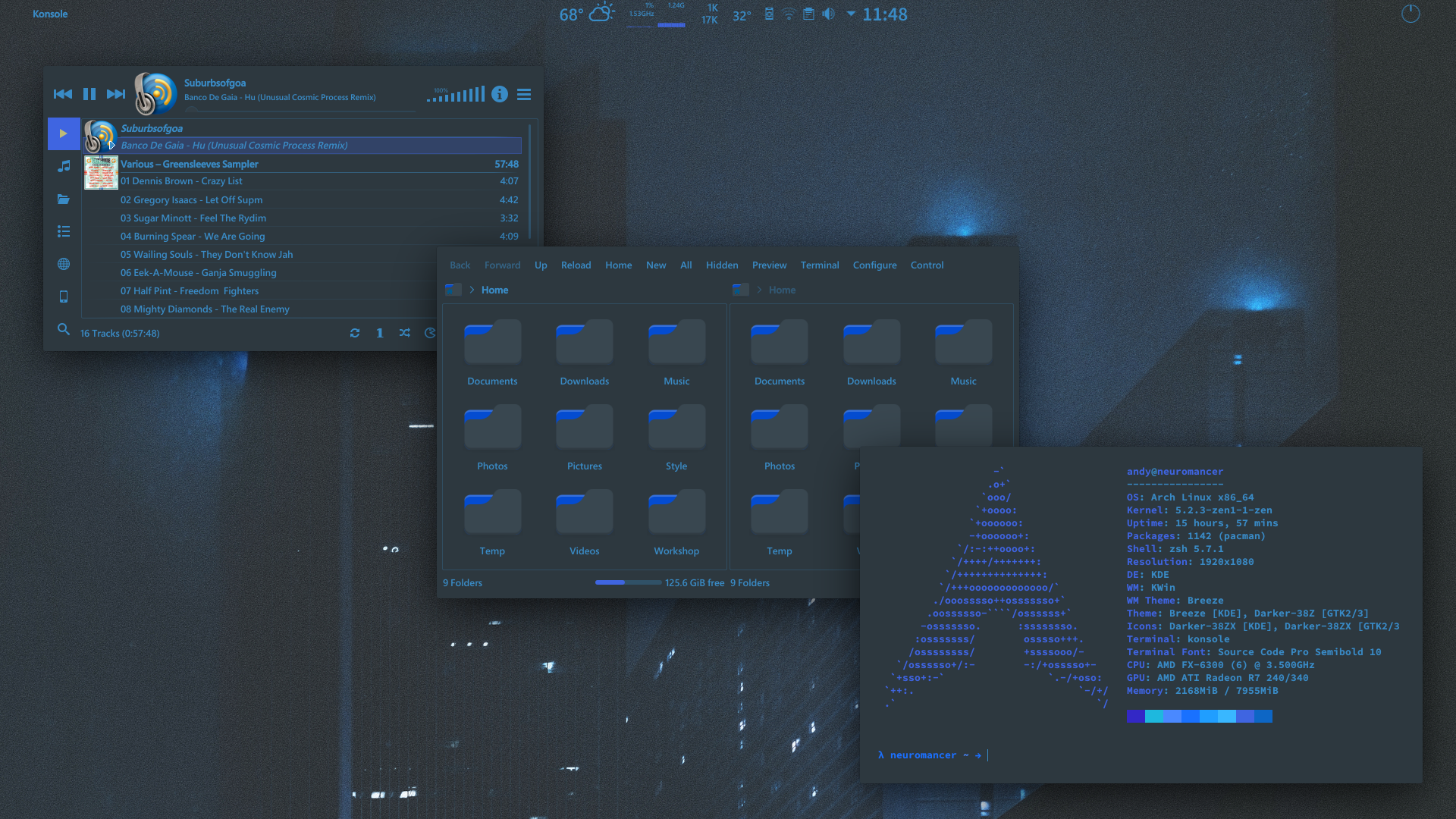
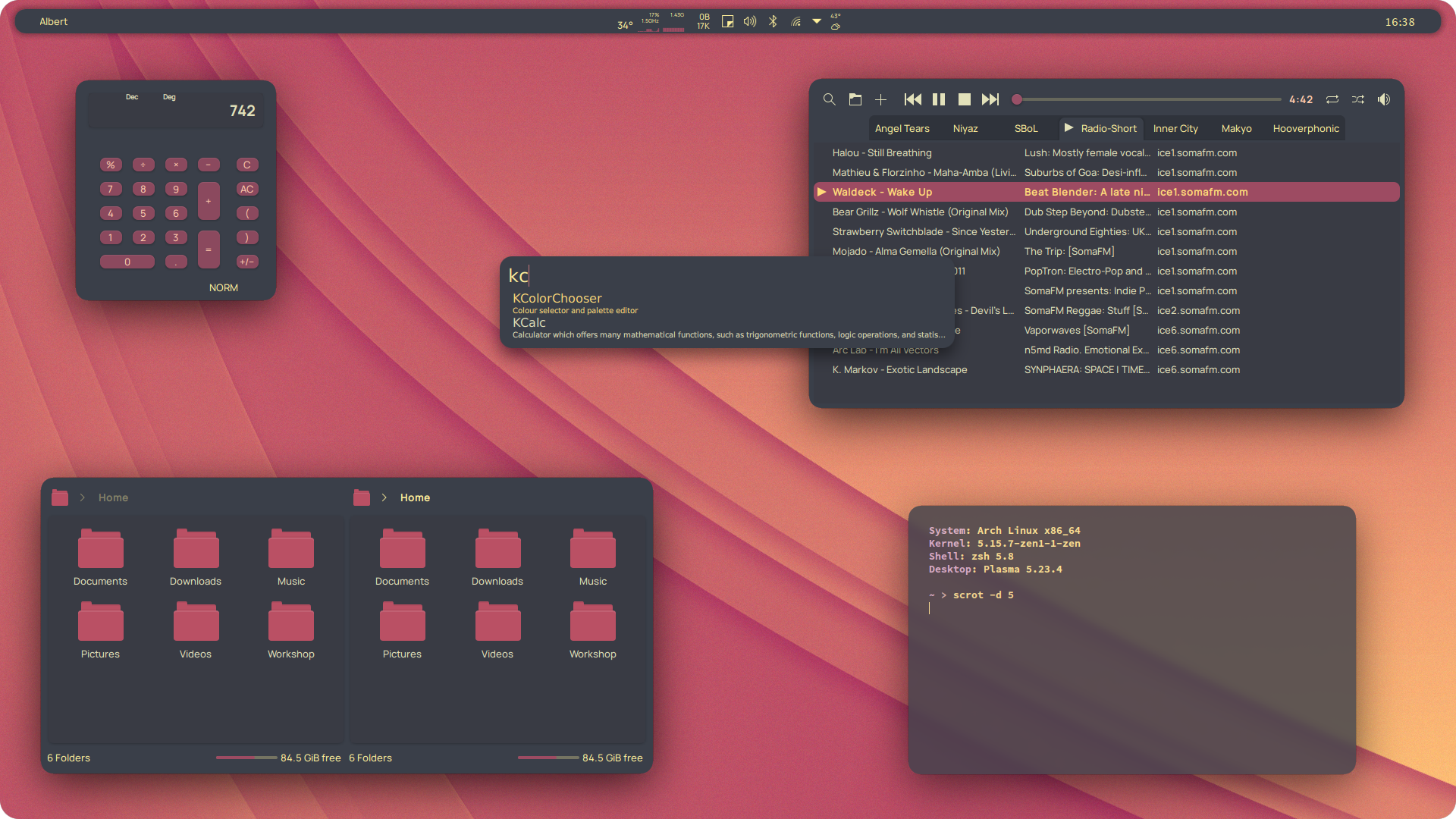
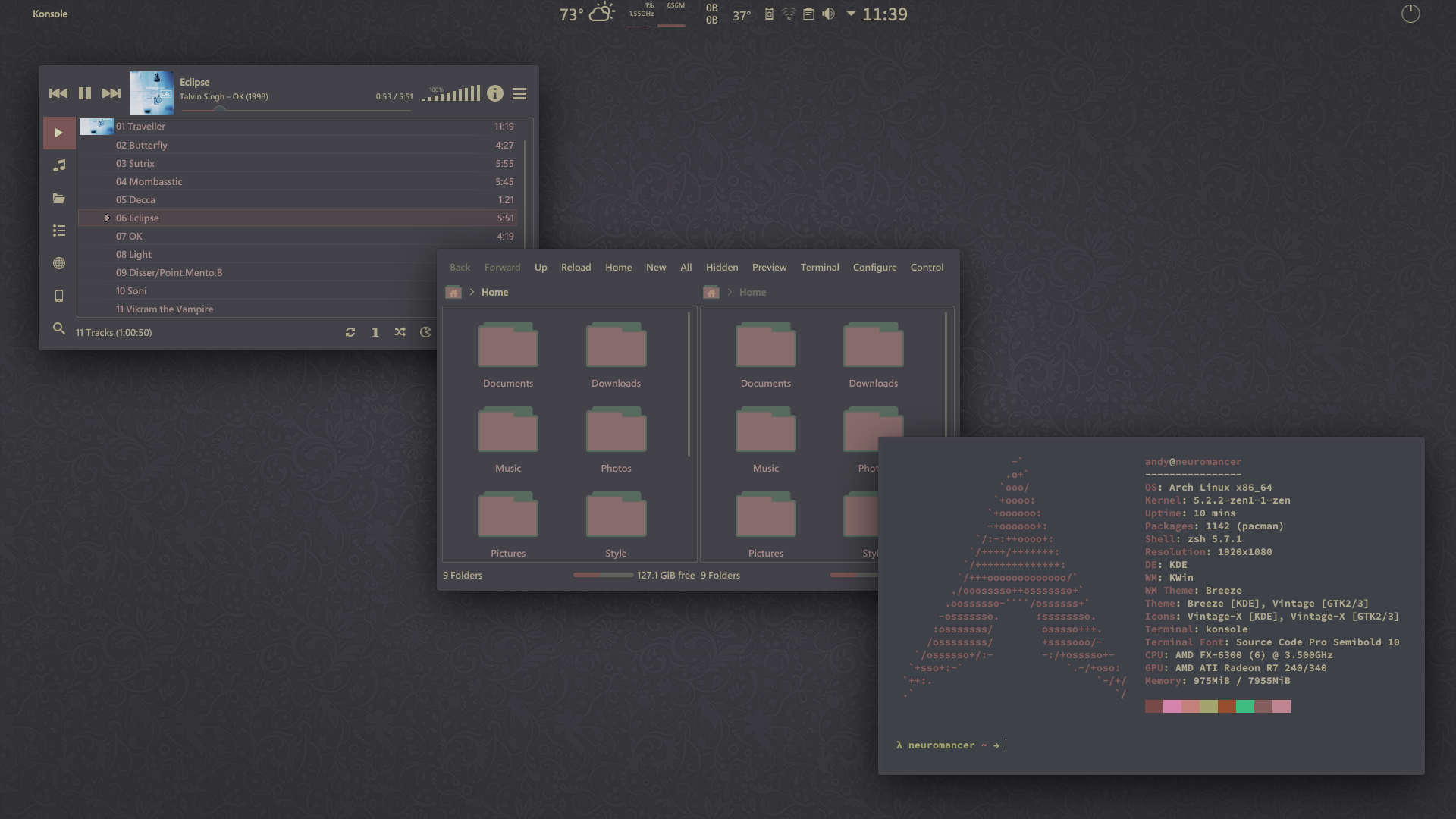
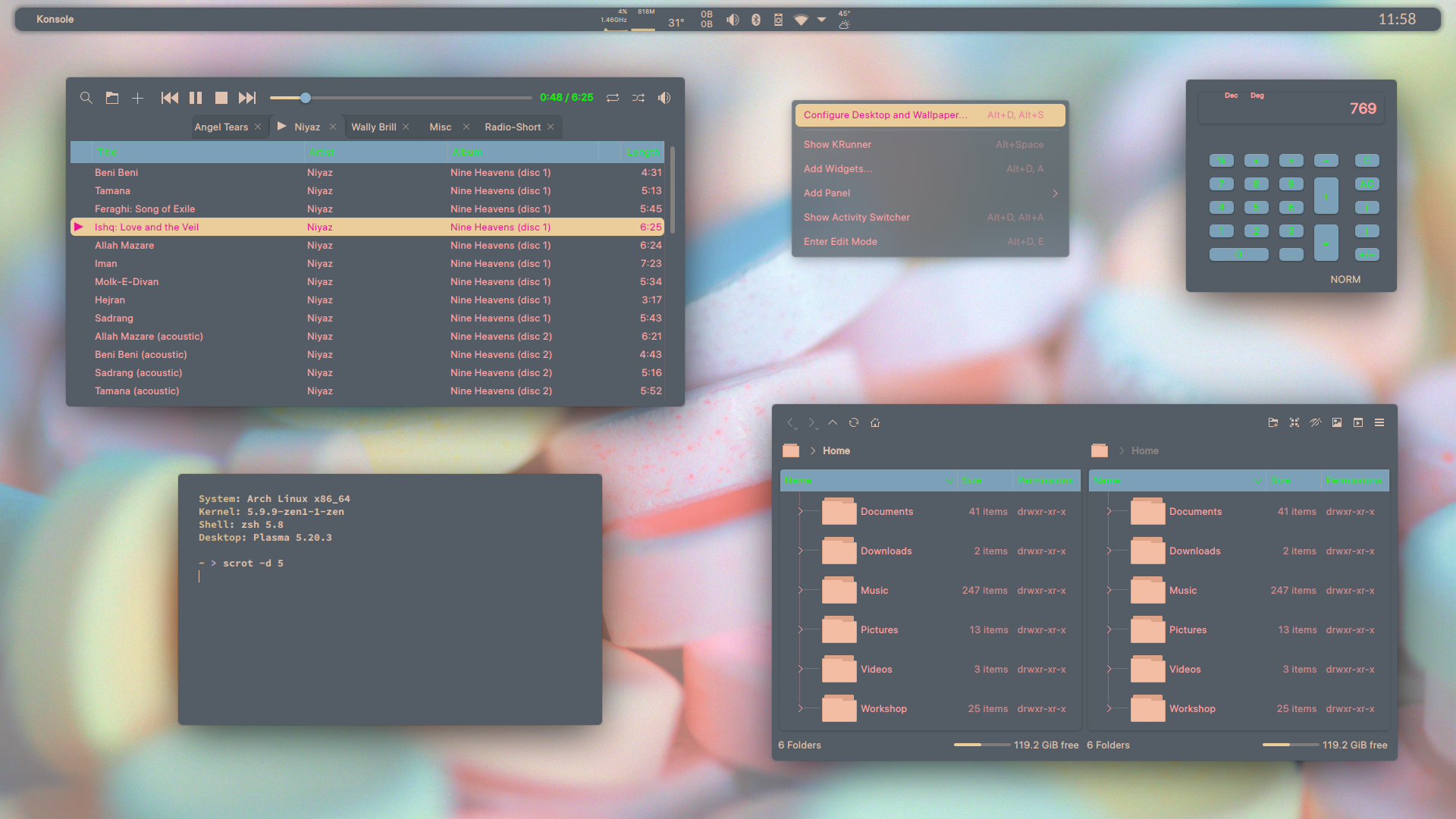
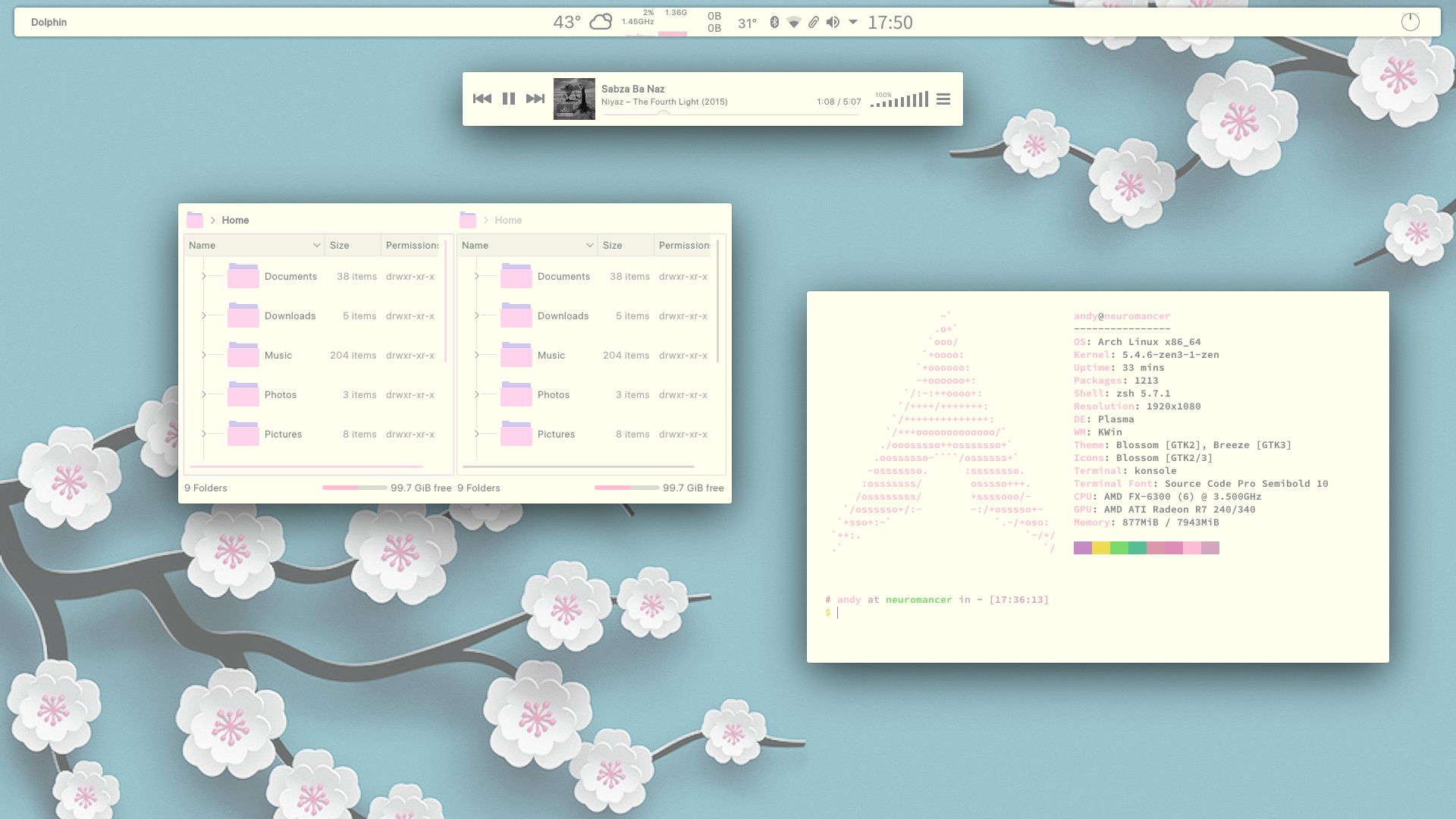
My current desktop with a little splash of colour.Related content





Comments: 6


I did write one somewhere,but I can't remember where and can't find it!
The colour-scheme goes in a hidden folder,click ctrl+h to show hidden files,then go to /home/handyw/local/share/colour-schemes or whatever user name you use,and just put it in there,then ctrl+h to hide the files again.
Or you can just go in System Settings - Colours - Install from File which I suppose is easier,but I just have the habit of putting them straight in the folder!
The Konsole theme goes in /home/handyw/local/share/konsole and the GTK theme in /usr/share/themes or you can use a hidden folder in your home directory,and icons in /usr/share/icons,or again you can use a hidden folder in home,to create those if you don't have them,just create folders named .icons and .themes and the full-stop at the start of the name will automatically hide them.
👍: 0 ⏩: 0
Thank you very much!
This is part of a series I'm working on of very bright and colourful dark themes,that I will upload here as a theme pack when they are finished.
Got 2 finished so far and just need to think of a name for them!
👍: 0 ⏩: 1

Looks great so far, yeah coming up with names is tricky for me as well.

👍: 0 ⏩: 1
Thank you!
Yes it's 30 minutes to create a theme,then days or weeks to think of a name!
I don't dare let anything showing my theme collection ever get shown in a screenshot,most still have slightly embarrassing temporary names.
👍: 0 ⏩: 0