HOME | DD
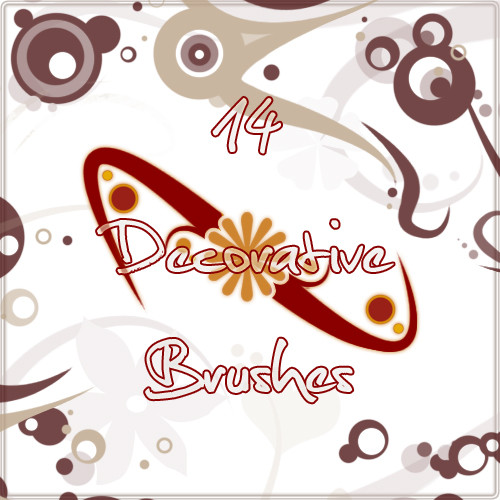
 AiSac — Vector Brushes
Published: 2008-05-19 04:37:36 +0000 UTC; Views: 34994; Favourites: 206; Downloads: 15842
Redirect to original
Description
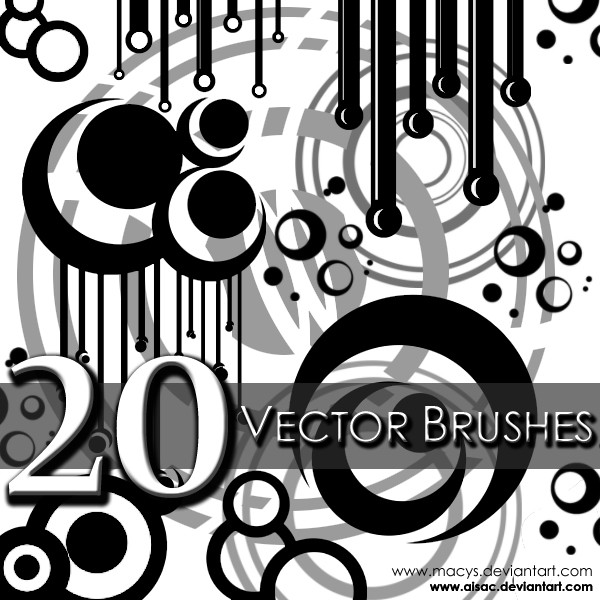
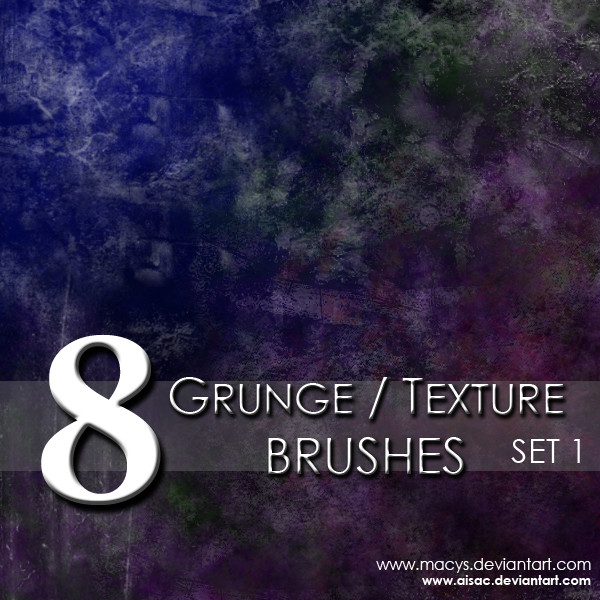
Photoshop Brushes by Macy SaefongDownload to use brushes
The same rules apply for Photoshop brush usages as with stock usages.
The rules are located in the Journal: [link]
Favs/Comments Appreciated
**Compatible with Adobe Photoshop 7.0 and above**
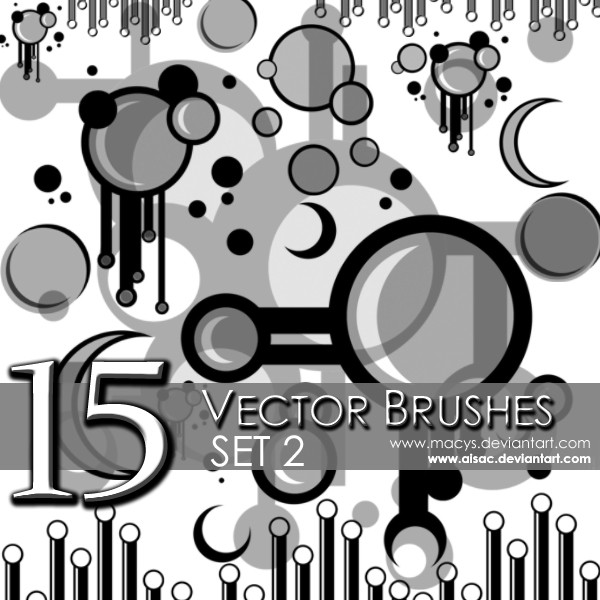
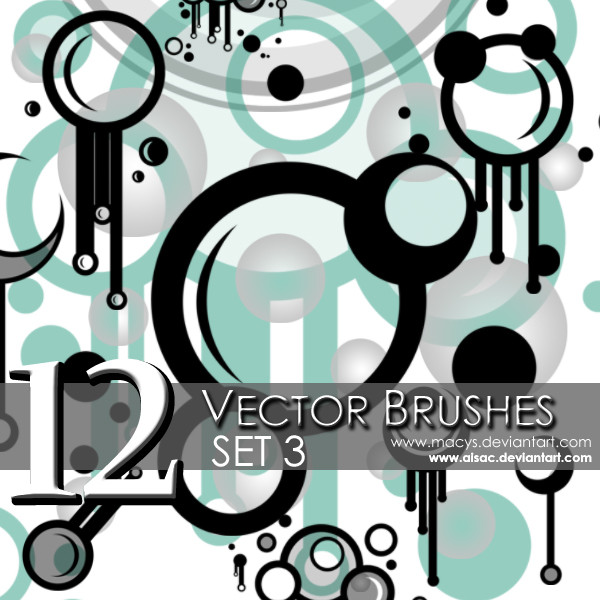
See also: Set 2 Vector Brushes and Set 3 Vector Brushes
-----
To use brushes, download and save into computer, in whichever location you choose. Afterward, open the brushes by opening up Photoshop. Click the brush icon in the toolbar or press 'b' for the brush shortcut. Navigate up toward the brush selection menu and click on the circled arrow at the side to open a drop down menu. Select the 'Load Brushes' option and a dialog box will appear and you will be able to locate your brush and open it. The brushes you just opened should appear at the end of your previous brush set.
Related content









Comments: 15

Hello, I downloaded these brushes, not sure if, or how I might use them.
None the less, thank you for making them available. Should I use them in a project,
I will certainly credit you and also post the work that I used them in. Thanks again.
All the best,
Glenn
👍: 0 ⏩: 0


Thanks for the great brushed, Used em here fav.me/d8gjims
👍: 0 ⏩: 0


Hello!
I used your brushes here: [link]
Thank you so much! 


👍: 0 ⏩: 0

Hey I used your brushes in this piece...Thank you so much for making them available!!! 

👍: 0 ⏩: 0


