HOME | DD
 barberioX — CAD Features Part VII

Published: 2010-09-05 14:12:07 +0000 UTC; Views: 1604; Favourites: 12; Downloads: 51
Redirect to original
Description
Seventh in a series of CAD tutorials...With the latest build of CAD released, I noticed, that only a few people know about some of the awesome features *Carlospr has included in his app.
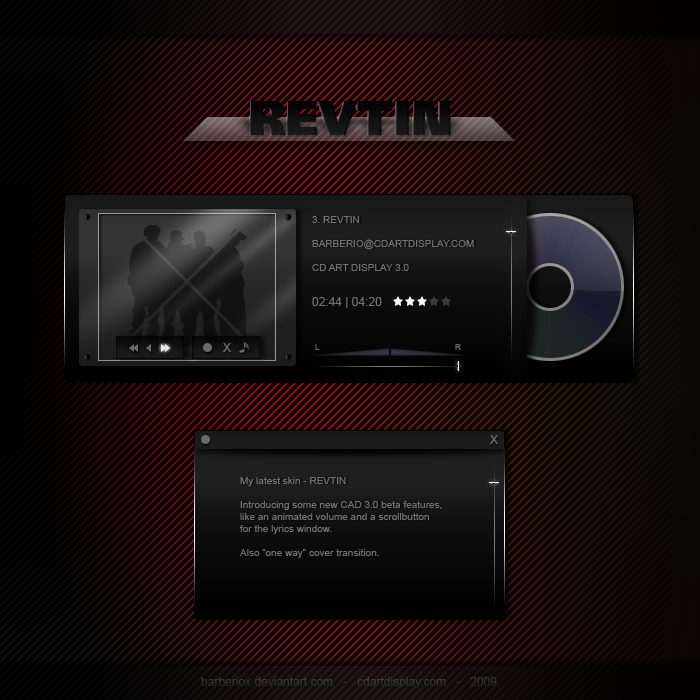
So I decided to do some tutorials, to introduce the new features here at DA. Some of them (like the scroll button for the lyrics panel) aren't really new and came with the 2.01 build last year, but are rather unknown. Others are new (like the movable panel feature above).
PART VI <<|>> to be continued...
Get the latest CAD beta here .
Here just some of the new features:
- animated case
- divided time
- skinnable elapsing time
- Skin Browser
- File Manager (in Skin Editor)
- CAD starts with Windows (Options)
- movable panel
- and much much more...
Get detailed information about all features at the CAD homepage or visit #CD-Art-Display here at DA.
Related content









Comments: 18

=barberioX I have a question, I download Trans for CAD, im using the light theme, but I placed the Cad skin near to my dock to match but some songs on my library have a long name, and the skin is not scrolling, what i can do, to make the son tittle scroll and reduce the size in order to don't merge the name of the song and the icon of the dock! i will really appreciate your help! thanks in advanced!
👍: 0 ⏩: 0

hey barberioX, hast du keine deutsche anleitung dafür wie man einen skin erstellt?
👍: 0 ⏩: 1

Nope!
Vielleicht lasse ich mich mal hinreissen die Help Files in CAD ins deutsche zu übersetzen.
Aber das Original ist eh noch nicht überarbeitet. Also wird's noch dauern.
Ich glaube in deutsch gibt's da zur Zeit nix.
Wie wäre es wenn du das Tutorial von =burnsplayguitar nutzt?
Das ist recht verständlich in Englisch geschrieben.
👍: 0 ⏩: 0

Great idea the last example with the wrong different styles individually... !!
👍: 0 ⏩: 1


Today I feel with 5 minutes smarter than yesterday!
Thanks, mate!

👍: 0 ⏩: 1
Fine to hear that.
I'm glad if these tuts can help some people.
There may be many users who knew about "Substyles" already. But
recently I downloaded some skins again, where each style
was a single cskin file. So...
👍: 0 ⏩: 0


👍: 0 ⏩: 0

Well, I google it like forever to set those ugly tassel cad of mine into the same cad! Maybe you remember about them.
look .. it's so easy!
Thanks!
👍: 0 ⏩: 1
Hmm, strange. I haven't seen an ugly CAD skin of yours since now.
What I saw was quite good!
If you have questions, you can always ask me, or use the
"Skin Talk" thread in the official forum .
But if this tutorials already helped you (and others), I have reached my goal.

👍: 0 ⏩: 1
Yeah right, you and your diplomacy again! You should make yourself a PR!
You'd be great!
At that time I haven't been invited to knock at your door!
Now I know and Maybe I will, but seems that those turorials made everything perfectly clear now!
👍: 0 ⏩: 1
Yeah, right! You and your pessimism again!
So I thought first, when I read your comment.
But reading further, I sensed a twinkling spark of optimism...
Let it burn! Let it burn!
👍: 0 ⏩: 0

nice!
i liked your menu on description! haha
prev - next
👍: 0 ⏩: 1
It's the easiest way to link them together.
Later - if I finished the series - I'll
release them all in one .pdf file.

👍: 0 ⏩: 0