HOME | DD
 computerdummy5 — Omnimo3 Unleashed

Published: 2011-01-02 03:01:12 +0000 UTC; Views: 3685; Favourites: 5; Downloads: 188
Redirect to original
Description
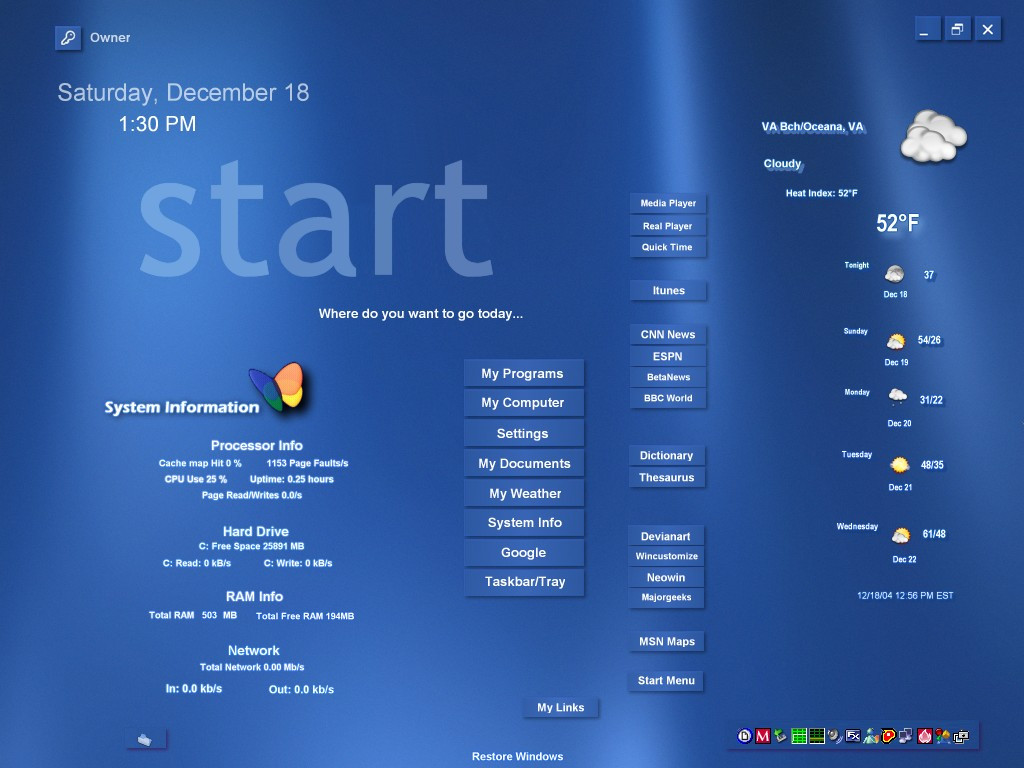
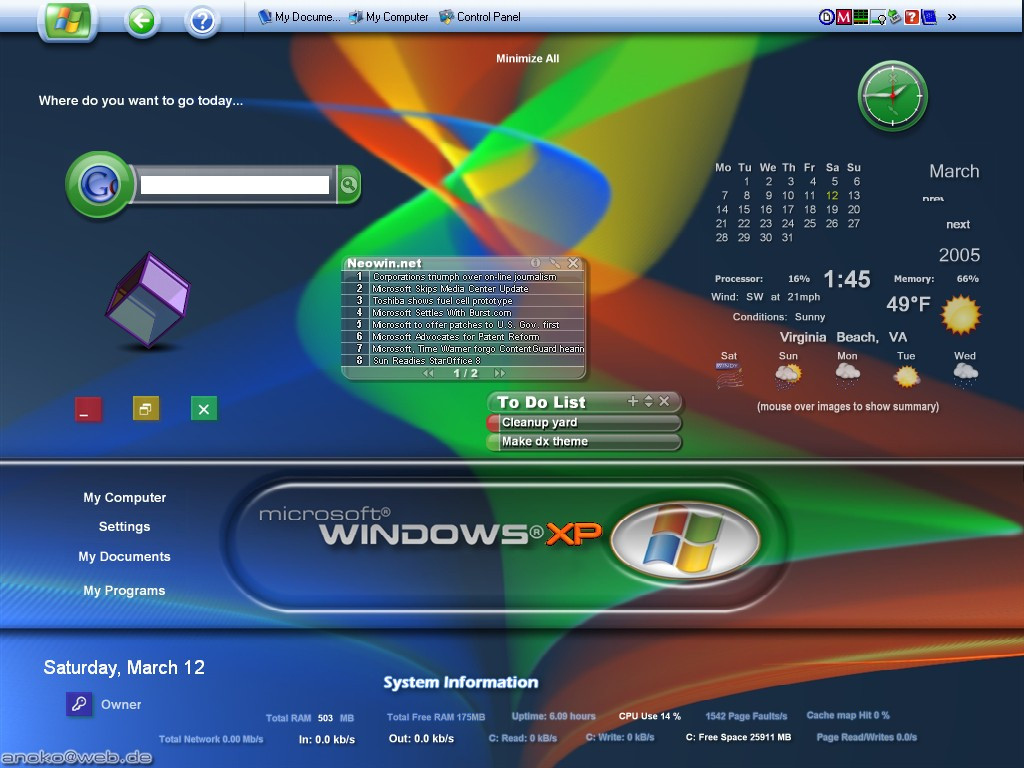
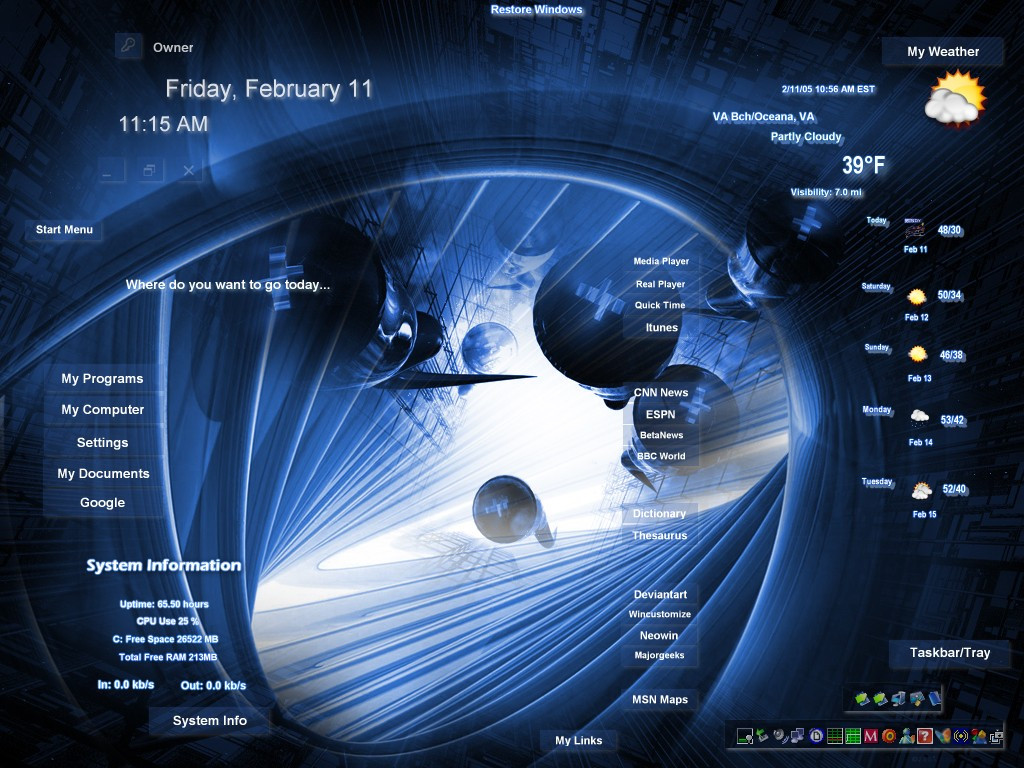
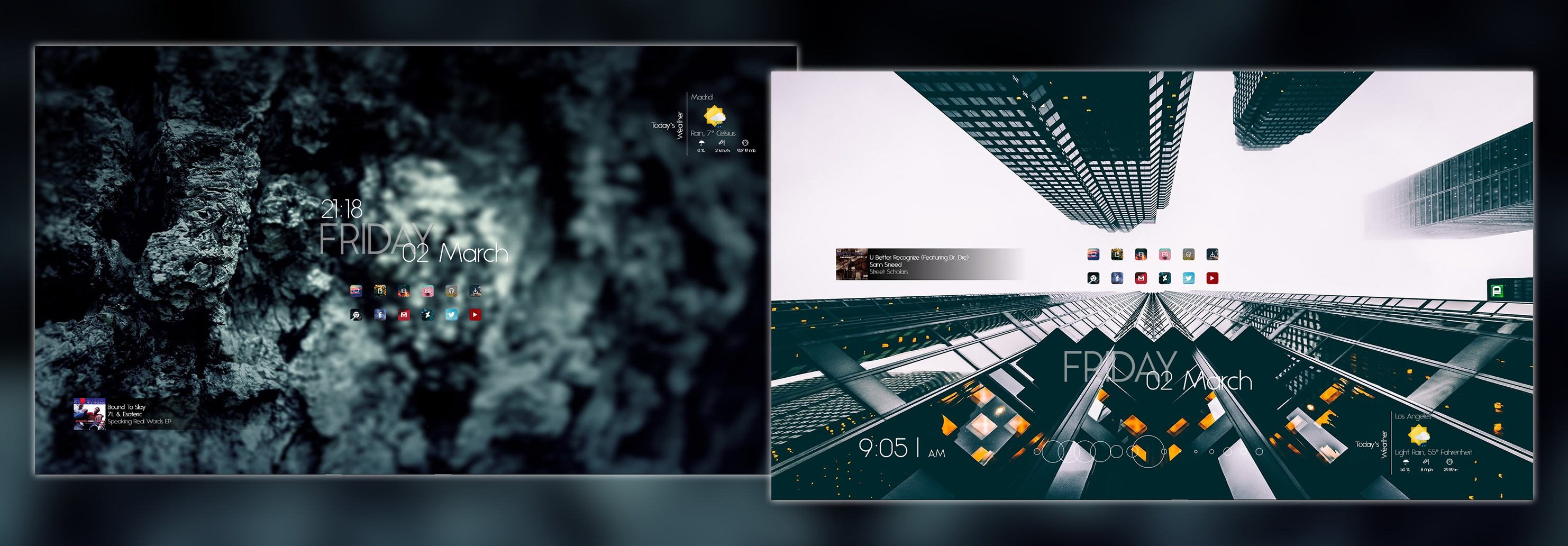
My last submission to the Omnimo3 skinning contest. After going super minamal on the first one,and middle of the road on my second attempt I decided to kinda let it all hang out in this latest try. I hope you like it-it looks sweet on the desk but sometimes that quality doesn"t translate to the screenshot. Anyway here are the particulars...Omnimo3.1 by fediaFedia: [link]
The wall is an older classic by the great adni18 and is titled "Other World" and can be downloaded from his site: [link]
Since I switched to windows7 I haven"t had the desire or in my opinion the need to skin windows so I just run with the default aero look that is seen in the screenshot but to each his own.
Any comments or questions are no problem and thanks for looking!
Related content








Comments: 14


Thanks Scotty, I appreiciate that.
👍: 0 ⏩: 0


Why thank you-it wouldn"t be possible without your awesome wall though!Take care my friend!!
👍: 0 ⏩: 0
You can resize the panels by clicking the bottom right corner of the panel.
👍: 0 ⏩: 1

Great setup! I tried to duplicate it, couldn't get the ebay, hulu... icons though-
[link]
👍: 0 ⏩: 2
Oh and if you haven"t already found the web shortcuts-in the main panel box,last row of panels on the bottom and right in the middle will be a panel labeled "web shortcuts". click it to open anoter panel with all the web shotcuts. Hope that helps.
👍: 0 ⏩: 0
Nice shot-it looks great. Very clean and nice choice of wall.
👍: 0 ⏩: 0
How in the heck do you make everything transparent?!?!?!? I have green and blue squares around everything.
👍: 0 ⏩: 1