HOME | DD
 computerdummy5 — Ubuntu 10.10

Published: 2010-12-01 17:52:33 +0000 UTC; Views: 7471; Favourites: 21; Downloads: 386
Redirect to original
Description
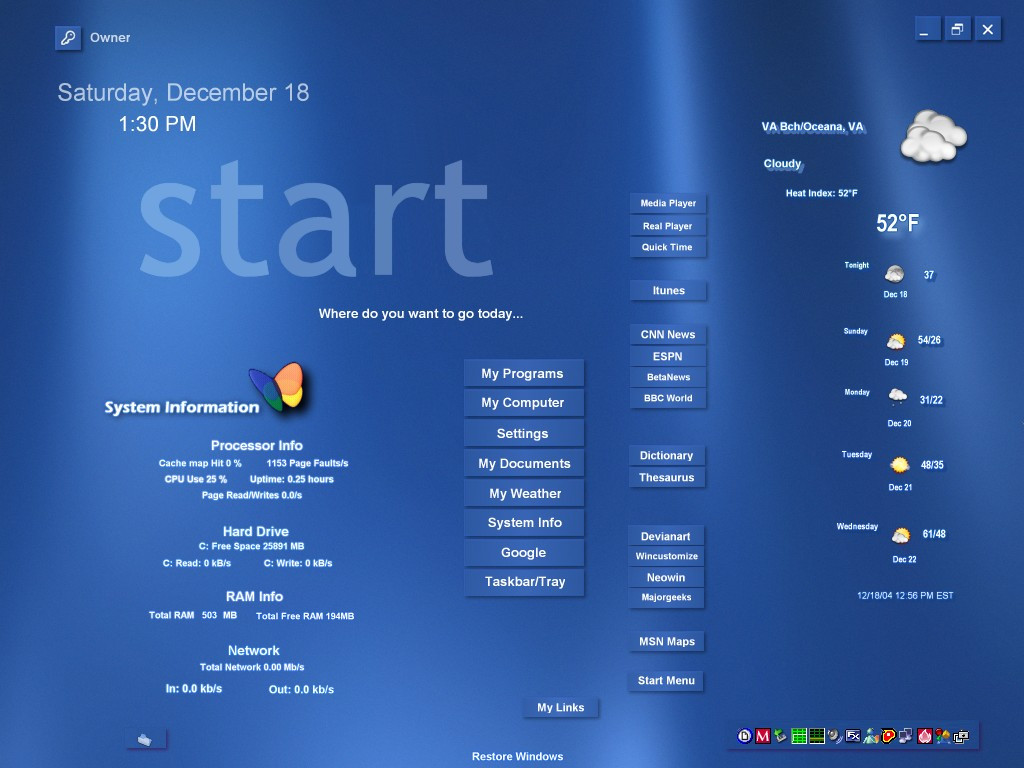
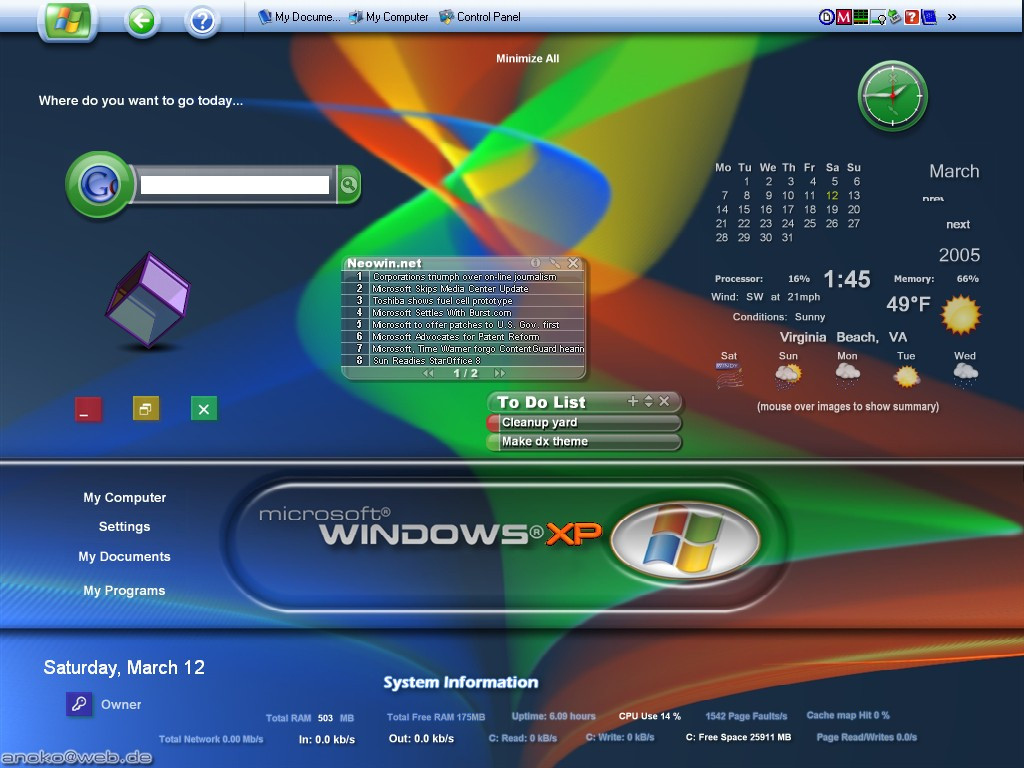
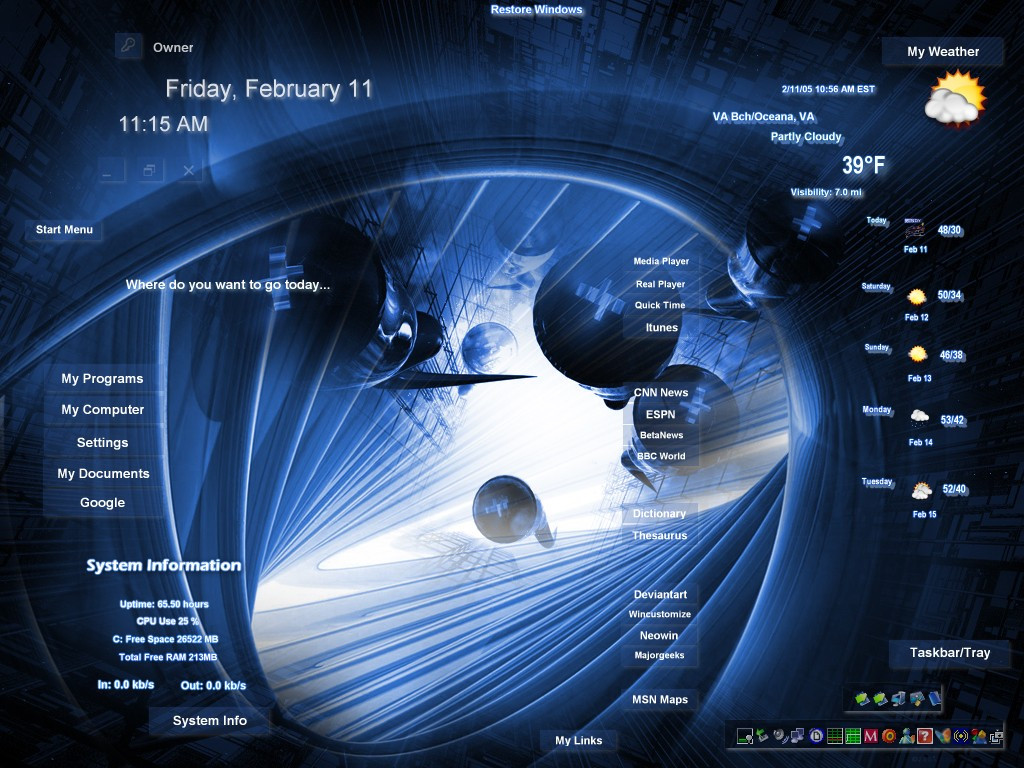
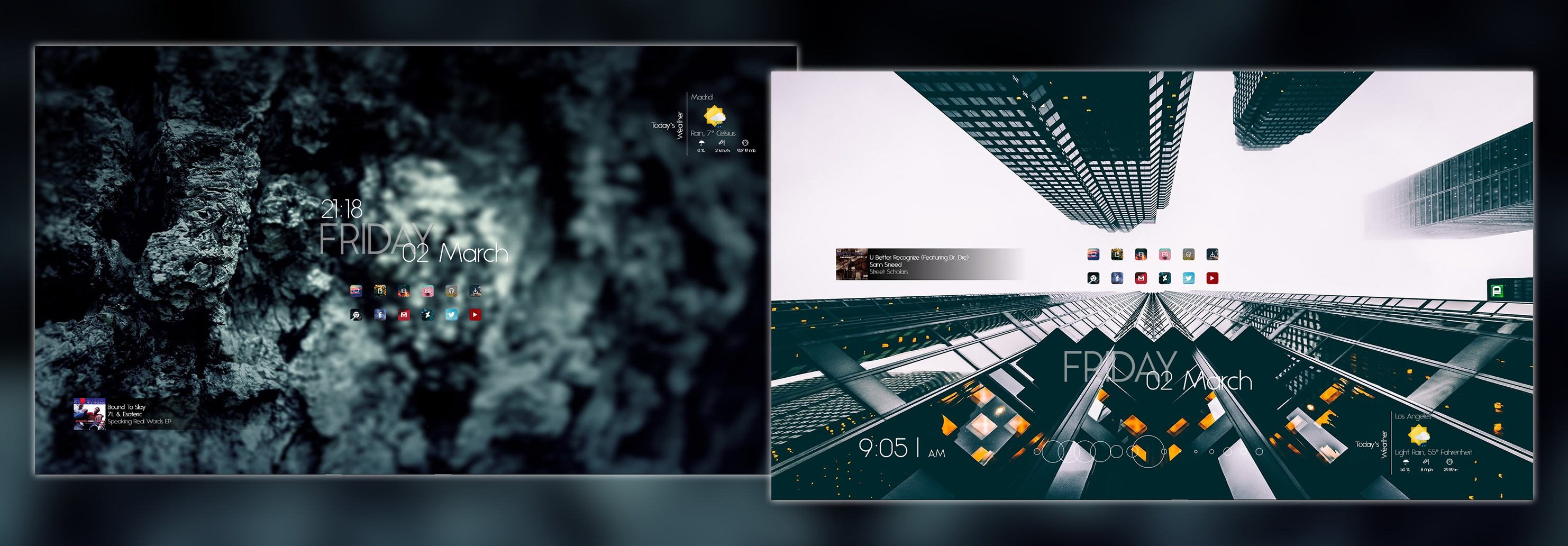
Dual booting Ubuntu 10.10 alongside Windows 7.Related content








Comments: 15


You can find a link to the wallpaper if you read the comments for the skin and as for the clock its part of the widgets that come with Ubuntu

👍: 0 ⏩: 1

thats a screenlet?...ive never seen one that quality can you give me a link
👍: 0 ⏩: 1
Been a while but yes I beleive that is a screenlet. I think I grabbed it at gnomelook.org so I would check there first

👍: 0 ⏩: 1

how did you bring up the clock that way ??
and is the wallpaper in to pieces or it can be done ??
👍: 0 ⏩: 0
Thats Cairo dock just open software center and type "Cairo dock" into the search field or you can do this 
sudo apt-get install udo
sudo add-apt-repository ppa:cairo-dock-team/ppa
sudo apt-get update
sudo apt-get install cairo-dock
That’s it Cairo dock is installed. You can start it by going to Applications > Accessories > GLX-Dock (Cairo-Dock withOpenGPL).
But Cairo is not installed to run at startup. You can do so, by going to System > Preferences > Startup Applications. And adding the following.
After opening Startup Applications Preferences window just press Add button
now you will see a new box called Add Startup Program
In that you will see Name in that you have to type “GLX-Dock(Cairo-Dock with OpenGL”
In Command you have to type “ cairo-dock -o”
and in Comment you have to type “Cairo-Dock with OpenGl (hardware)”
and enjoy now
👍: 0 ⏩: 0


I can"t remember where I grabbed it and Tineye came back with nothing,but someone else wanted it at Neowin so I uploaded it there. so here is the link: [link]
👍: 0 ⏩: 1
You will have to scroll down to the 3rd. from the bottom of the page for the wallpaper-sorry.
👍: 0 ⏩: 1

a lot of thanks. I found it
👍: 0 ⏩: 0