HOME | DD
 DarkEagle2011 — :: ALIENATION ::
Published: 2011-05-11 03:51:14 +0000 UTC; Views: 46039; Favourites: 49; Downloads: 8810
Redirect to original
Description
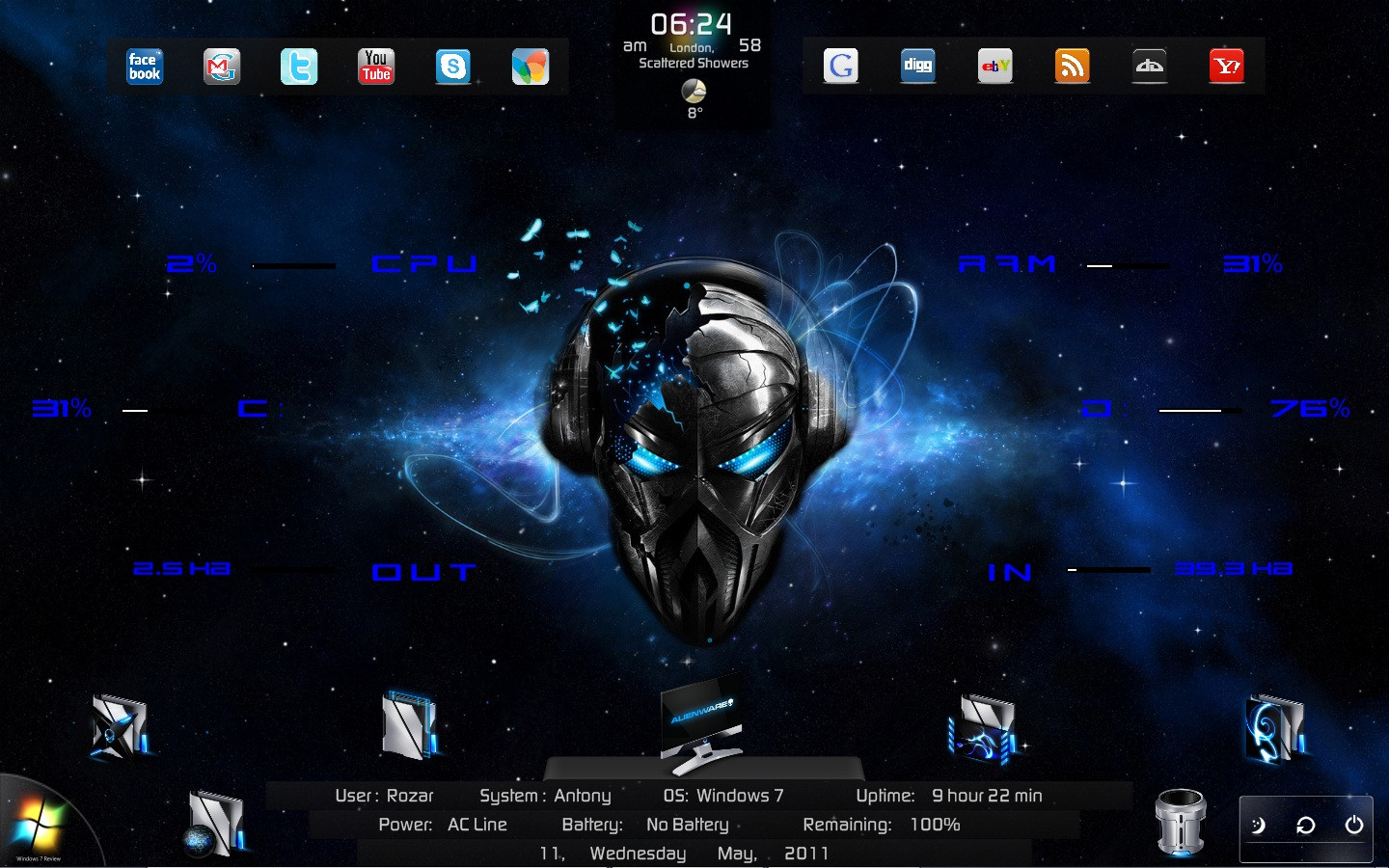
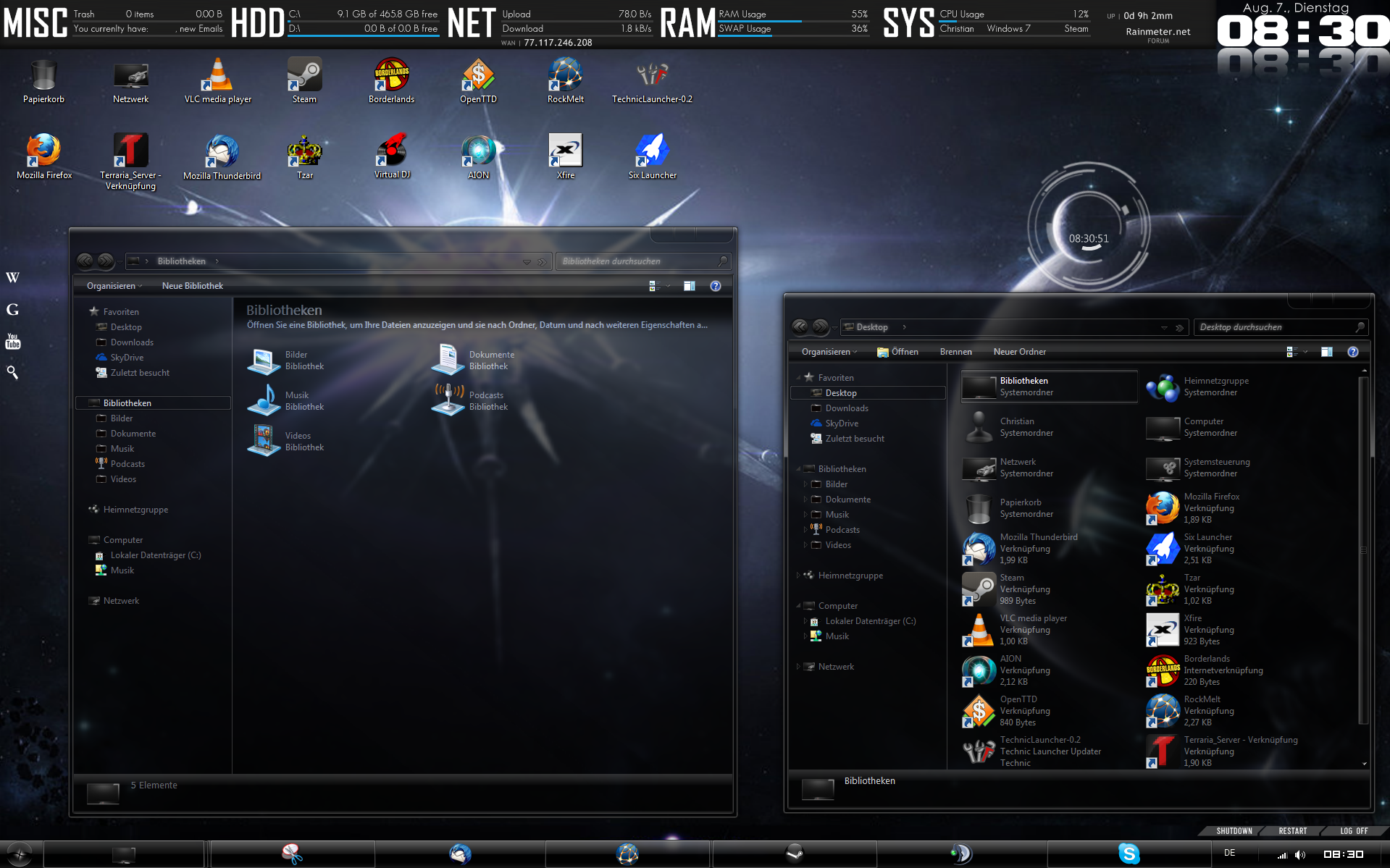
:: ALIENATION ::FEATURES:
My Computer, Documents, Music Player, Browser, Pictures, Videos, Trash, Facebook, Gmail, Twitter, Youtube, Skype, Msn, Google, Digg, Ebay, Rss, DeviantArt, Bookmarks Shortcuts, Yahoo, Cpu meter, Ram Meter, Hard Disk Space c: and d:, Network upload and Download Meter, Date, Time, Weather, System info, Uptime, Power Info, Power Options, Start Menu,....
MY RAINMETER THEMES: [link]
EXPECTING YOUR KIND COMMENTS...
THANK YOU & ENJOY

Related content








Comments: 13


Steps are explained as follow:
Basic Instructions:
1. Download the THEME NAME.rar file.
2. Extract it and set the wallpaper as Background.
3. Double click the fonts to install.
4. Copy and paste the THEME NAME folder at My Documents\Rainmeter\Skins\ ...
5. Now restart rainmeter.
6. Now Right click on Rainmeter icon near volume, date, network icons in the lower left corner and follow to Configs/THEME NAME/Disk tech/Disk tech.ini
7. Now you have opened the Disk Tech file. Now drag the Disk Tech skin at your required place of the Desktop.
8. Now likewise open all .ini files under THEME NAME folder and place according to the screenshot attached in the Downloaded file.
If you still have doubts, see the youtube videos for how to install the rainmeter theme.
Weather Instruction:
First open and set the Weather skin on the desktop and then Right click on the Rainmeter Icon in the lower left corner near the volume , date,.. and you will see THEME NAME \ Weather in the first column itself along with along opened files. In that Click Edit skin, a text file will open. Thats the coding file of the skin. In that file, in the first few lines itself i have given the steps of finding the location. Find it and paste the code at " LOCATION = " . Now Refresh or Restart the Rainmeter for the change to happen and you can enjoy your area weather status.
👍: 0 ⏩: 1

do you have new skins??

👍: 0 ⏩: 1
MY RAINMETER THEMES: [link]
👍: 0 ⏩: 0


