HOME | DD
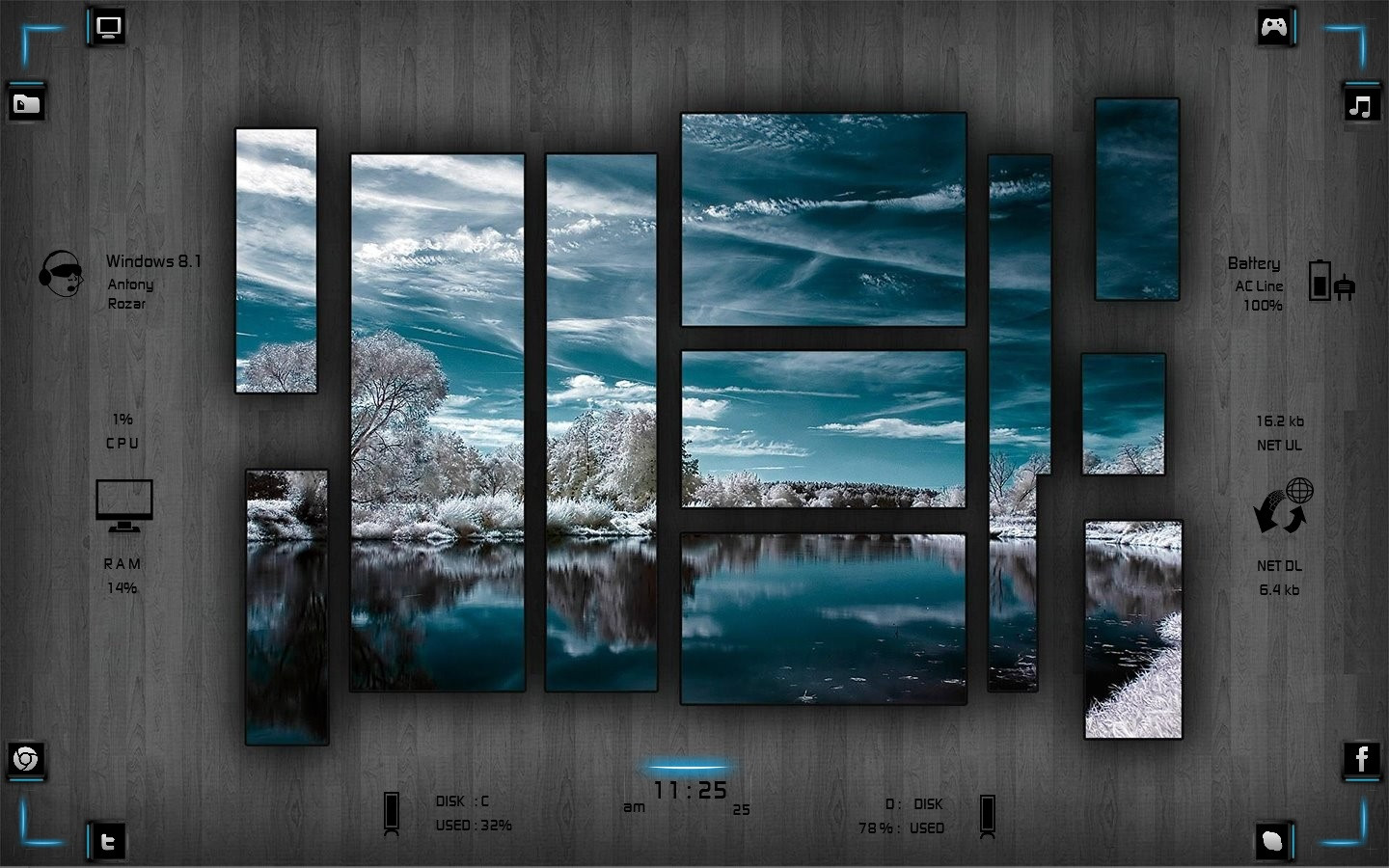
 DarkEagle2011 — :: WINTER ::
Published: 2013-12-22 09:33:39 +0000 UTC; Views: 115727; Favourites: 291; Downloads: 24712
Redirect to original
Description
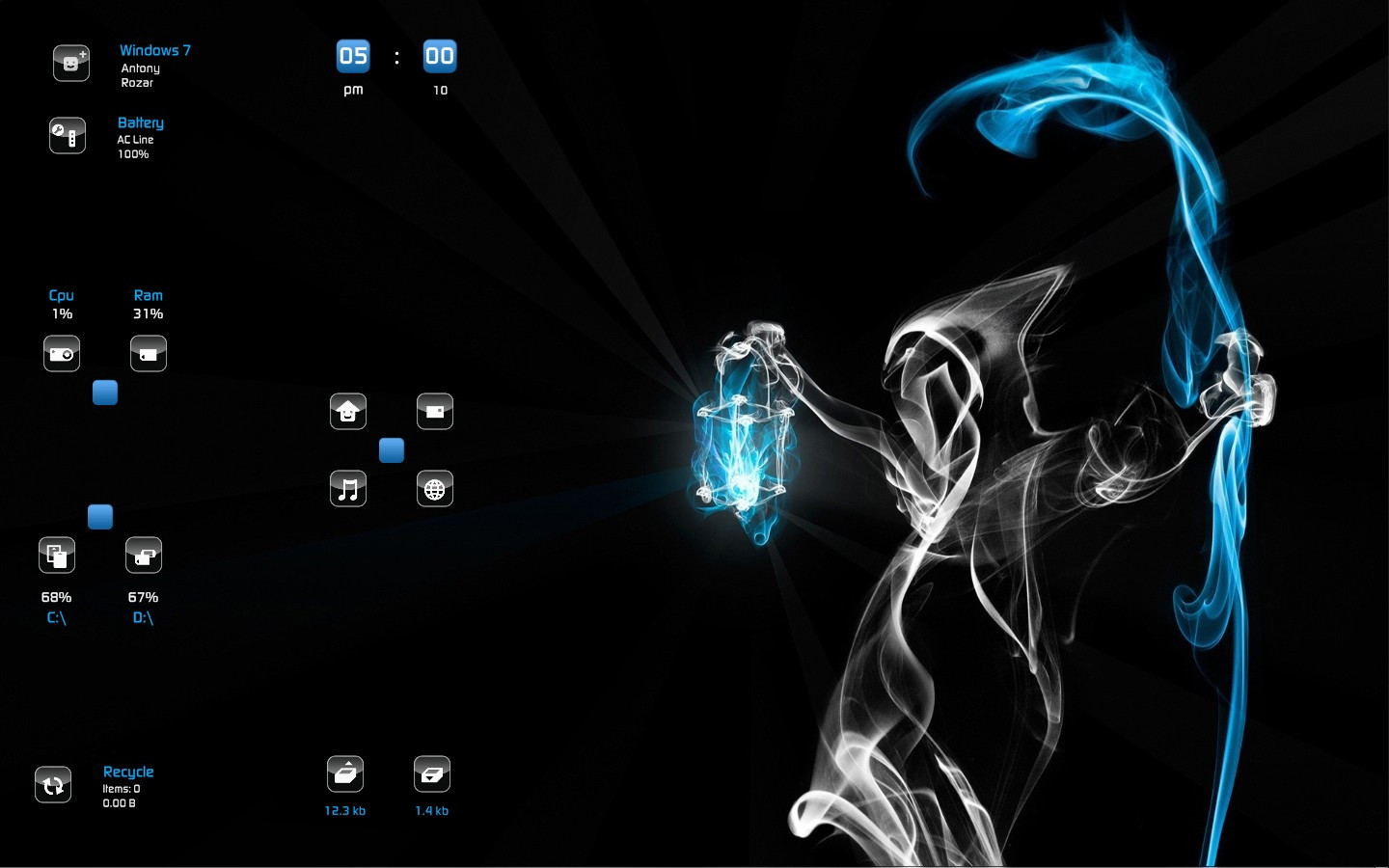
:: WINTER ::============
FEATURES:
---------
Wallpaper Sizes of 1440x900 & 1920x1200 Included @ My DocumentsRainmeterSkinsWinterWinter.jpeg.
Instructions to edit Dock Icons Included.
My Computer, Documents, Browser, Music Folder, Games Folder, Facebook, Twitter, Skype, Power Info, System & User Info, Cpu, Ram, Disk C & D, Upload & Download, Time....
MY RAINMETER THEMES: darkeagle2011.deviantart.com/g…
EXPECTING YOUR KIND COMMENTS...
THANK YOU & ENJOY

Related content







Comments: 61

👍: 1 ⏩: 0

👍: 0 ⏩: 1

👍: 0 ⏩: 0

👍: 1 ⏩: 0

👍: 1 ⏩: 0

👍: 1 ⏩: 0

👍: 0 ⏩: 0

👍: 1 ⏩: 0

👍: 1 ⏩: 0

👍: 1 ⏩: 0

👍: 2 ⏩: 0

👍: 0 ⏩: 0

👍: 0 ⏩: 1
👍: 0 ⏩: 0

👍: 0 ⏩: 1
👍: 0 ⏩: 0

👍: 0 ⏩: 0

👍: 0 ⏩: 1
Download and Install this Theme.
Then, you will get Wallpaper Sizes of 1600x900 , 1920x1080, 2K - 2560x1440 & 4K - 3840x2160 Included @ My Documents/Rainmeter/Skins/Theme/Theme.jpeg
👍: 0 ⏩: 0


I designed in Blue version only. Maybe try changing those blue icons and lights into neon green in Photoshop and Try them.
👍: 0 ⏩: 0


Install latest Rainmeter Software.
Download this theme from DOWNLOAD at the top right side of this page.
You will get a RMskin file. install it.
you will get @ My Documents/Rainmeter/Skins/Winter/
Set the wallpaper, move the skins according to your Desktop.
Enjoy
👍: 0 ⏩: 1


First off I love the work you do. Secondly I would like to ask if there was a way for me to pick a different wall paper? I am not trying to change your style in fact I would like to take the style to use but to customize it with a Horde icon wall paper. Anyways if you still read these posts it would be cool to hear from you or possibly even learn how to customize a bit more to get something very similar to the style you have already set up here.
👍: 0 ⏩: 1
Please read the reply note i have sent you.
👍: 0 ⏩: 0

i want these type of wallpaper. what this called ? or how can i get wallpaper like this style ?
👍: 0 ⏩: 0


Love it but when I click music top right nothing happens ???
👍: 0 ⏩: 1
Right click on the Top Right Skin and select Edit Skin.
There you will see ;
!execute ["D:\"] for Games Icon
!execute ["E:\"] for Music Icon
So, instead of D:\ & E:\, change the location of your hard disk or give any of your favourite websites inbetween in quotations like;
!execute ["C:\Program Files (x86)\iTunese"] if you have installed iTunes in your system and please check the location of them properly
or
!execute ["tunein.com "]
You need to change !execute [""] location under both [1], [1a], [2] and [2a].
Like this change and save and refresh the Rainmeter, then it will work for you.
Have Fun
👍: 0 ⏩: 1
TY for that help, will give it a go, sry took so long to get back, been out of town working,
👍: 0 ⏩: 0
I click the music top right, nothing happens? help please
👍: 0 ⏩: 0

you have an amazing sense of style, thank you for all your hard work.
👍: 0 ⏩: 0

pls help!!! where can i found your documents? for the skin pls help
👍: 0 ⏩: 1
"Download" in the top right side of this page.
Install Rainmeter Software.
Download and Install this theme.
Wallpaper Sizes of 1440x900 & 1920x1200 Included @ My Documents/Rainmeter/Skins/Winter/Winter.jpeg.
Instructions to edit Dock Icons Included.
👍: 0 ⏩: 1
I mean where is your "My Documents"? tnx dude
More power and more arts!!!
👍: 0 ⏩: 1
Top left two icons contains my computer and my documents. Have Fun!1
👍: 0 ⏩: 0


Thanks for the new skin. Dumb question but are those pictures static? Is it possible to make them shuffle through a selection?
👍: 0 ⏩: 1
In the following theme, i have used shuffling wallapers. Try this one;
darkeagle2011.deviantart.com/a…
👍: 0 ⏩: 0


| Next =>