HOME | DD
 DevianTN7k1 — Compass

Published: 2013-07-23 01:29:09 +0000 UTC; Views: 79581; Favourites: 247; Downloads: 0
Redirect to original
Description
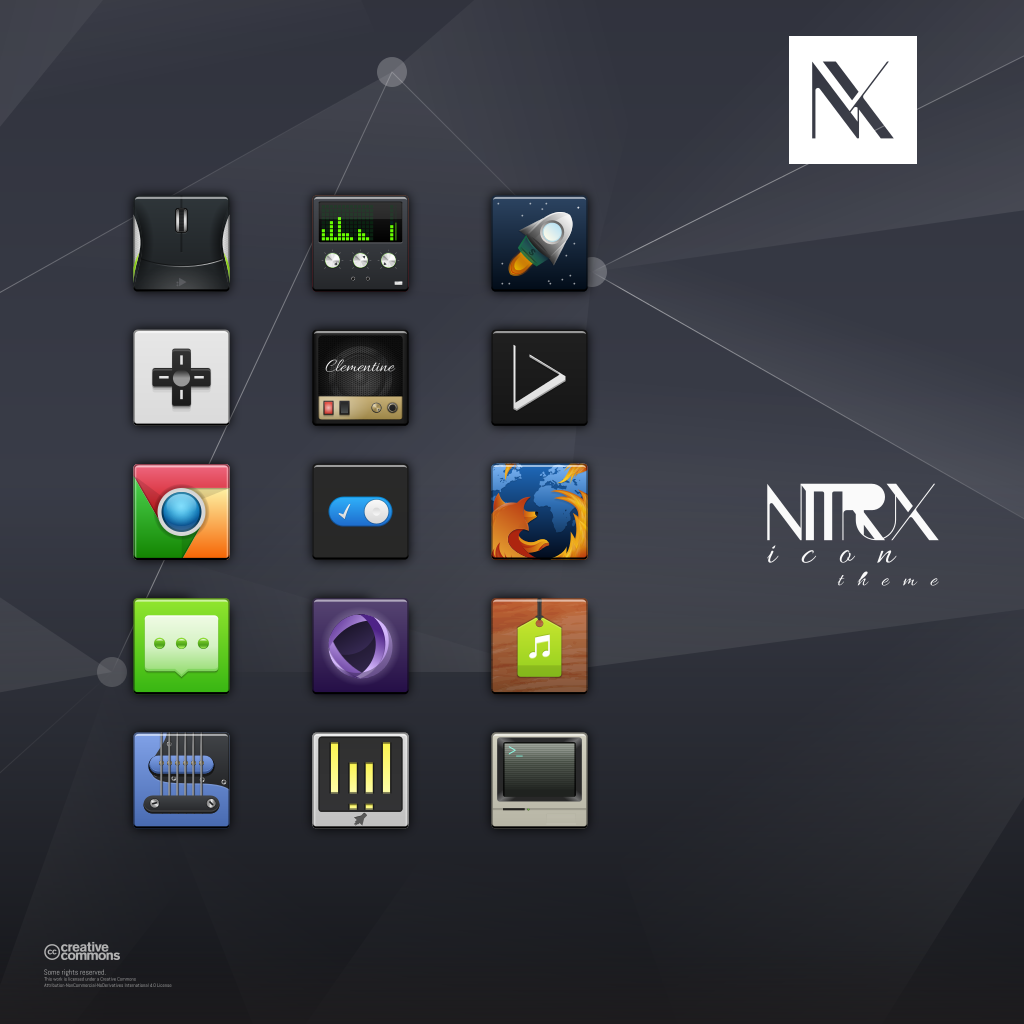
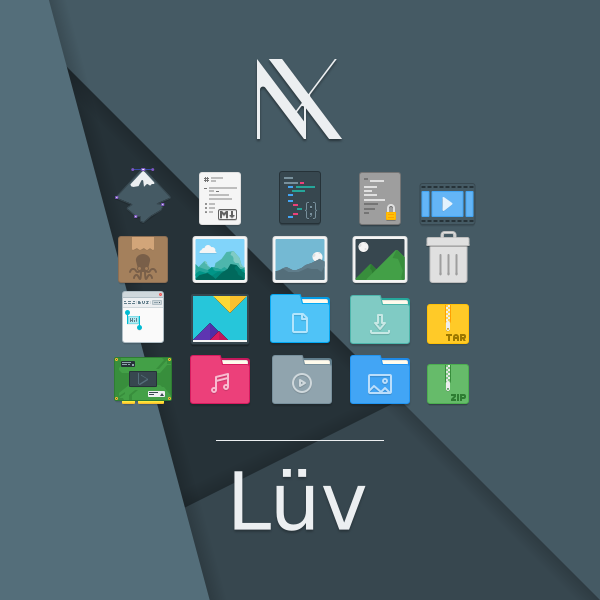
Compass is the alternative icon theme for Nitrux. Add quality to your project with these neat icons that'll bring your desktop to life.
Download for Linux
Icons are Licensed under the Creative Commons Attribution-NonCommercial-NoDerivatives International 4.0 License.
Please read the README Inside for more information.
Get your icon bundles now!, add more icons to your Nitrux collection.
Basic bundle - Compass | Super bundle - Compass
Follow Nitrux on:
Twitter
Facebook
Instagram
Changelog-
___________
version 1.3.8:
- Featured:
- Revised Icons:
- Fixes:
- New Icons:
Notes: If the icons don't show up in your menus make sure the .desktop file points to the icon, e.g: Inside Python2.7 .desktop file locate the line Icon= and replace the value with "python" or "python2.7" (without the quotes). So it looks like this:
- Icon= python - This looks for the SVG file and uses it.
- Icon=/usr/share/pixmaps/python3.3.xpm - This forces the ugly pixelated python icon.
Related content











Comments: 163

Don't know if this is the correct place for requests, but would be nice to have a Bitwig Studio icon for this.
👍: 0 ⏩: 1

Thanks for the comment. I'm only adding more icons to this or my other themes (with the exception of Luv) if users show interest in supporting their development.
👍: 0 ⏩: 0


AMAZING man, I used this pack in at least 2 computers.
👍: 0 ⏩: 1
Thanks!, glad you like it!.
👍: 0 ⏩: 0

Hi there,
First of all, congratulations for this great iconset. I use it on all 5 machines at home, on 3 different Linux flavors.
I have created for my own use 3 icons :
- Tor (I'm not sure I am allowed to use the original design which I found through Google image, but ... )
- Qarte (an app for downloading Arte French/german TV channel
- dPluzz an app for dowloading french national TV programs
Juste in case someone need them, here they are : www.dropbox.com/s/re3run2vzaoo…
The logo part are just png files which I imported. Not sure this sticks to your guidelines, but, well, works for me !
Regards,

👍: 0 ⏩: 1
Hi!,
I've added your icons (after creating the vectors from the bitmaps) to the theme. There was an existing Tor icon so I skipped that one.
Thanks for contributing.
👍: 0 ⏩: 1

I try to install it from AUR (yaourt -S compass-kde-icon-theme) but this link is broken:
nitrux.in/downloads/files/free…
Please fix it.
--
👍: 0 ⏩: 1
We do not (and neither do I) maintain the PKGBUILD in the AUR you may contact the maintainer in the comments section of the AUR. You can however download the file directly from our site and use the icon theme.
👍: 0 ⏩: 0


Can you add icons for network manager applet and power manager in xfce4.12 ?
👍: 0 ⏩: 1
Please report missing icons on Github, thanks!.
👍: 0 ⏩: 0

Hello, my favorite icon theme, Dress tint and sober design, icons fine and clean records, unique style and well integrated.
The only little problem , does not pass with bar black spots due to black icons .
But I have made my mark transparent spots waiting to change that by delving a little.
I look at your work with interret , I'm french and I started on ubuntu, sorry if this is not enough understandable.
(I read the reviews and the taskbar issue is already requested , problem solved )
👍: 0 ⏩: 0


Last time I checked, I thought the Manual said for typical Linux users of Gnome/GTK to use Nautilus.
And when working with KDE/QT to use Dolphin.
LOL...
There is a word and I'm sure you know it called; Cruft, now it might seem small to you for just this one project,
but imagine every project out there did the same thing, well we'd have a hell of a lot of excess cruft lying
around.
Now with no disrespect to you, you really should be looking at it this way.
And don't worry, I'm not down on you or whipping you, I'm lauging with a good heart!
Get another file manger to use for this iconset....
Gentoo & Cruft, have you been around long enough to remember those days?
👍: 0 ⏩: 1
It'd would seem a bit too much to be switching between DEs just so that the packages don't have that particular file.
It sure is cruft (to you), an unnecessary file, a 100 bytes unnecessary file. There would need to be literally speaking a lot of these files to be considered as something that really harms the distribution of the TARs or the end user by taking up space, which it does, 100 bytes of the hundreds GB of freely available space on a typical drive.
Now, like I said before, If I don't have that file I won't have previews in Dolphin, so I need to have that file, you can remove it if you somehow feel it's affecting, or creating a problem (which it doesn't because Nautilus, Thunar, PCManFM, Caja, elementary Files, etc. don't use it) or for whatever reason you don't want to have the file there. Just like OSX adds hidden files and folders when moving stuff between it and other systems like Linux or Windows where these hidden files are visible, and do absolutely nothing and are safe to remove.
I also won't be using another file manager to package the TARs just because of that reason, again, that's a bit too much for such an extremely minor side effect of using Dolphin and having file previews, which I need.
And by the way, you can just reply to the comments, no need to create a new one each time.
=========
You can also, just delete the files running a search for them in Nautilus.
👍: 0 ⏩: 1
Ahh my bad, forgot about the reply button...
Oh yeah sure, I didn't say switch DE's I said File Managers
Well if you ever get into a playing mood to checking something out, check out SpaceFM, really light weight, been my main file manager since it came out.
To bad the developer isn't active at the moment.
ignorantguru.github.io/spacefm…
it runs from either udisks, or udevil which he developed, I use udevil, nice and light...
👍: 0 ⏩: 1
I've tried it, I didn't keep it, I instead continued to use Nautilus and now Dolphin. It's geared towards users of midnight commander as it resembles its UX a lot. I'm not particularly fond of those types of file managers, although ironically I use Dolphin's split view a lot. I prefer PCManFM as my light browser of choice, I'm eager to see it completely ported to Qt.
👍: 0 ⏩: 1
PCManFM is a bit bloated...
I never considered SpaceFM as having any relation to MC, hmm I don't even like MC...
You've obviously not tried out SpaceFM using the split views...
SpaceFM is really easy, it's just a simple light weight GUI FileManger, not sure what confused you otherwise into
thinking this was some complicated file manager. It doesn't resemble MC because it's not ncurses, it's only mulit pane
if you want it, and there are a lot of file managers out there that are multi view/pane too...
For a really nice light weight multi view file manage it doesn't get any better!
Here's a screen shot from my box;
i.imgur.com/loSnqaN.jpg
👍: 0 ⏩: 1
It has changed from what I tried. But anyways, I meant the UX (user experience) not the GUI. Dolphin is really fast for me though so I doubt I'd use another file manager other than just to check it out.
👍: 0 ⏩: 1
I only run Openbox so I just use small apps...
👍: 0 ⏩: 1
There was/is a distro based on Arch that had Openbox and many custom made apps, I can't remember the name.. but it was REALLY fast and very very light.
👍: 0 ⏩: 1
Sorry you lost me, a distro you ran, or are running at the moment?
You probably mean Archbang
👍: 0 ⏩: 1
A distro I used to have on a netbook, but no it wasn't Archbang. It's alphaOS alphaos.tuxfamily.org/
👍: 0 ⏩: 1
Ahh alphaos, I know it...
Slack for me all the way!
👍: 0 ⏩: 1
Ah.. no I don't have the time to mess with Slack, or Gentoo.. or even Arch. Not that i wouldn't use any of them, just.. at least Arch or one based on it, but no UEFI boot with any of those so I can't use them.
👍: 0 ⏩: 1
Sure there is UEFI, it's called Grub
👍: 0 ⏩: 1
Hmm no.. that's a totally different thing.
👍: 0 ⏩: 1
UEFI boot, so what are you saying?
👍: 0 ⏩: 1
This is UEFI (en.wikipedia.org/wiki/Unified_… ) that's what substitutes a BIOS which is what loads before Grub (or any other bootloader on any OS). My motherboard uses UEFI and Arch based distributions don't boot.
👍: 0 ⏩: 1
Yes they boot...
Arch has nothing to do with it.
wiki.archlinux.org/index.php/U…
There's always the possibility that 'Legacy' mode is needed, so
if your BIOS has the option, you just turn off the 'Secure' boot,
and boot up in Legacy mode...
👍: 0 ⏩: 1
My motherboard is not Windows 8 Ready (ASUS M5A99X EVO 1.0) so it doesn't have a Secure Boot or a "Legacy" mode though it does use UEFI (which by the way Ubuntu and Fedora boot correctly and surely Windows does too). I've tried Antergos which was the only one that booted but it failed to create the EFI partition. So that's as far as I've gone with any of them on real hardware, I had Antergos in a VM.
Android x86 also boots. Soo.. yeah. It's nice that the Arch wiki has its share of documentation but I certainly don't have the time to read it or have spare days to try and fail to install it under UEFI. So better use the ones that work out of the box.
👍: 0 ⏩: 1
Yes you need the Secure/Legacy boot option in the BIOS...
👍: 0 ⏩: 0
Oh when I saw the new version out and you mentioned you'll remove them, I thought maybe they were removed in this version...
By the way you shouldn't use Dolphin when creating this iconset, because you have one you list for KDE.
The KDE version of the iconset, not this one, should be the only iconset to have this file in it.
nitrux.in/store/compass-icon-t…
nitrux.in/store/compass-for-kd…
I'm the kind of Geek that likes to do things Politically Correct, LOL, just a joke, but
hopefully you get it.
Keep up the great work!
Cheers
👍: 0 ⏩: 1
If I did that then I wouldn't have previews in Dolphin 
👍: 0 ⏩: 0
Hi,
I just downloaded your latest version 1.3.2 but this is still not working.
gtk-update-icon-cache still says; The generated cache was invalid.
So there's still something going on.
Also I downloaded, I guess for a lack of better wording I can think, the regular Compass set, and I
noticed a .directory file in it, I'm assuming which is for Dolphin? If so, might want to remove that,
it should only be present in the KDE set...
thanks
👍: 0 ⏩: 1
The files haven't been removed. That hidden file is created by Dolphin in every folder, it's just metadata of the folder you can delete it.
👍: 0 ⏩: 0
I was told that Ubuntu asked for icons with spaces in the first versions, something around 12.04 or similar.
Now they should have moved to more standard icon naming conventions.
So you might want to check on them with this, as they might not be valid anymore...
👍: 0 ⏩: 1
Ok, and I hope in a future release you'll be sure to remove spaces...
thank you
👍: 0 ⏩: 0
Hi DevianTN7k1,
I've recently compiled PCSX2 as multilib in Slackware, and played with this for several days, and then finally realized that if there isn't a valid 'icon-theme.cache, then the menu icons will not appear for PCSX2.
I'd like to leave the iconset as it is, so when you get time, can you please remove the spaces and correct this?
Then I'll download a new updated iconset...
Keep up the great work, really appreciated!
thank you...
👍: 0 ⏩: 1
If the files are no longer used by any app/webapp or anywhere else they can be removed.
👍: 0 ⏩: 0
Actually this is not true, I just found out that some applications that use wxGTK as an example to
load the iconsets will be looking for the icon-theme.cache to load the icons and work properly.
This isn't just about caching icons for speed.
Please fix the iconset so it can create the icon-theme.cache.
I know what the warning is about...
I hope you will please fix this...
thank you
👍: 0 ⏩: 1
I couldn't find a lot of software that uses wxGTK, can you provide some examples?, I only found FileZilla as the most prominent example and it forces it's own icons (Adwaita or elementary have no effect on it's theming), I'd guess because it uses wxGTK(?).
In any case these are the files that you have to remove:
- Google Calendar-google.com
- Google docs-docs.google.com
- Google News-news.google.com
- Yahoo Mail-mail.yahoo.com
- Amazon Cloud Reader-read.amazon.com
- Angry Birds-chrome.angrybirds.com
They are all links so they don't break anything in particular. Afterwards just run: sudo gtk-update-icon-cache-3.0 -f -t /usr/share/icons/Compass/
An insight about the function of the file: What is icon theme cache on AskUbuntu and GTK+ 3 Reference Manual: gtk-update-icon-cache
👍: 0 ⏩: 0
Nice iconset, but you can't create a icon-theme.cache.
>gtk-update-icon-cache /home/foo/.icons/compass-icon-theme-1.3.1
gtk-update-icon-cache: The generated cache was invalid.
Please fix the iconset so it can generate a valid icon-theme.cache.
thank you...
👍: 0 ⏩: 1
Thanks!.
You don't need a cache file unless you're running off a very slow computer (and/or using bitmaps a.k.a PNG, XCF, etc.). That's also not an error, it's a warning. The icons will install and work just fine from the DEB packages.
The warning is caused by white spaces between file names.
👍: 0 ⏩: 0

Install compass-kde-icon-theme on Arch Linux:
Install keys:
sudo pacman-key --lsign-key 427BB6A5
Add this line to /etc/pacman.conf:
Server = http://dl.dropbox.com/u/24598537/$repo/$arch
Install
sudo pacman -Sy compass-kde-icon-theme
👍: 0 ⏩: 0
| Next =>