HOME | DD
 FablePaint — Mousetest

Published: 2016-03-17 01:41:27 +0000 UTC; Views: 3629; Favourites: 189; Downloads: 5
Redirect to original
Description
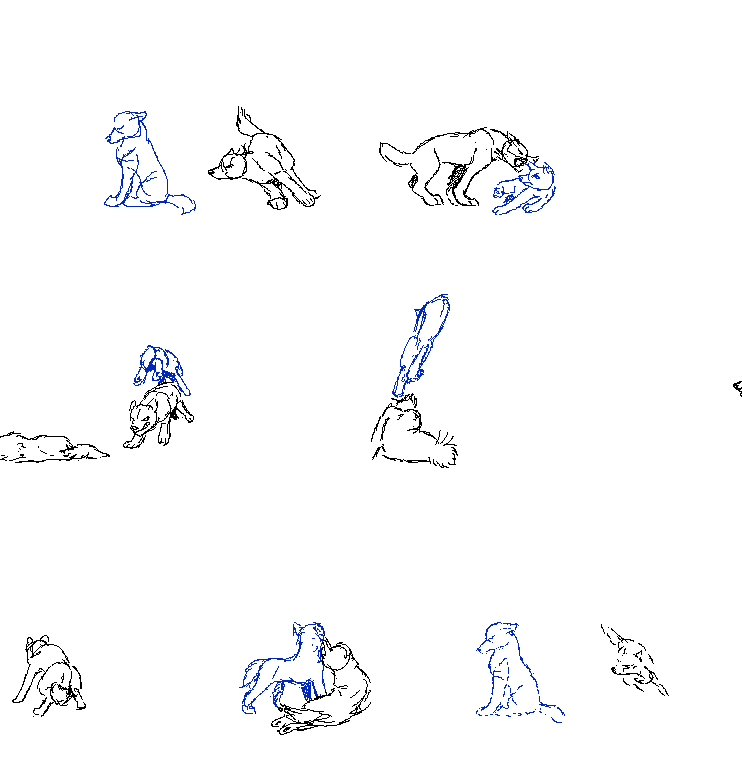
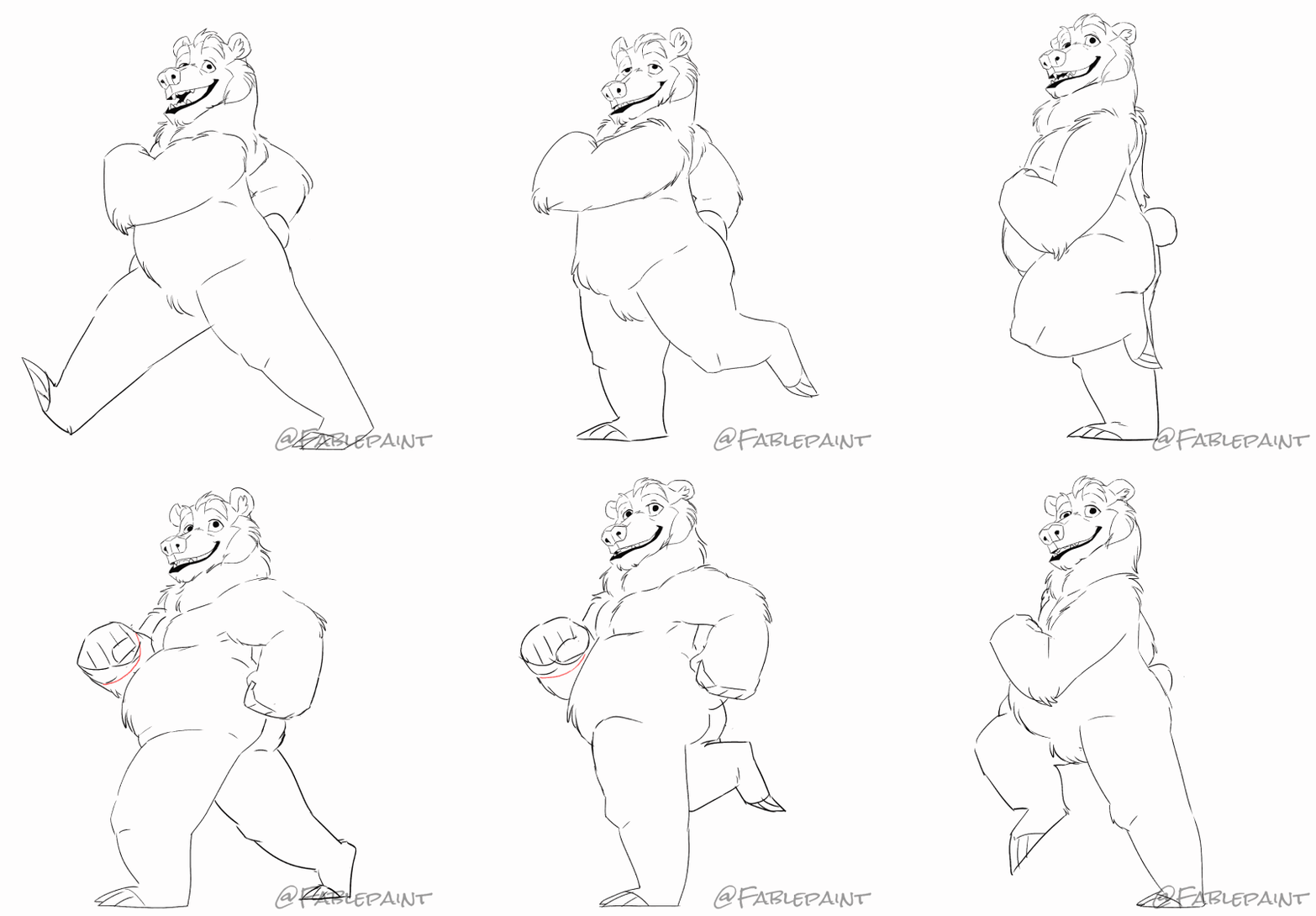
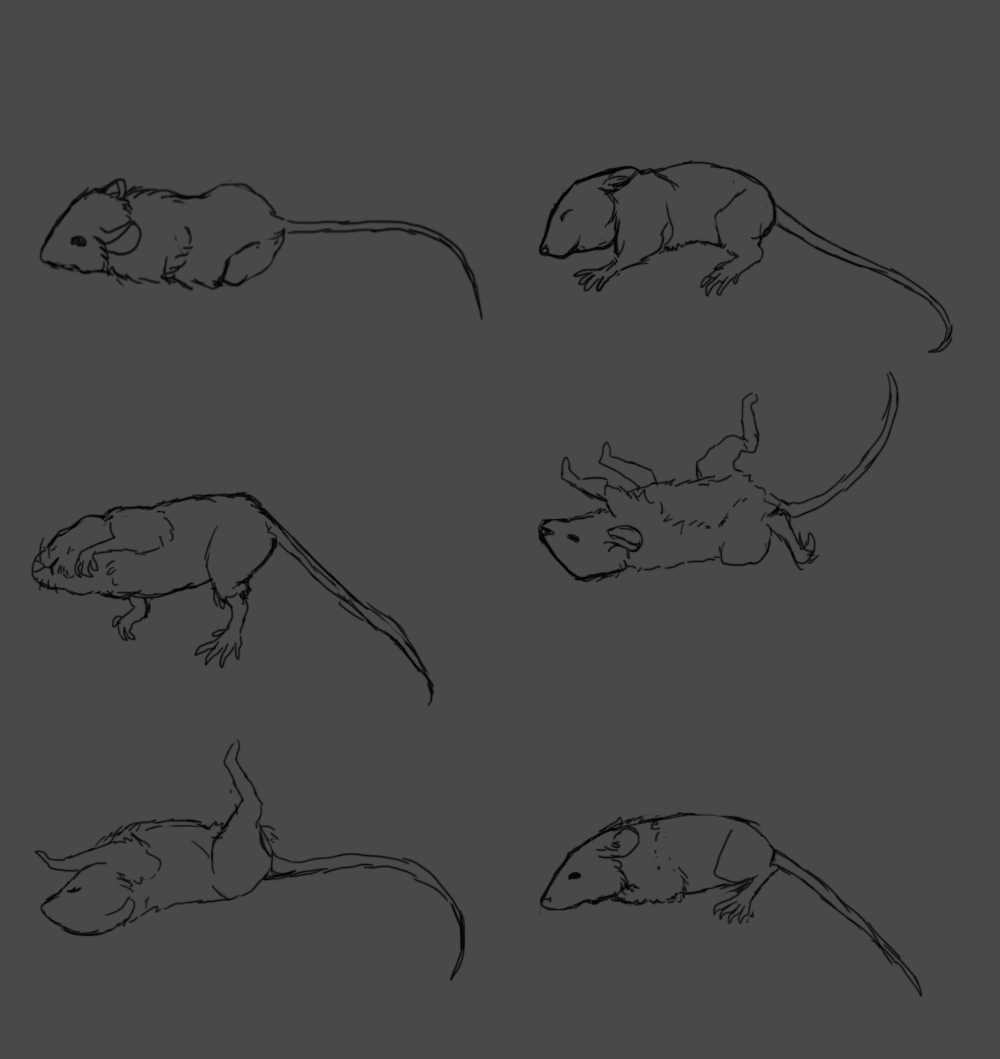
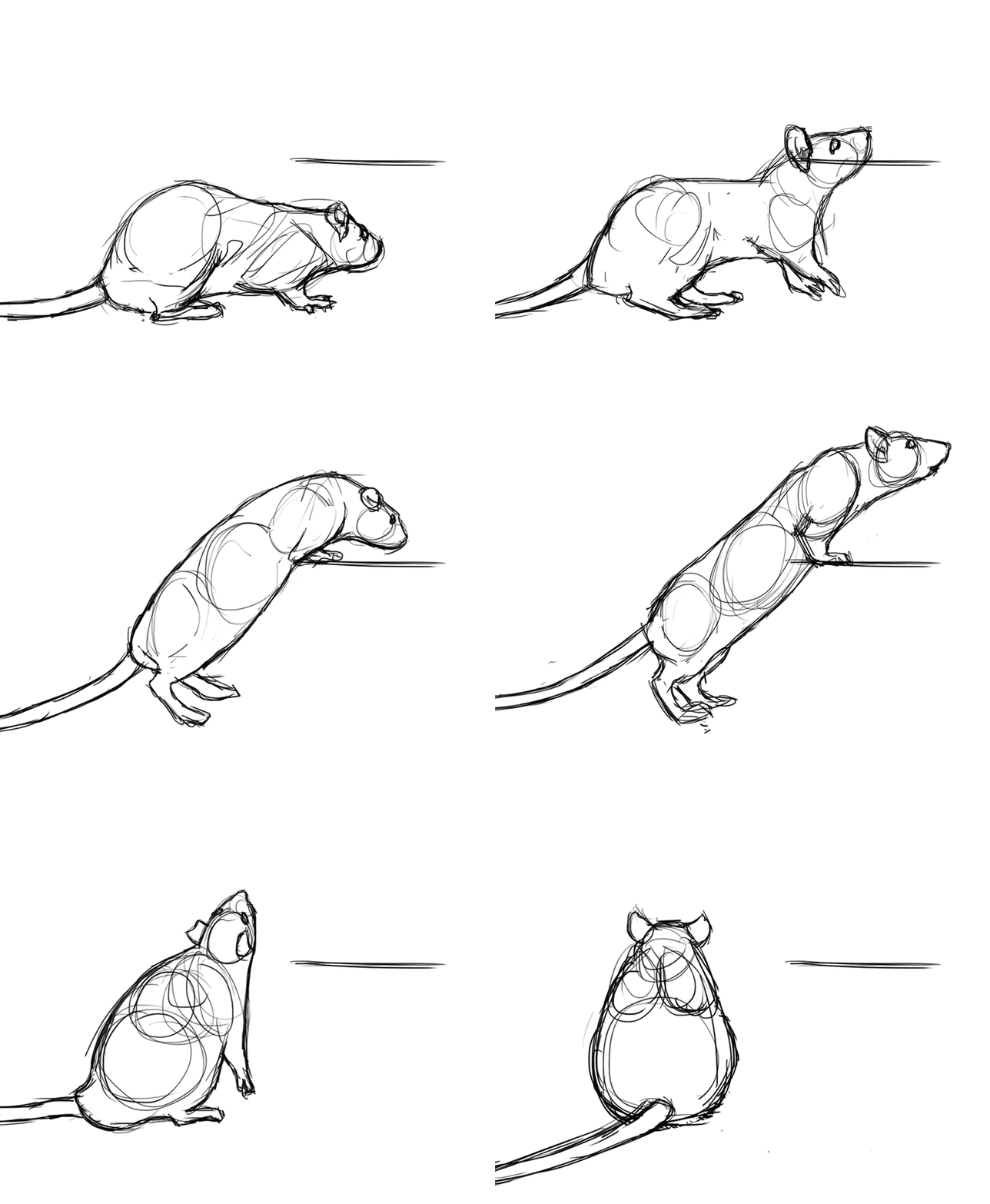
testing the new animation features in Manga Studio (now officially Clip Studio 1.5.4)
Be sure to set up shortcuts for flipping between cels to create a good workflow for yourself. While it’s missing some key features standard in most other animation software (audio, camera, more advanced onion skinning), it’s pretty good as an animation doodling and exercise tool or if you just want to put a little life into a drawing. And seeing as all this is packaged with the CP/MS superior drawing tools (raster!!), it’s a decent tradeoff.
I hope they integrate more pro-animation features into this as they move forward. Either that or start packaging it with Anime Studio for the kind of integration that comes with After Effects and Photoshop.
Enjoy the mouse!
Related content













Comments: 26

this one was done in Clip studio
👍: 0 ⏩: 1

Thanks so so much! Ive been looking for some animation softwares but all of them either cost too much or they're too complicated. But as i was looking at the website i couldn't figure out how you can animate on it, it seems to be all drawing and no animating.
👍: 0 ⏩: 1
they recently updated it to include animation software. You should be able to google search for a few tutorials on how to use the tools
👍: 0 ⏩: 1
Thanks so much! and by any chance could you tell me if you use Illustration Pro or Manga EX?
👍: 0 ⏩: 1
EX, it has story management tools vital to comic work
👍: 0 ⏩: 1


Cute now I know u are watching me can you plz plz plz plz plz plz plz plz plz plz plz plz plz plz plz make an animation avatar of me my old won is rubbish and plz do t say nop cos it rly annoying
here is me to copy fox-wolf-adopts.deviantart.com…
👍: 0 ⏩: 1
What does it even mean tell me now or I will report u
👍: 0 ⏩: 0

Awwwwwwwww adorable!!!!!!!!! <333 looks amazing!
👍: 0 ⏩: 0


I wanted to test how the different layer types would interact, and whether I could easily lock stuff. You can select and adjust layers all at once now too (hold shift/ctrl and then lock transparency or set to multiply or whatever). That's super necessary when you're dealing with a bajillion frames
👍: 0 ⏩: 0

I don't remember this being feature! Is there a free update or?
👍: 0 ⏩: 1
updates are free. just go to smith micro's website.
👍: 0 ⏩: 0

Ah, this is suburb. I was actually really excited for the animation feature on Clip Studio. Gotta keep an eye out for the sales (if it ever comes out again) so I can snag one!
👍: 0 ⏩: 0


Whaaaaaat there's animation features in manga studio now???
👍: 0 ⏩: 1
check the site for updates
👍: 0 ⏩: 0
Yeah! I had to set up some shortcuts so I could flip between cels quickly, but it's really easy to get into once you know the tools. And if you already know Manga/Clip studio, it's not much of a learning curve
👍: 0 ⏩: 1

ouo wonderful to know~! thank you for the reply!
xd been thinking of other mediums/programs to test out and hearing about the new installment got me interested ouo
👍: 0 ⏩: 0

*slow*
We can do animations with manga studio? I didn't know.

👍: 0 ⏩: 1
download the latest update. non-EX can go up to 24 frames. EX is unlimited
👍: 0 ⏩: 1