HOME | DD
 GrindGod — The Gimp TextureBox
by
GrindGod — The Gimp TextureBox
by

#brush #digital #gbr #gimp #graphic #illustration #painting #pinsel #texture
Published: 2013-07-15 12:45:07 +0000 UTC; Views: 62137; Favourites: 425; Downloads: 14430
Redirect to original
Description
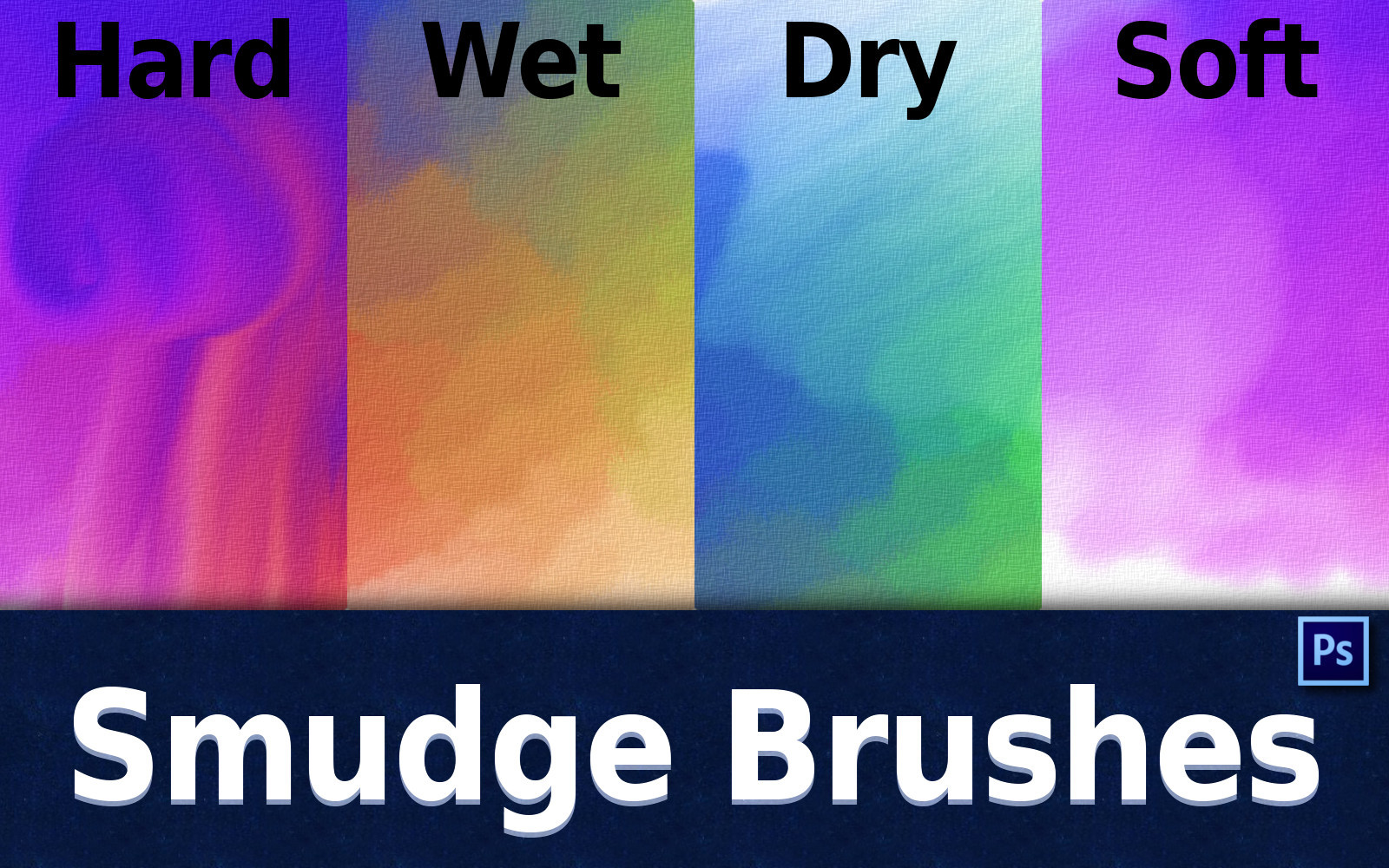
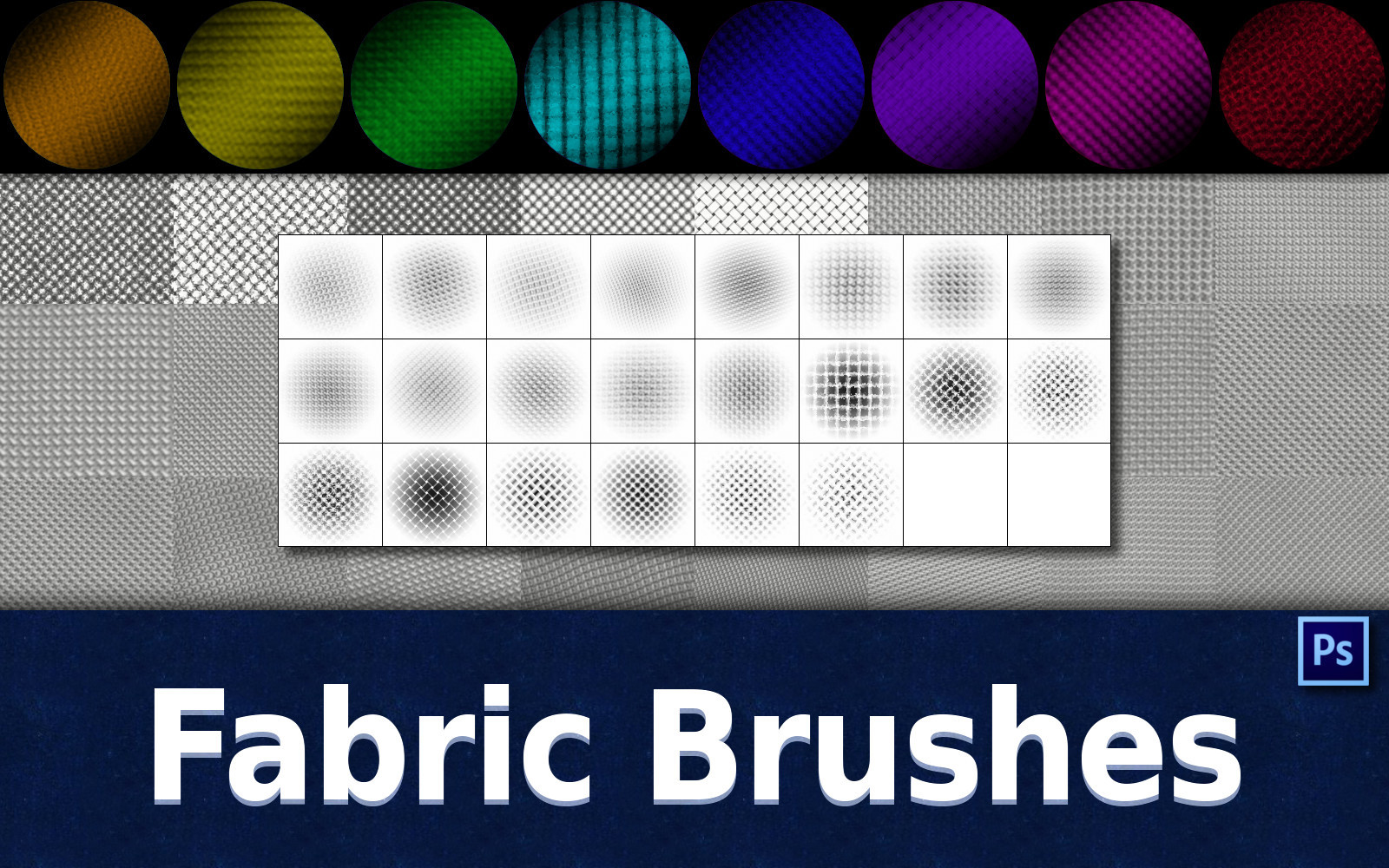
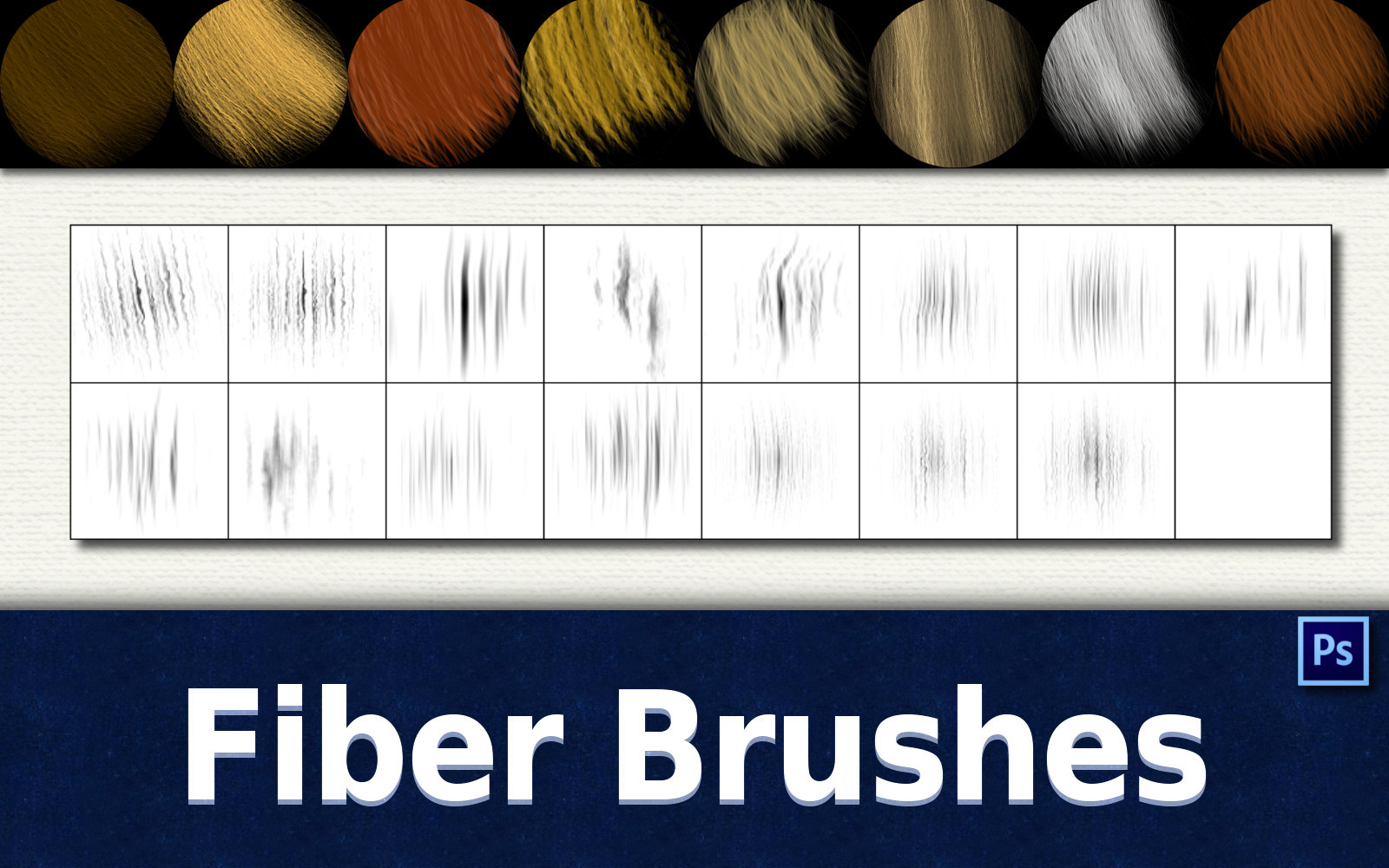
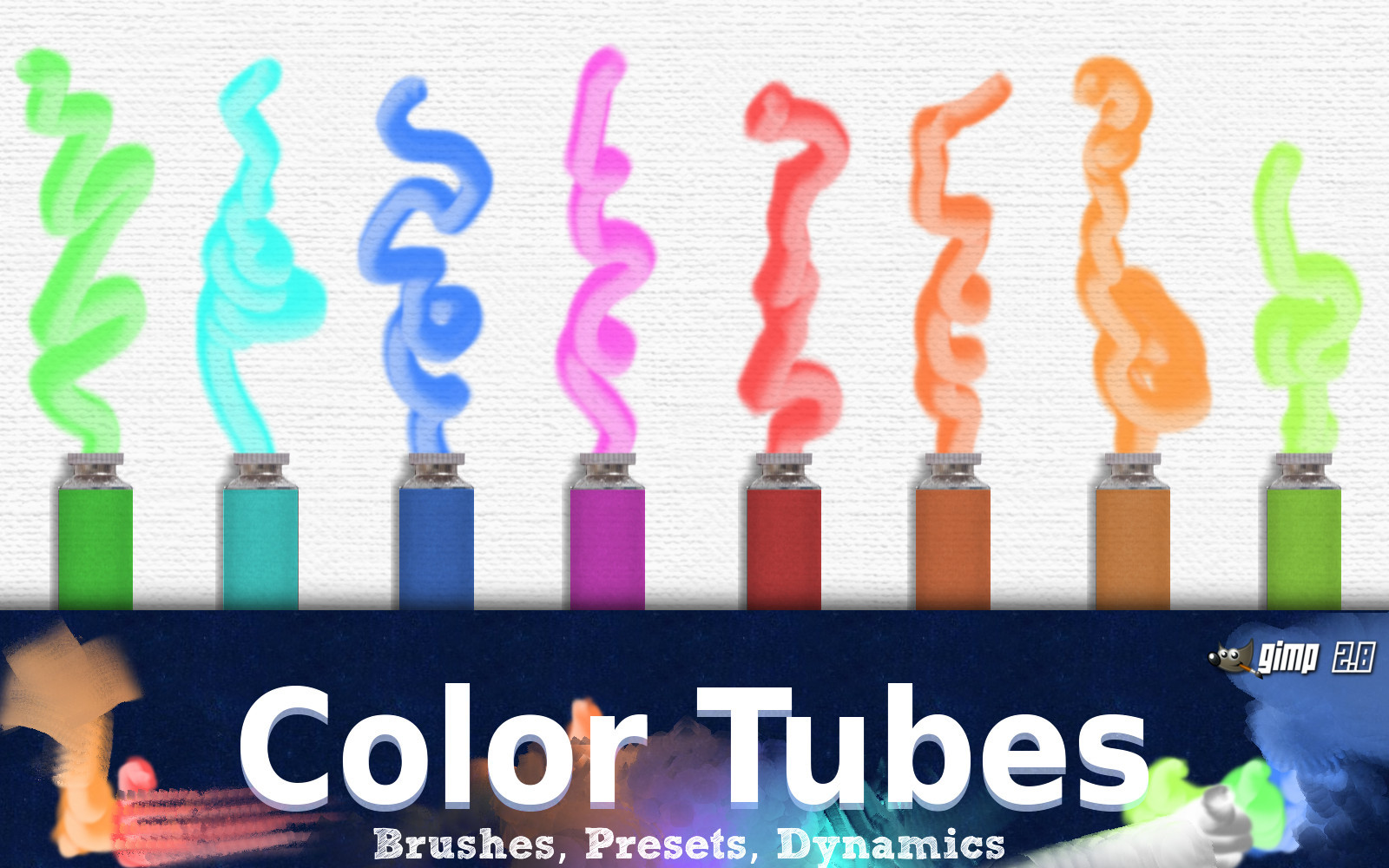
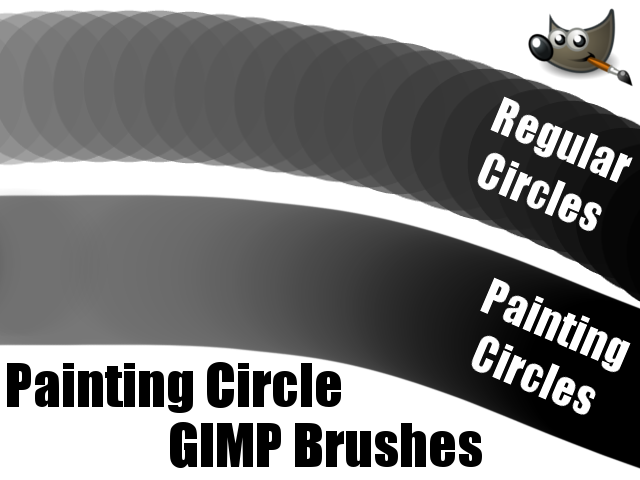
This is a simple Set of Brushes with one intention - refining your work with Textures. The Set contains a lot of Brushes that also could be found in the Gimp BrushBox and some new/unused brushes.But there is a big difference - all brushes in this pack have a spacing of 50, what is much better if you want to apply just basic textures without specific brushsettings.
Other Advantages are that brushes with a big spacing have a good performance, even if they are very large and they are good to control.
So this Set is not meant as a standalone used Brushset, but as an addition to any other brushes.
The tool-presets and dynamics are pretty simple and basically. They are mostly saved without a specific brush - the usage is more like: choose a preset to get the wanted effect/dynamic and combine it with any brush.
The Set in numbers:
- 162 Brushes
- 10 Dynamics
- 18 Toolpresets
Made with Gimp 2.8.4
Installation Instructions:
Windows
LINUX
(included in the Download)
The content is free to use commercial and non-commercial.
Happy Texturing

Related content













Comments: 51

👍: 0 ⏩: 0

👍: 0 ⏩: 0

👍: 0 ⏩: 0

👍: 0 ⏩: 0

👍: 0 ⏩: 0

👍: 0 ⏩: 0

👍: 0 ⏩: 0

👍: 0 ⏩: 0

👍: 0 ⏩: 0

👍: 0 ⏩: 0

👍: 0 ⏩: 0

👍: 0 ⏩: 0

👍: 0 ⏩: 0


Can anyone help me? I've tried downloading brushes for my GIMP 2.8, but it never works. The "download" seems OK, and I follow the directions for unzipping and drag/dropping into the GIMP brush folder, then I bring up the program and do a "refresh", but the new brushes are nowhere to be found! Any advice???
👍: 0 ⏩: 0

Can you help me? I've tried downloading brushes for my GIMP 2.8, but it never works. The "download" seems OK, and I follow the directions for unzipping and drag/dropping into the GIMP brush folder, then I bring up the program and do a "refresh", but the new brushes are nowhere to be found! Any advice???
👍: 0 ⏩: 0


i love these presets and tools already for textures, but sometimes when you unwrap a model you want specific placement, so how do you reset it to default values temporarily for a brush if you don't want it to spin randomly? (which is a cool feature for tileables, but not so much for precision) is there a key combination to hold it still or make it sit still while you use it? or do you have to choose another dynamic?
👍: 0 ⏩: 1

Choosing another dynamic would be a solution, but i am not sure if there is one in the set that fits your needs -> choose a default one provided by gimp. Another way would be to stay with the dynamic and change the parameters (angle: fuzzy?) temporarily. I haven't used gimp for a while, so you have to figure this out on yourself
👍: 0 ⏩: 1
ok i chose to turn them off, that works for me when i need the brush to sit still. this really is a cool set. im new to gimp, but learning fast. used to photoshop, but the program is too expensive and wont work on my current setup. plus the last one i had was cs5 or 4, cant remember. anyway this really helps bring gimp up to a higher level.
👍: 0 ⏩: 0


¸¸♥´¯) Thank you so much!
(¸☆´ (¸.♥´´¯`•.¸¸.ღ •.♥ .•´¯`•.¸¸.••Ƹ̵̡Ӝ̵̨̄Ʒ
Your Friend Always,
dove

👍: 0 ⏩: 0


I DONLOADED THE BRUSHES BUT IT DIDINT WORK IT SAYS NO ITEMS MATCH YOUR SEARCH
👍: 0 ⏩: 1
1. Keep calm
There is no need to write in uppercase letters to get my attention..
2. Give Information
Please describe your problem as detailed as possible. I can´t help you to solve your problem with this little information.
👍: 0 ⏩: 1
I didn't mean to do capital letters
👍: 0 ⏩: 0


Download the .zip from this side (download button at the top right). Then follow the instructions in the descriptions (Links: Linux or Windows) to install the brushes.
👍: 0 ⏩: 1

Would go really well with Gimp-Painter 2.8
sourceforge.net/projects/gimp-…
a gimp fork that allows texture brushing using files from pattern folder, plus has canvas rotation and support for mypaint
brushes.
thanks for creating and sharing these brushes dynamics and presets.
👍: 0 ⏩: 1
Hey
👍: 0 ⏩: 1
LOL yep I've tried KRITA , the windows builds are actually pretty stable now.
I usually find my self using GIMP alot anyways just because I'm comfortable with it.
16 bit editing, CMYK support, and Hardware acceleration etc.
it's pretty cool.
the freehand Lasso selection tools though are not as forgiving in Krita as in Gimp, I often use gradients to color for more crisp CG like quality, plus the lack of half tone filter with lpi setting options for printing.
Of course what you say is valid different programs provide different solutions. thanks for the reply GrindGod
👍: 0 ⏩: 0

Thank you very much for all these lovely brushes *-*
I have used one here: abload.de/img/einhorn2vfuez.jp...
👍: 0 ⏩: 1
Cool! I really enjoy to see for what my brushes are used. That's the best reward i can get. Thx for the notice
👍: 0 ⏩: 0


Take second best,
Put me to the test,
Things on your chest,
You need to confess,
I will deliver,
You know i'm a forgiver.
Reach out, touch faith!
Reach out, touch faith!
Your own personal jesus,
Someone to hear your prayers
👍: 0 ⏩: 1

Ohmy I didn't even notice your name has 'God' in it till now. XD
👍: 0 ⏩: 1

