HOME | DD
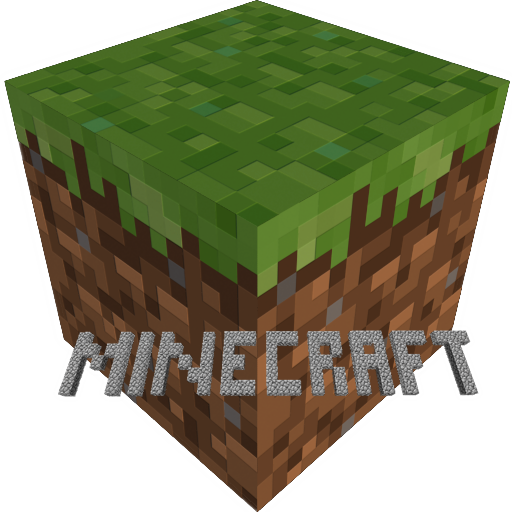
 HunterKharon — Minecraft HD Icon - Mac + PC

Published: 2011-01-09 02:55:52 +0000 UTC; Views: 73257; Favourites: 31; Downloads: 7665
Redirect to original
Description
So, I've been playing Minecraft lately, terribly addictive, but one thing bugged me terribly every time I went to open it up on my iMac: The resolution of the app icon! The icon is basically a 32x32 piece of pixel art, with blown up copies for big resolutions, and since I tend to display at 128 pixels or larger, I was seing blown up pixel art for the icon. So, I remedied it in Blender.The icon is a simple cube, rendered orthographically, with textures ripped directly from Minecraft's own terrain.png (and the top tinted to match the sides, in a similar way to what Minecraft does internally). You can download all the resources I used to build the image right here in this ZIP!
Included are:
Minecraft Icon.blend - blend file used to compose and render the icon, terrain.png is packed into the blend file.
Raw PNGs at 512, 256, 128, 64, 32, and 16 pixels square (suitable for compositing the icons yourself or for use on Linux).
Microsoft Windows .ico file for you Windows users.
Apple Macintosh .icns file for you Mac users.
Installation Directions for Mac:
1. Right click on your Minecraft.app (The .app, not the .jar you would modify for a mod), and choose "Show Package Contents".
2. Open Contents and then Resources.
3. Replace favicon.icns with the new icon, you must name the new one favicon.icns, though, or else you will need to make another edit to get it working (and I won't explain that solution).
You may need to close and re-open the folder Minecraft.app is in to see the difference, but with the new ICNS in place, Minecraft will look much prettier sitting on your desktop or in your dock.
If there's interest, I may produce some tex-packed version of the icon for those who would like their icone to reflect their preferred texture pack.
Related content









Comments: 8

👍: 0 ⏩: 0

Using CandyBar would work just fine. Since it's free now (Mac).
👍: 0 ⏩: 0


It wont let me change it on my Mac. I am on Mac OS X Lion.
👍: 0 ⏩: 1

You'll need to go into the Minecraft application bundle (right click on Minecraft and choose "Show Package Contents") to find the icon and replace it with this one. I can't give the exact location right now, Contents or Resources, but the ICNS file is in one of those. Put the ICNS from this zip in and rename it to match the ICNS that was already in that folder and it will update the Minecraft icon.
👍: 0 ⏩: 0

thank you so much, im using it for bothe the .jar file that i use to run minecraft (i connect to a private server with my friends, it runs smoother than Mojangs offficial one, but i have bought the game) as well as for the folder I keep my mod files, my backup, my texture packs and the jar in.
👍: 0 ⏩: 1
Great to know someone is enjoying it. Rock on!
👍: 0 ⏩: 0
