HOME | DD
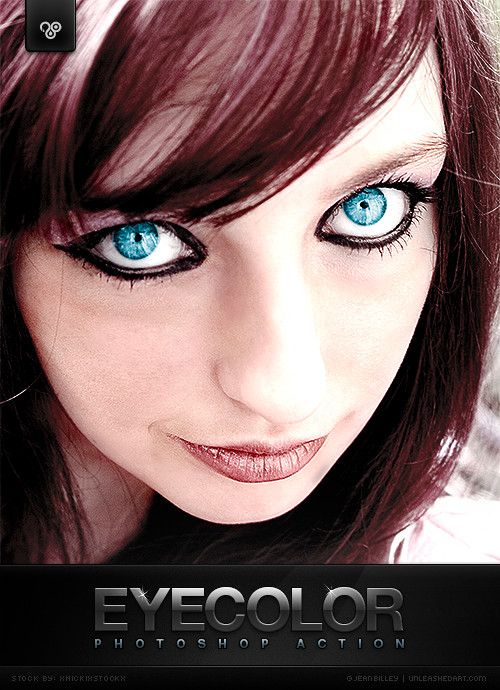
 Jean31 — Eye Color
Published: 2007-05-21 14:29:48 +0000 UTC; Views: 429770; Favourites: 1254; Downloads: 243179
Redirect to original
Description
Eye Color by Jean Billey | unleashedART Please
  or/and
  if you download! Thank you in advance!
 Credits: Stock image by xNickixstockx
  How to install the action:
Double click the .atn file and PS should add the action to your library automatically. At least this works in newer versions of PS.
Alternative method:
1. Put the .atn file from the zip in a directory of your choice. It does not need to be in the Photoshop directory.
2. Choose Load Actions from the Actions palette menu.
3. Select the action set file from the directory you saved it.
4. Click Load.
5. Have fun.
------------------------

Update 05.10.2010
 cleaned up dialogues reworked contrast enhancement preview image polished
Update 15.06.2007
added a contrast enhancement (tested in CS2/CS3/CS4) minor fixes------------------------
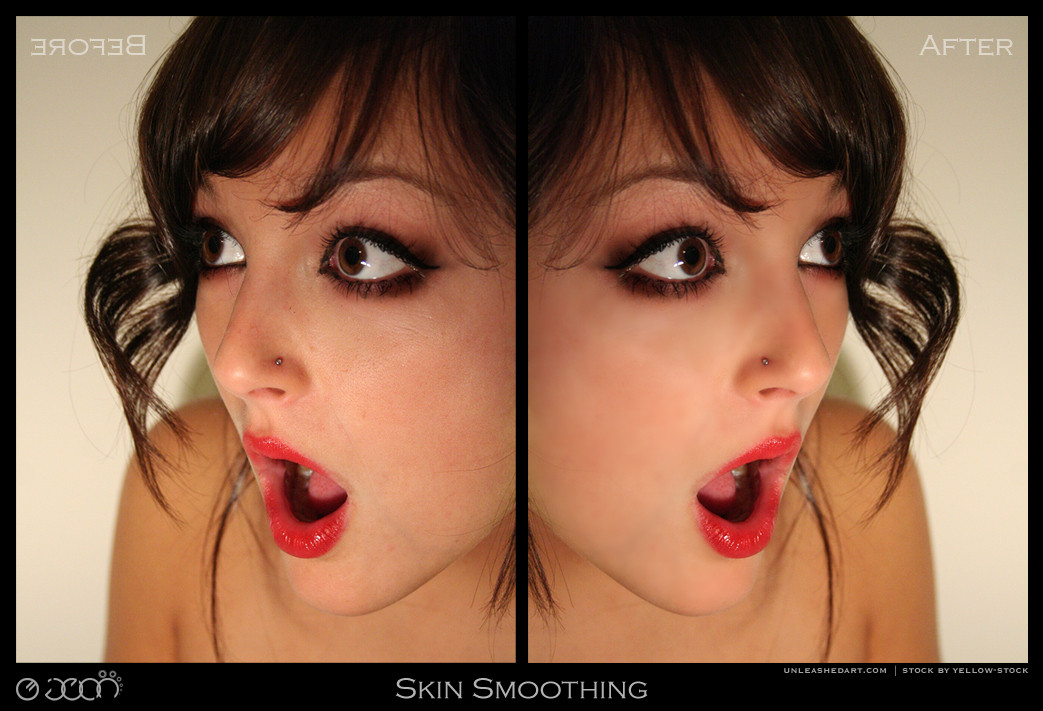
 Feel free to check out my other actions: Teeth Whitening Skin Smoothing Black And White
Related content






Comments: 380

👍: 0 ⏩: 0


i tried using the action and it only works on one eye then i get errors and it changes the color to the whole picture. Any ideas?
👍: 0 ⏩: 0


First of all, I wanted to say thanks for the action. However, I tried to change the color but none is working. Even I have your actions in my photoshop actions palette. Is there any instruction how to change color eyes?
Thanks
👍: 0 ⏩: 0

Well done Great action I Love the tool tips and comments Very useful Thanks
👍: 0 ⏩: 0


going to try this will let you know when i use it. thank you
👍: 0 ⏩: 0


please help me....I don't know how to download this action
👍: 0 ⏩: 0


not too tricky to figure out, but once you get it working it's great! Very fun!
👍: 0 ⏩: 1

I tried it a few times but keeps saying files arnt found when i use it in ps. I uploaded the file and such to ps but there are a few stps that dont work. Like eye color and such. D:
👍: 0 ⏩: 1

You must be doing something wrong. Start off fresh with a different image..
👍: 0 ⏩: 1
I have but it has nothing to do with the image, its the downloaded file. Even when I go to look at it just it dosent even come up then lol
👍: 0 ⏩: 1
It definitely isn't the actions fault. 190000+ people can't be wrong..
And you need to have an image opened up in PS for it to work of course.
👍: 0 ⏩: 1
yes i know that lol I use stuff like this all the time.
guess I just wont get to use this then :/
👍: 0 ⏩: 0




Could you elaborate, what exactly isn't working?
👍: 0 ⏩: 0

I simply cropped the new layer down to the eyes afterward and it looks great!
👍: 0 ⏩: 1

Hello,i don't understand how to use this action. Please make the tutorial....sorry 4 my bad english....
👍: 0 ⏩: 0
Hello,I don't understand how use this action. Please make tutorial
👍: 0 ⏩: 0

cool action ^^
i'll be using it as soon as i come up with something XD
👍: 0 ⏩: 1

| Next =>