HOME | DD
 Mavido — Abstract Renders

Published: 2006-03-16 18:18:11 +0000 UTC; Views: 7503; Favourites: 48; Downloads: 1780
Redirect to original
Description
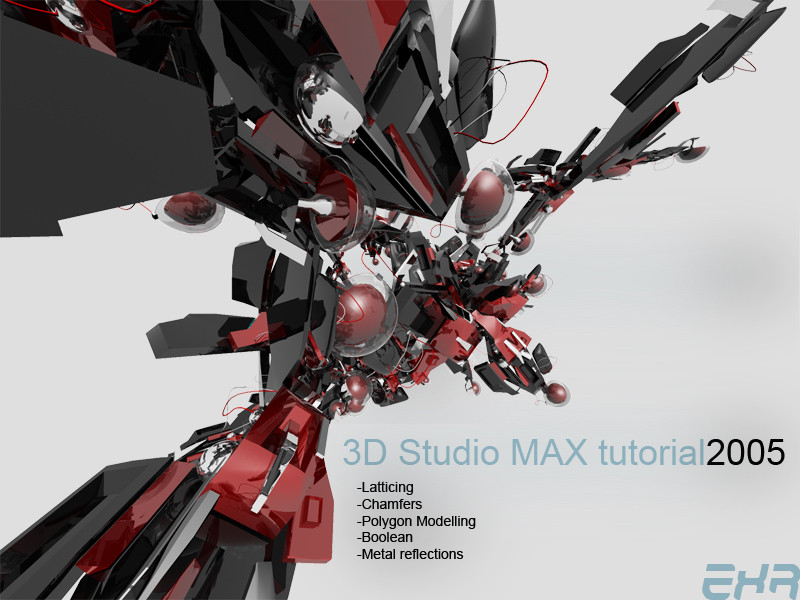
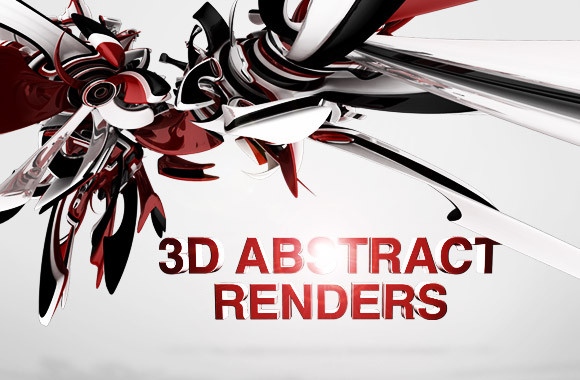
Making an abstract render in 3D Studio MaxJust a simple and fast technique. Requires basic 3DSMax knowledge.
Enjoy

Related content





Comments: 18

Gosh this takes time 
👍: 0 ⏩: 0

thanks for sharing, i was able to create some dope stuff.
👍: 0 ⏩: 0


How do I make a torus knot? Sorry Im a noob at 3DsMax7, I just started... =/
👍: 0 ⏩: 1

Create -> Geometry -> Extended Primitives -> Torus Knot
👍: 0 ⏩: 2
oh wait! I found it! Sorry fo sending this many messages... please forgive me! Man, I'll pray for you at night! 
👍: 0 ⏩: 1

Thank you for your helpfulness... but in my Create menu, there isnt such thing as Geometry... what can I do about it? Is it some plug-in?
When I saw your response, I was like "God bless this guy! Ah thank God he answered me!" but then when I saw this (no geometry in 'Create' menu) I was cursing at 3DsMax...
👍: 0 ⏩: 0


I used the tutorial and had a good outcome.
Thanks.
👍: 0 ⏩: 1
except it took 40 minutes to render.
👍: 0 ⏩: 1
second try took 2 hours to render...
👍: 0 ⏩: 1

Depends on the render settings you used, and the general speed of your computer, the render time can vary, but thanks for the comments.
👍: 0 ⏩: 1
Yeah that's true, it took like 2 hours for me to render a 2056xsomething render but like 8 minutes for a 800x600 one, it also depends on the settings you used with the modifiers, the point is, the more complicated the render is, the more time it will take.
Anyways I'm glad you liked the tutorial.

👍: 0 ⏩: 0