HOME | DD
 paradoxmachine — Dreamscape

Published: 2010-09-11 20:27:46 +0000 UTC; Views: 405; Favourites: 7; Downloads: 10
Redirect to original
Description
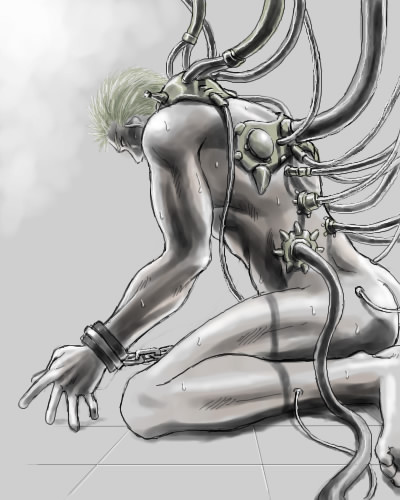
Illustration of a setting of a dream I had once.Ummm, it's hard to explain, so I guess I just won't.
Related content









Comments: 11


WHY DOES IT HAVE TO BE EITHER OF THOSE IT COULD BE ANYTHING-
Vielan.

👍: 0 ⏩: 1


this is rull pretty and not like your usual style. what'd you use to make it?
👍: 0 ⏩: 3
Also, happy birthday! I was going to note you two days ago but then I forgot. Whoops!
👍: 0 ⏩: 1
fffff sorry it took me forever to reply! i'm like "let's do that! *distracted* happy birthday to you too!
👍: 0 ⏩: 1
Yessss party hard! *highfive!*
👍: 0 ⏩: 0
Hit reply before I was done.
Anyway I made a new layer for every single tiny section, used the polygonal selection tool to block off parts. It took a while, but I like the effect.
For the background I painted it flat grey on a layer behind everything else, then added dark and light tones with a semitransparent brush until it looked right. Then I went to the color adjust menu, changed the color to blue, and upped the saturation until it was pixelly.
Then I made a layer over everything and added a few specks of blue and white light. Voila.
👍: 0 ⏩: 1
i really like the noise/no noise shading effect on the rocks. and the pixelly too. i think it would be cool to see on a more complex picture.
👍: 0 ⏩: 1
I'll probably use it again, since this turned out so neat.
👍: 0 ⏩: 0
Photoshop.
I sketched the rocks like normal, then blocked out the dark and light colors, then made a new layer, painted some basic shades, and filtered it into 'noise' using the 'add noise' feature.
👍: 0 ⏩: 0