HOME | DD
 PointVision — Temperate

Published: 2011-07-29 18:31:33 +0000 UTC; Views: 30477; Favourites: 188; Downloads: 3445
Redirect to original
Description
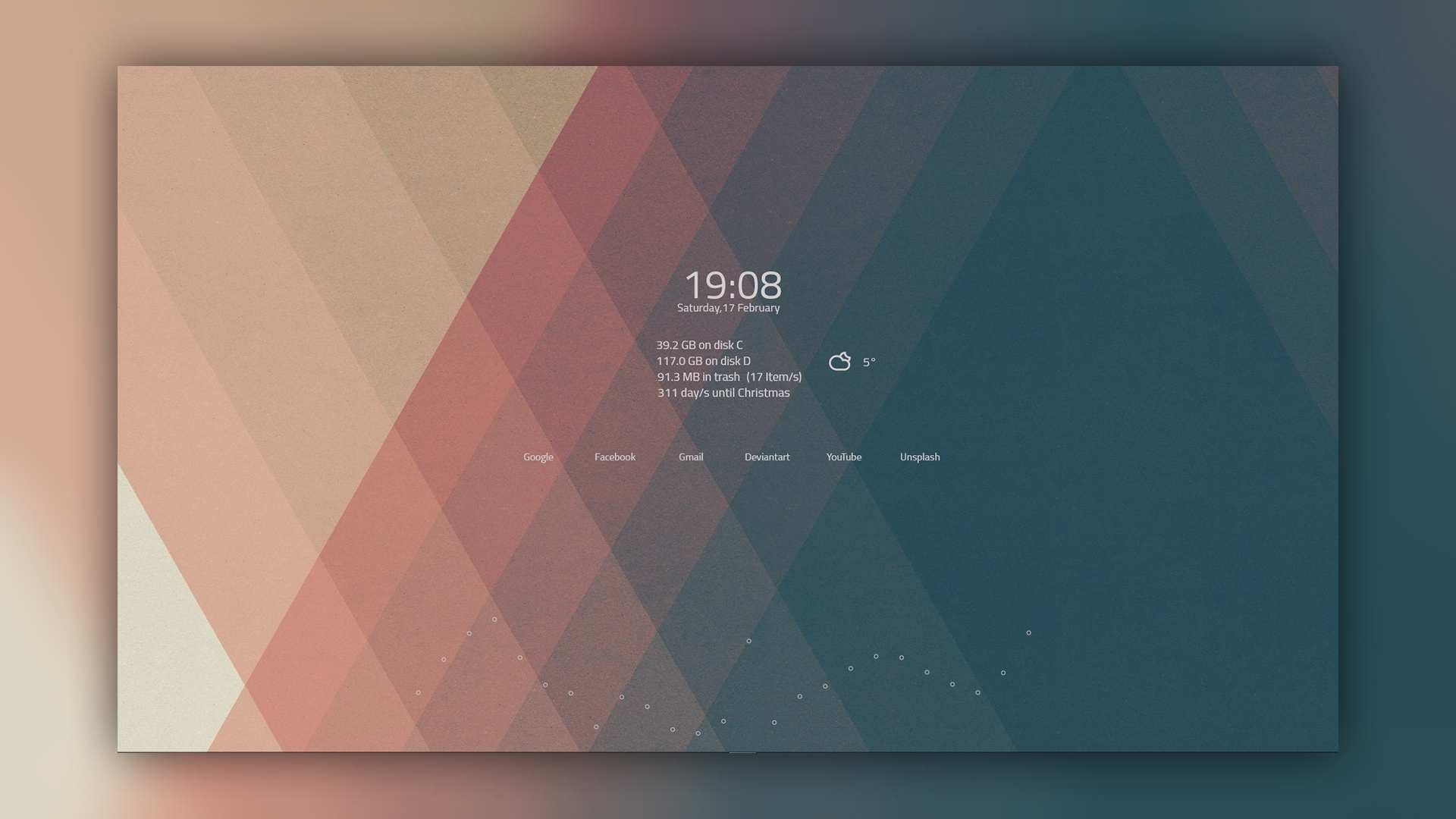
Rainmeter: Elegance + Appows + GooglebarTheme: Appows 2010 || Haze
Wallpaper: Simple
RocketDock: Xtuds Dock Icons
---
Think Small. Dream Big.
Related content










Comments: 46

👍: 0 ⏩: 0

👍: 0 ⏩: 0

👍: 0 ⏩: 0

So amazing and so clean 
P.S : font used in numbers pliz :$ !!
👍: 0 ⏩: 0


wow ! it isn't like windows ! it's clock is like mobile devices & The theme is Amusing but Wallpaper is More than a wallpaper , its Very sense full pic ! THANK U MUCH for sharing links !
👍: 0 ⏩: 1

Haha, thanks 
👍: 0 ⏩: 0

haha you could try the links I've added in the description . I can't really offer my desktop for download 

👍: 0 ⏩: 0

hey.. i've installed win7 64 bit with sp1.. it should be the latest version included all updates.. well.. every time i try to replace system files like explorer frame.dll and shell32.dll bla bla bla.. i own the files, rename them and reboot.. and then my explorer.exe won't start.. now also my task manager.exe doesn't start.. what am i doing wrong? please help.. i love this desktop and want to have it on my own..
👍: 0 ⏩: 0

can some1 help on installing theme just cant understand all stuff done succeessfully just stuck in installing appows 2010 haze theme have done with the theme patcher
👍: 0 ⏩: 0


is the Theme, Appows 2010 || Haze, fine with Vista SP2 ?
👍: 0 ⏩: 1


👍: 0 ⏩: 0


Sure! Though I've already mentioned them, I'll do you a favour and just put up links:
Elegance (Clock and Weather): [link]
GoogleBar (Search Bar): [link]
Appows (Launcher Bar): [link]
~ There you go!
👍: 0 ⏩: 0

Nice work man 
👍: 0 ⏩: 1
bahaha 
👍: 0 ⏩: 0

dw, i got it, how did you get the triangle on google chrome
👍: 0 ⏩: 1
I used the stock indicator from the theme: Simplicity, which should be pre-installed with Rocketdock
~Hope this helps
👍: 0 ⏩: 0

I noticed that you don't have this available for download so other can use it. Such a shame tho, I would have loved to use it.
👍: 0 ⏩: 1
hehe I wish I could... but it's not my work to distribute 
👍: 0 ⏩: 1
You should be able to distribute it w/ the correct credits attached.
Usually as long as proper credit is given, most artists don't mind. You can also send them a note and let them know this is what you used specific elements from their skins - and that you are sharing it up for other to use - since it's a share alike CC license - it's perfectly okay
👍: 0 ⏩: 0

Sweet shot...can i get the wall ppr ur using...
👍: 0 ⏩: 1
Thanks! and of course you can:
Wallpaper: [link]
👍: 0 ⏩: 0



love your desktop! can i have your computer? xD just kidding!
[link]

👍: 0 ⏩: 1
xD thanks and of course you can
👍: 0 ⏩: 0


Hmm... I can certainly help you with that
You should first install Rainmeter [link] A new folder should be created in your Documents Library named "Rainmeter". Using this folder copy and paste the rainmeter skin folder into it and refresh your Rainmeter Program. This should install your skin for you to use. Other Rainmeter skins are self-installed upon opening the .exe.
~Hope this helps!
👍: 0 ⏩: 1

Very nice, love your desktop.
Few questions:
- WallPaper?
- Rocketdock skin and icons?
👍: 0 ⏩: 1
Glad you like it!
Wallpaper: [link]
Rocketdock: Dock (0% Opacity) + XTuds icons: [link]
👍: 0 ⏩: 0