HOME | DD
 real4fantasy — FABRIC tutorial

Published: 2005-09-05 00:06:45 +0000 UTC; Views: 22832; Favourites: 366; Downloads: 1928
Redirect to original
Description
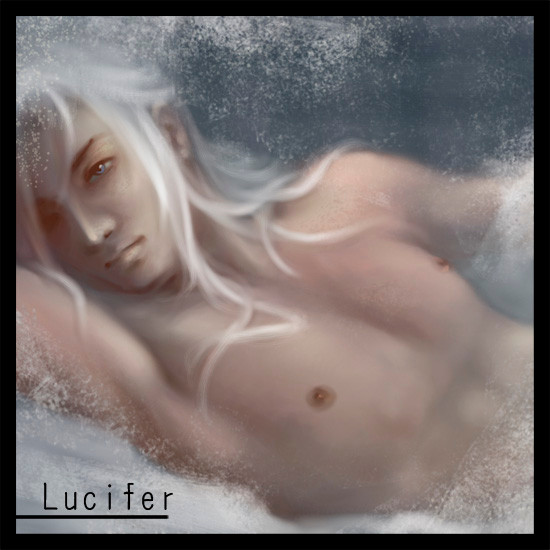
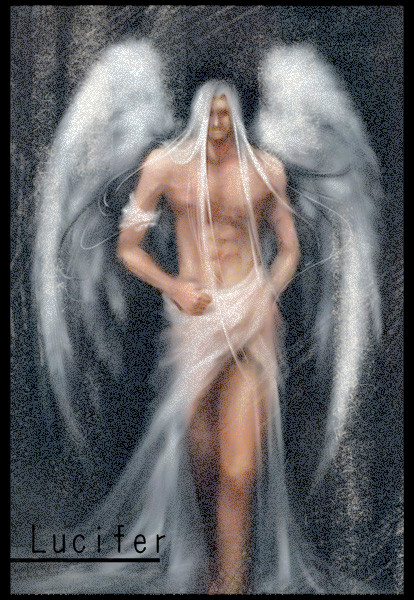
 This is the last by-product from my Gabriel... XD~
Hope you enjoy these three...
Related content





Comments: 12

Hi! This resource has been featured in my journal this week! [link]
*starlightblood


👍: 0 ⏩: 0

your tutorials are awesome!!!!.....really helpful....
👍: 0 ⏩: 0

This is great! Im teaching myself to CG like this. Thanks for making this! I just have one question to ask, what are the brushes you're using in painter? I mean for the Main colors and blending? Would you mind telling me? Thanks a lot!

👍: 0 ⏩: 1

.... sorry, miss this one ^^|||
I use acrylics wet detail brush (Corel Painter).
I usually lower the opacity of the brush (to about 10-24%) so the beautiful color blending can see.
In Corel Painter, the blending comes naturally (although more blending can be done by using blender brushes... but, I don't use blender brush).
Also, increase the bleeding feature of the brush can help in color blending too.
My brush setting... explaination is in chinese, but, the setting is in english.
[link]
👍: 0 ⏩: 0

I'll have to try this sometime..thanks for making it.
👍: 0 ⏩: 0


Hrmmm, being mainly a photoshop user myself im wondering if there's a way to replicate such an effect in PS...
👍: 0 ⏩: 1

If you use cs5 (I do that's the only reason I know) you can go in to 'scattering' under the brush options and depending on how you set it, you can get the same 'jitter' results as shown above.
👍: 0 ⏩: 0


